

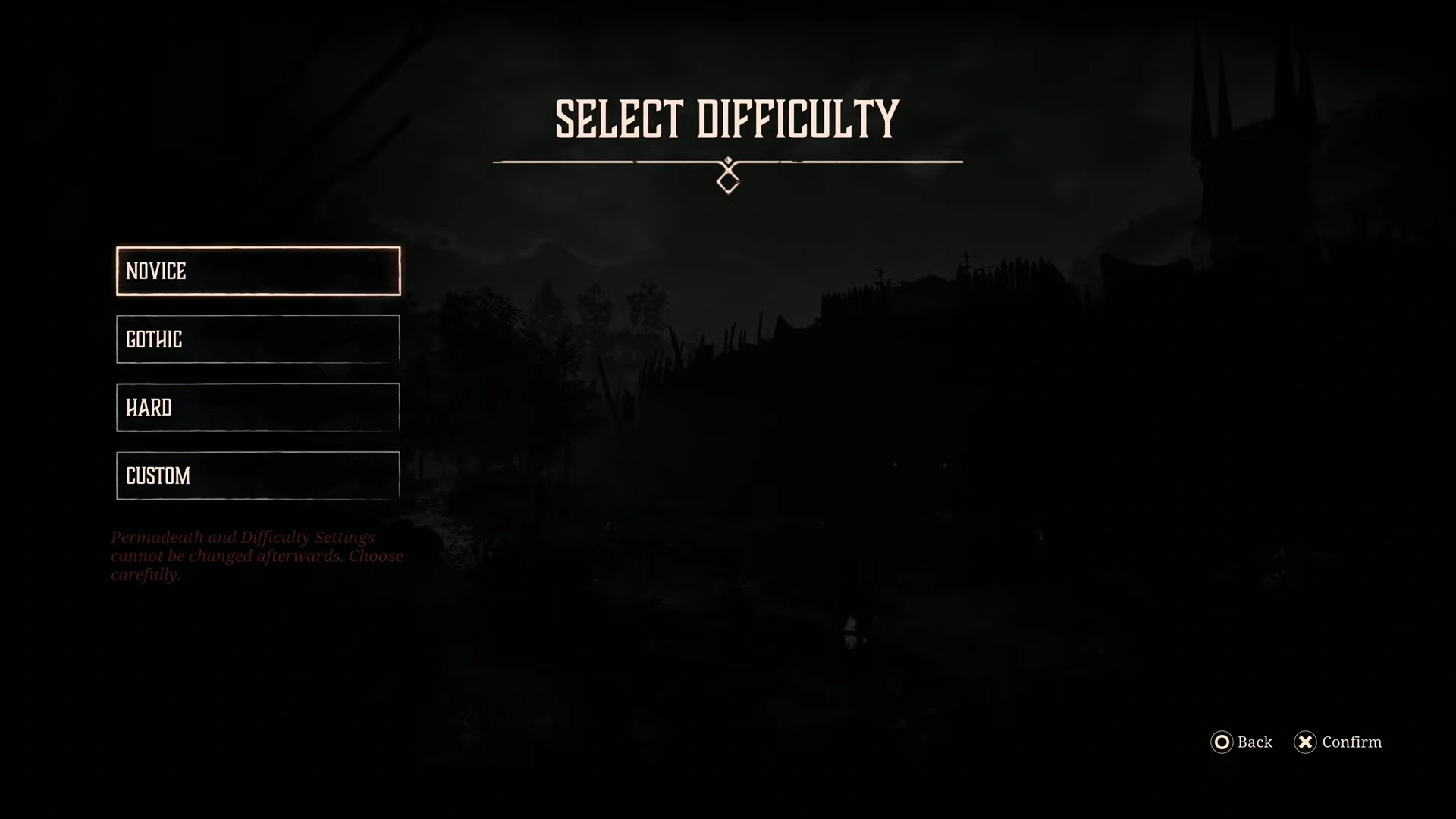
Difficulties are a subjective preference; some want to go all out and choose the highest difficulty in the game, while most will put on the safety blanket of a novice to experience just the story. Gothic 1 Remake features limited difficulties but with a huge emphasis on customization.
You can switch up the difficulties and tweak them to personalize the game to your playstyle. While the general difficulty modifiers are present, if you just want to play the game quickly. Here are all the settings explained to help pick the one that best suits you.
All Difficulty Settings & Recommendations in Gothic 1 Remake
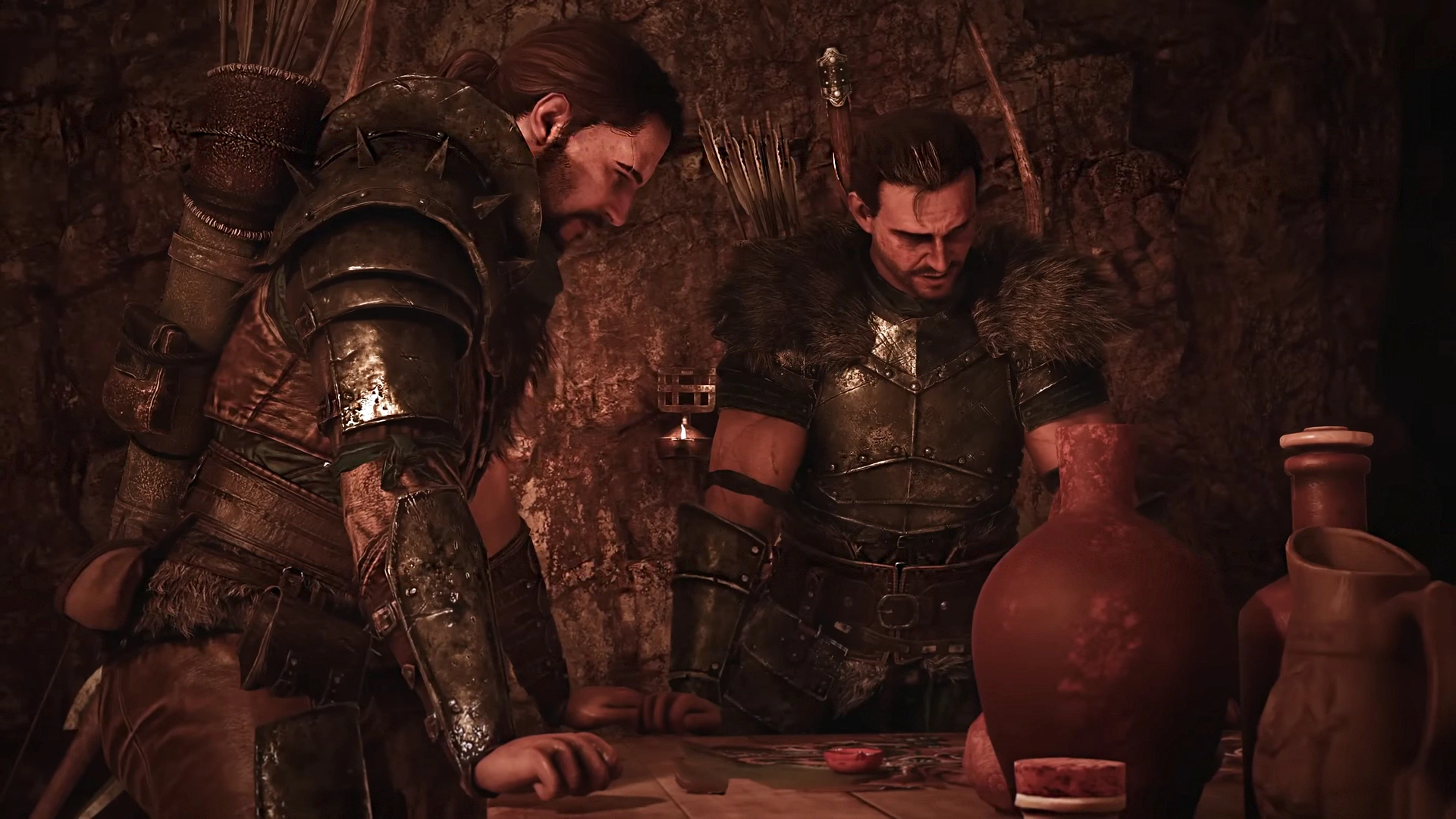
The Gothic 1 Remake has both default difficulty settings, as well as the option to customize and tweak specific gameplay mechanics like combat, resources and progression. I have put all the details, as well as my recommendations for which difficulty setting you should pick in the table below
| Difficulty Setting | Details | Recommended For |
| Novice | Equivalent to ‘Easy’ mode | First-time players who want to mainly experience the story |
| Gothic | The default mode or the Normal mode equivalent | Returning players who have completed the original Gothic, or games like Kingdom Come Deliverance II |
| Hard | High difficulty – challenging enemies, tough learning curve | Veterans, and those looking for challenge runs after having completed the game on normal difficulty |
| Custom | Option to include Permadeath, and tweak specific gameplay mechanics | Again – Permadeath option for challenge runs. Players looking to calibrate XP / resources in return for tougher enemies. |
We will list all difficulty settings with the information on how they will influence the game, and whether you should pick the difficulty or move on to the next one.
Remember – pick wisely, as you cannot change difficulty settings midway. If you feel the combat is too easy or difficult, the only option is to start a new game.
Novice Difficulty Setting
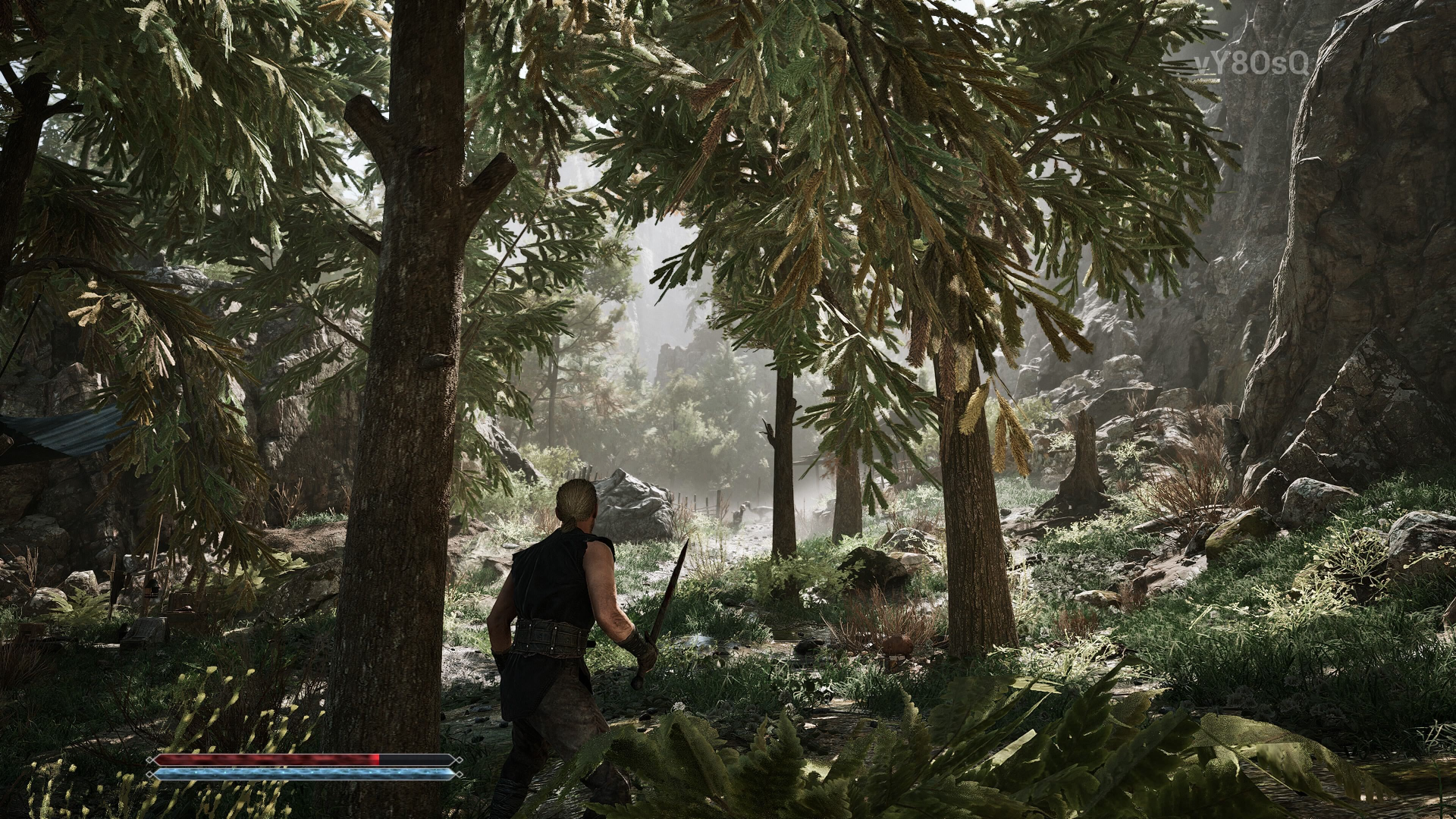
This is the easy difficulty setting, perfect for people who just want to enjoy the story without gripping the controller during every combat and spending time grinding for XP. Here are the notable differences in Novice difficulty settings:
- Enemies take more damage; they will die quicker.
- Lowers the time spent on Combat
- The player will gain more experience
- Better Trade offers
Recommended For: Beginners
If you saw the Gothic 1 Remake on Steam being promoted and got the game to experience its storyline, then without doubt, pick Novice. You will be punished less for your mistakes, and you will earn a significant amount of XP to stay one or two steps above the game at all times.
Gothic Difficulty Setting
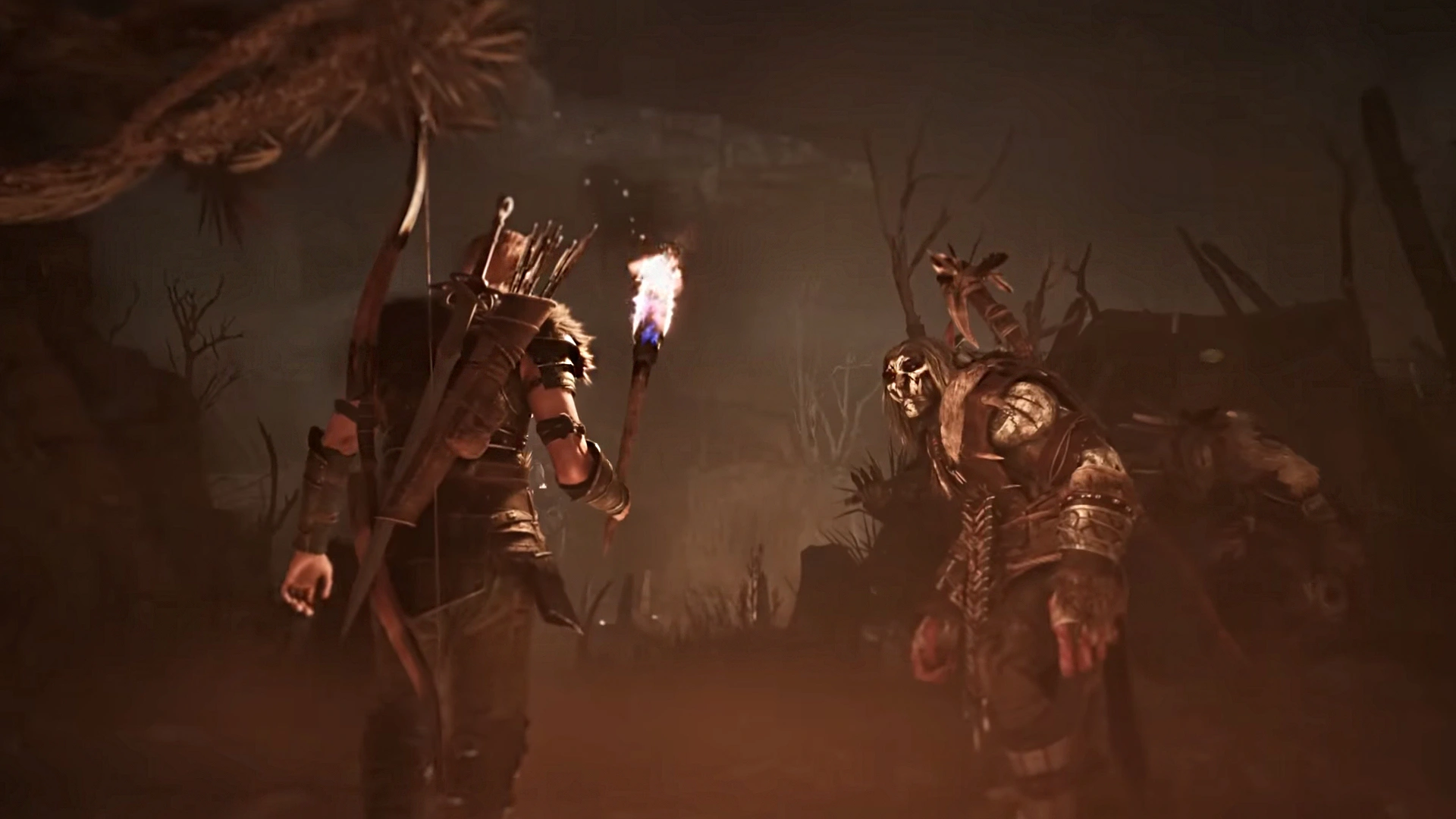
The equivalent of a normal difficult setting for the game. If you have played the original and want to recapture that feeling but with the improved and overhauled graphics, this difficulty option is perfect. It is built for veterans who like playing RPGs at their intended difficulty. Here are the key differences at the Gothic difficulty setting:
- Enemy combat will be challenging
- The combat will get difficult later on
- Improving gear is required to survive; you can’t just run with starter gear.
- The difficulty of the enemies will determine the XP gain.
Recommended For: Veterans of the Original
You will get a balanced difficulty to combat and most of the game’s mechanics in-game. Here, you must stay cautious in exploring the world, as combat can be challenging. You will start off weak, and you see yourself growing into someone powerful, so expect the early sections to be difficult. It takes time to be a hero, and you will feel the timeline with Gothic difficulty.
Hard Difficulty Setting
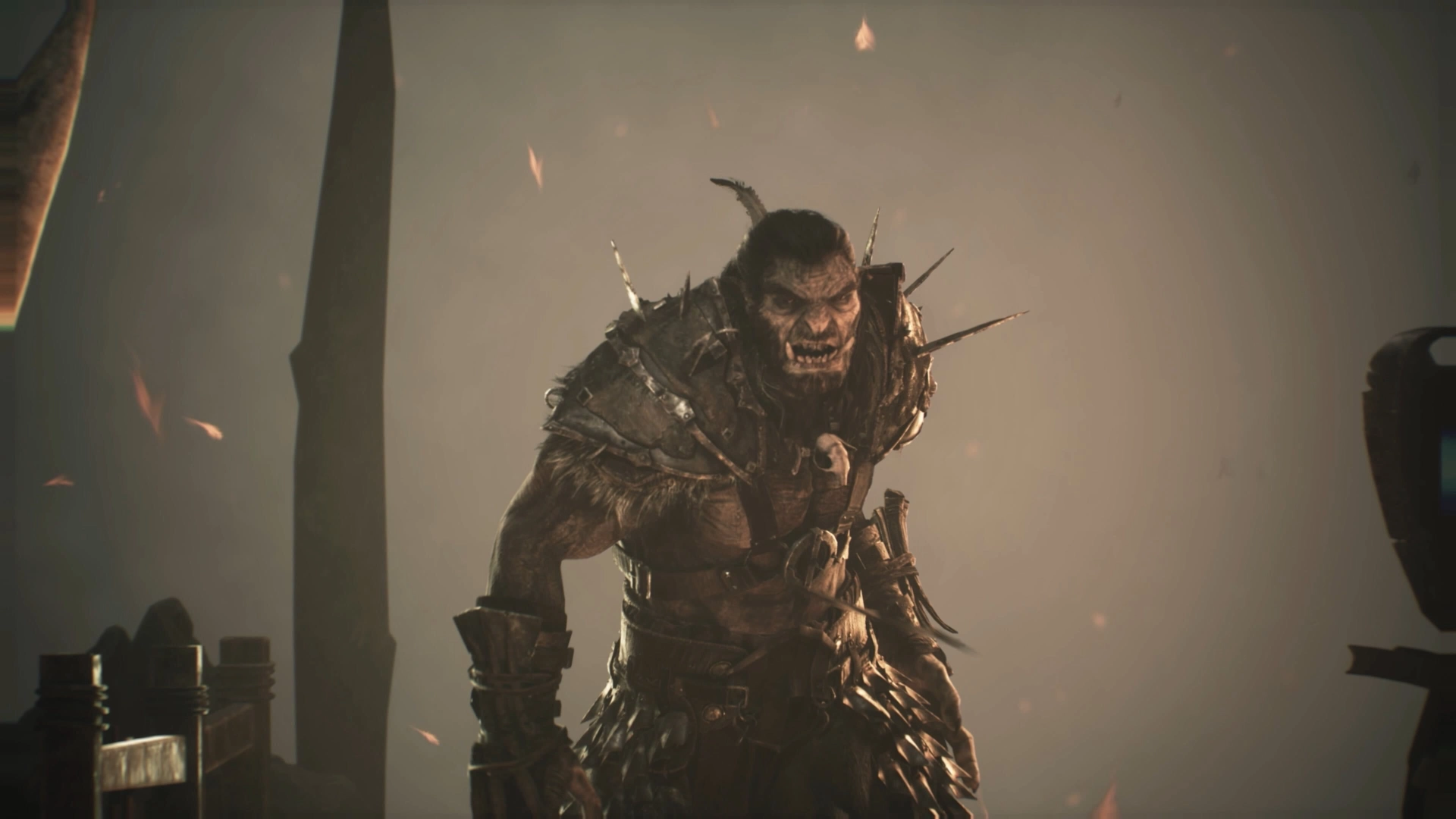
It’s for the minority of people who want to get the best that a game has to offer, on hard, the game amps up its overall difficulty to the max. You will need to invest more time in combat, focus on mechanics like increasing Reputation, getting maps, and learning proper skills to get through the game without seeing far too many game-over screens. Here are the notable differences with hard difficulty settings:
- Enemies are tougher than ever
- Lower XP gain
- Preparation is needed before combat
- Slightly bad Trade Offers
Recommended For: Those who have tried out Gothic, but don’t feel challenged enough in combat.
Unforgiving is the name of the game if you switch up to Hard difficulty. Making a mistake could cost a lot, to put it simply, if you are more than familiar with the game and know what to do in certain situations, then pick the hard difficulty. If you are playing the game for the first time, avoid it as much as possible, unless you are looking to do a challenge run for fun.
While hard mode might look appealing for any avid RPG-enjoyers, in the Gothic universe, hard carries a different meaning. It is a struggle from the get-go, as you will encounter high-level monsters and unfair encounters.
Custom Difficulty Settings and Modifiers
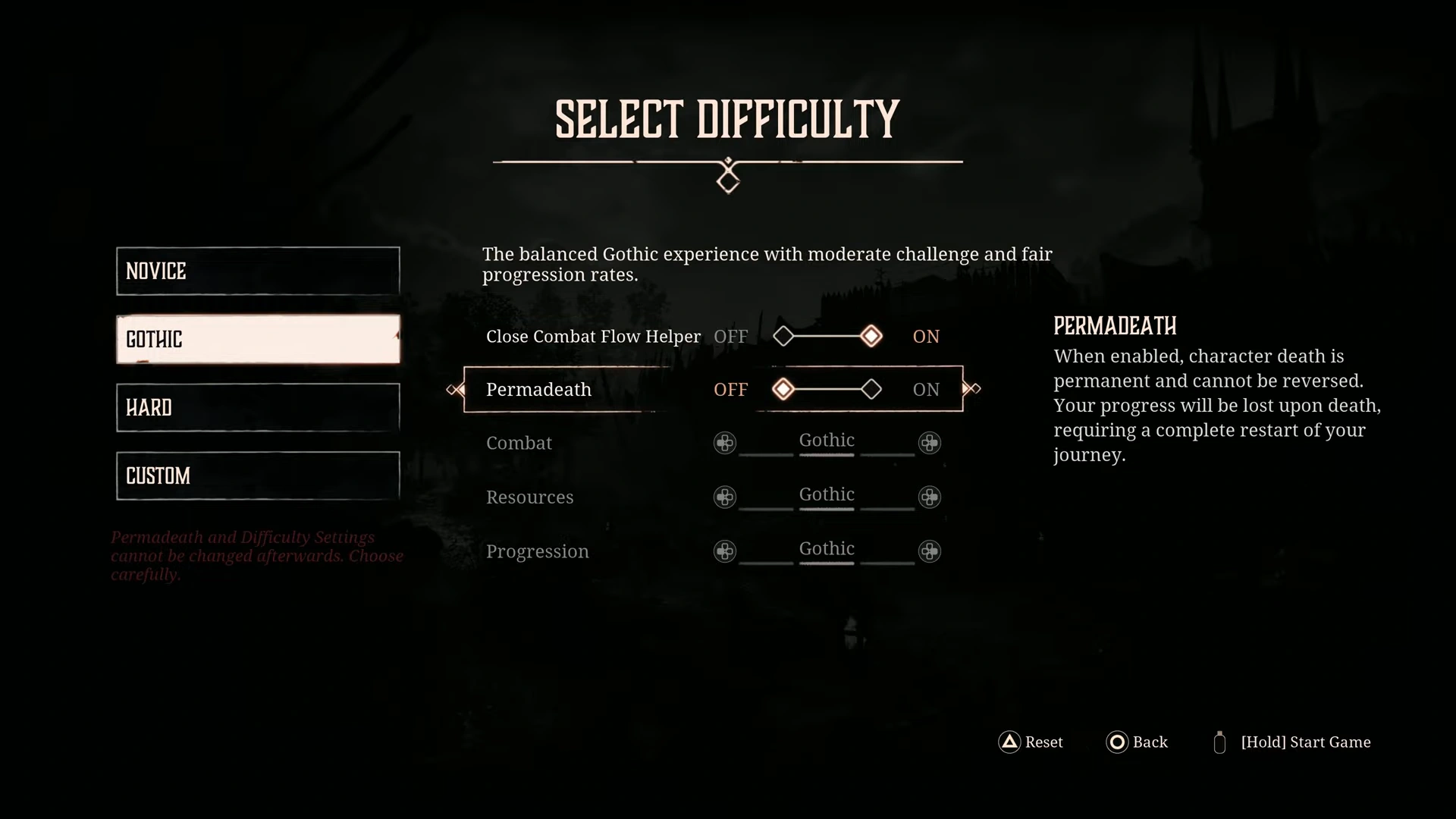
Let’s talk about Custom difficulty settings, a perfect setting for anyone who is looking for a personalized experience. Here, you can tweak different settings to make the game balanced to downright unforgiving. Here are the settings you will get with Custom mode and information on two modifiers (Close Combat Flow Helper and Permadeath):
Modifiers:
Modifiers are seen as a special mode for true hardcore players and other helpful settings.
Close Combat Flow Helper: You don’t have to rely on the proper follow-up attack; the combat flow will continue with any sort of attack. Perfect for beginners, but hardcore players should turn it off. It is available on all difficulties
Permadeath: Die once, start the game from scratch. Suffice to say, it’s a mode made for anyone who has finished Gothic many times and is now looking for a challenge to do it without failing a single task. Turn it on only if you know the in and out of every little thing in the game. You can’t turn on Permadeath on Novice difficulty.
Custom Combat Changes: Here we will tweak all the major aspects of the game (Combat, Resources, and Progression) to your personalized experience.
- Combat: Changes the difficulty of the combat encounter in the game.
- Resources: Helps the resource findings in-game.
- Progression: Influences the overall progression gain in Gothic.
Note: All these options (Combat, Resources, and Progression) will be greyed out on all difficulties except Custom.
