


If you didn’t land on the favorite character, you have the option to reroll to start all over again in Kaiju No.8: The Game. Rerolling in this game follows similar conventions to those we have seen in countless Gacha games. In this guide, we will look at how to reroll in Kaiju No.8: The Game.
Rerolling Guide For Kaijou No. 8: The Game
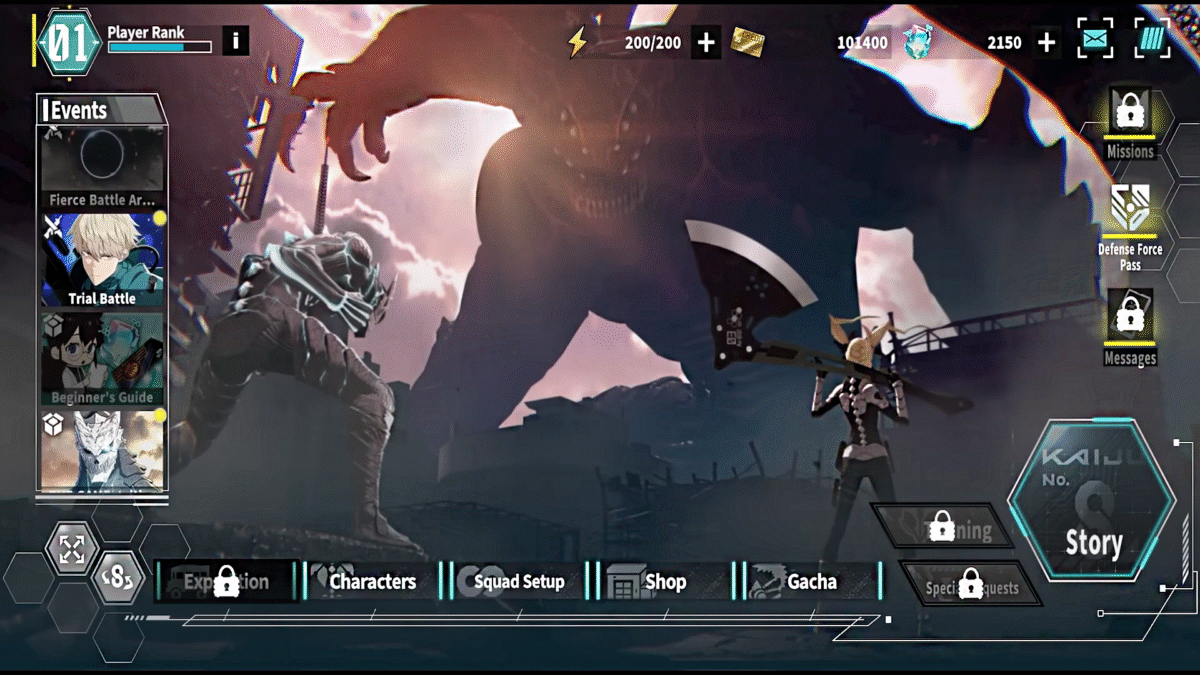
You must delete the account from the game to start the reroll in Kaiju No.8 The Game.
- Use the three dots available nex ot the mail option at the top-right of the screen. Then you will see the Home, Settings, and an icon with three dashes next to the Player Rank and the top-left of the screen.
- Tap on the three dashes icon, and it will direct you to the Menu page. Here, select To Title under Misc. Once you are on the title screen, head to the Menu option under Settings in the right panel of the screen.
- Now select Delete Account under the Data category. Tap on Yes and then Agree and Delete.
That’s it, now tap to start and check the agreements, privacy policy, and start playing the game from the beginning.
How to Use Gacha pulls in Kaiju No.8 The Game?

You will be using Dimensional Crystals and Special Gacha Tickets to get 30 pulls in the game. You will do 10 pulls by using Dimensional Crystal and 20 using the Special Gacha Tickets.
- Go through the tutorial; it lasts for 15 to 16 minutes. You will unlock the Gacha system, which serves as a summoning function in the game.
- After you have completed the tutorial, head to the Gacha option next to the Shop.
- The very first pull will be free; it’s always going to give you a four-star character.
Then you will get two emails with rewards.
- Thank You for 850,000 Pre-Registration Mail: This mail contains 1000 Dimensional Crystals, 2 free characters, and 20 multies.
- Celebrating #1 on Store Download Charts: The second mail offers only 1000 extra Dimensional Crystals.
Now, with the Dimensional Crystals and 20 Special Gacha Tickets in our hands, we can head back to summoning via the Gacha system.
- So head to the Gacha option, and select your favorite character via the Standard button on the left panel of the screen. Once you have selected your favorite character, tap on Ok at the bottom of the screen.
- Now use the Pickup option and choose 10 Pulls for 1500 Dimensional Crystals. And next, 10 pulls for 10 Special Gacha Tickets and another 10 pulls for 10 Special Gacha Tickets.
If the luck is not on your side and you didn’t get any of the best 5-Star characters in the game, fear not, go through the rerolling procedure all over again to try your luck.
Currently, Kaiju No.8: The Game is not available on PC, but it is heading to Steam soon, with no release date given on the page. If you are playing the game on an emulator, you will not be able to reroll; you can only reroll on the mobile version of the game.
