

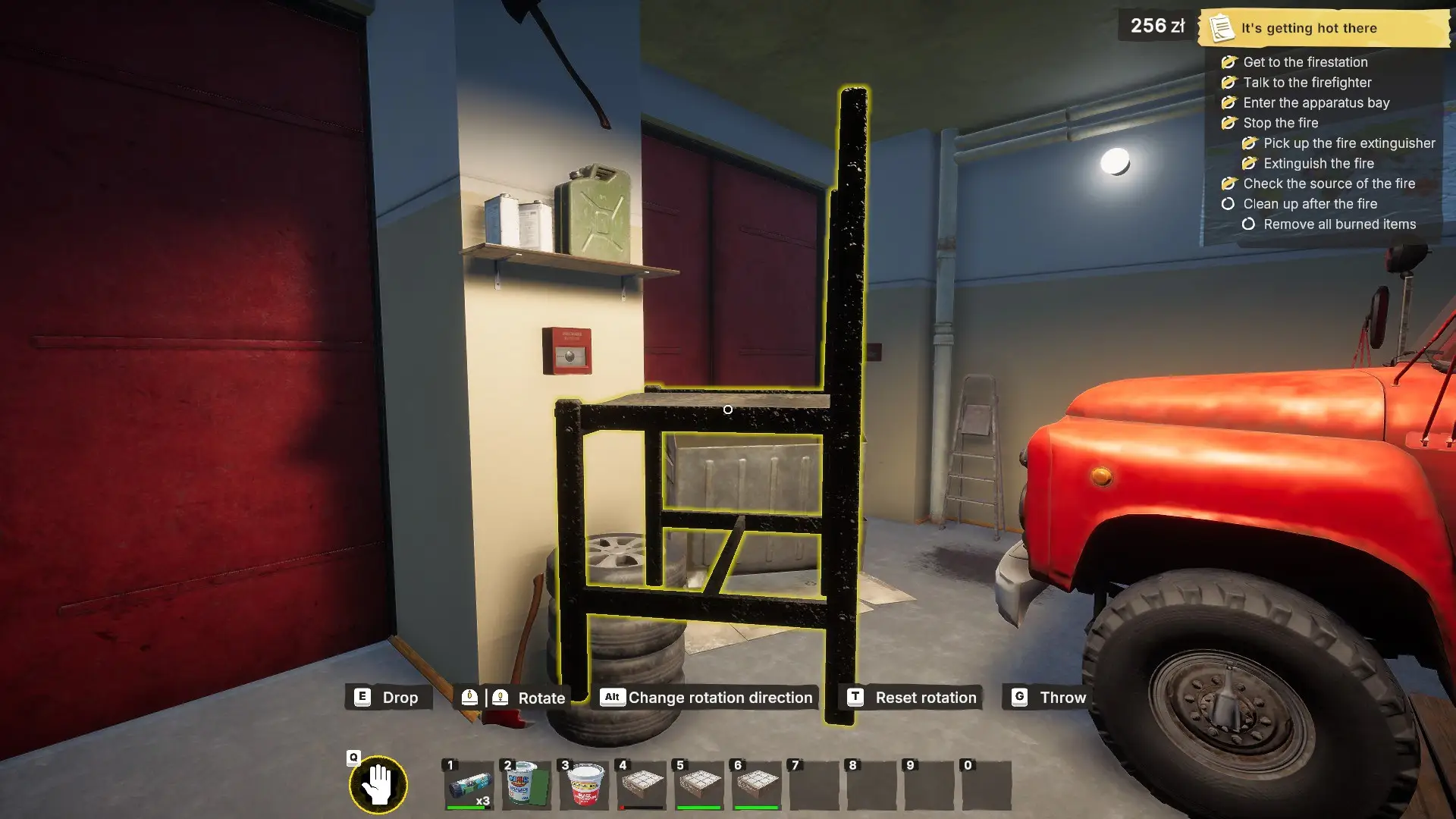
Handling items in Low-Budget Repairs is a core gameplay mechanic. In fact, you’ll get little to nothing accomplished if you can’t pick up, throw, drop, and move items. While the idea is simple, I’ve had a lot of issues with stuttering and physics that make it unnecessarily difficult to move things.
The controls for Low-Budget Repairs are currently set to their default keybindings and you can’t change them in the current version of the game, but I hope that will be an option in the future. For now, here are the default ways to handle items.
How to Pick Up and Move Items
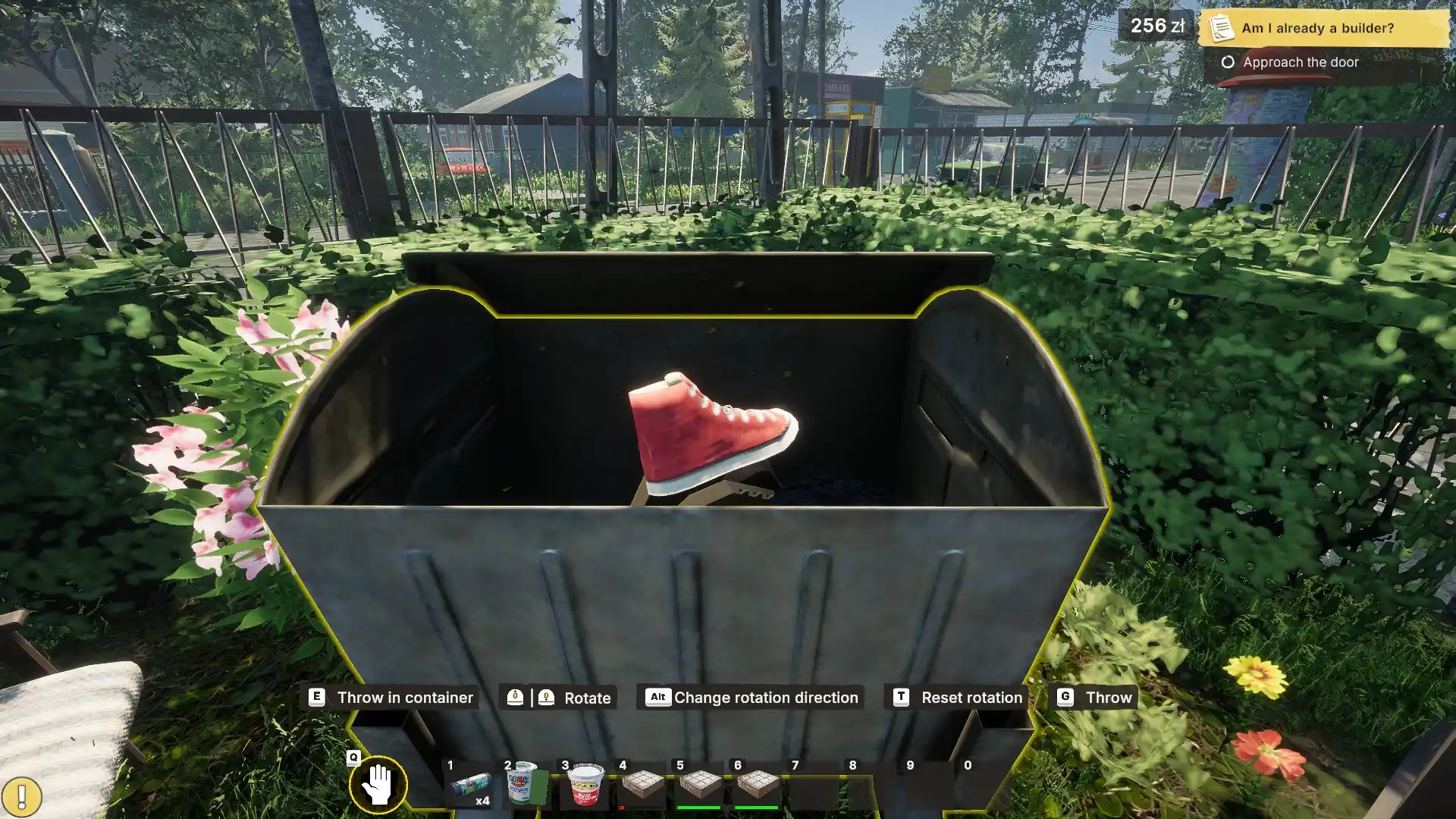
When you have your reticle over an item you can pick up, you’re able to hit “E” to lift it. Now the item will move as you move your camera. Unfortunately, it will also get stuck on other items if you’re flinging it around a compact location.
While holding an item, you can also rotate it using your mouse wheel. If you hold alt and use the mouse wheel, you’ll rotate it along the y-axis instead of the x-axis.
Storing Items
If you finish a job where materials were supplied for you, you can take those materials when the tasks requiring them are complete. This is going to be limited mostly to plaster, paint, and tiles.
All you have to do is pick up whatever item you plan to take, which in my case is usually paint, and hit “R” to store it in your backpack. If there’s room in your hotbar, it’ll go there. If not, you can hit “Tab” to open your backpack. Then, click and drag any item you need from your backpack out into the world.
How to Move Heavy Objects
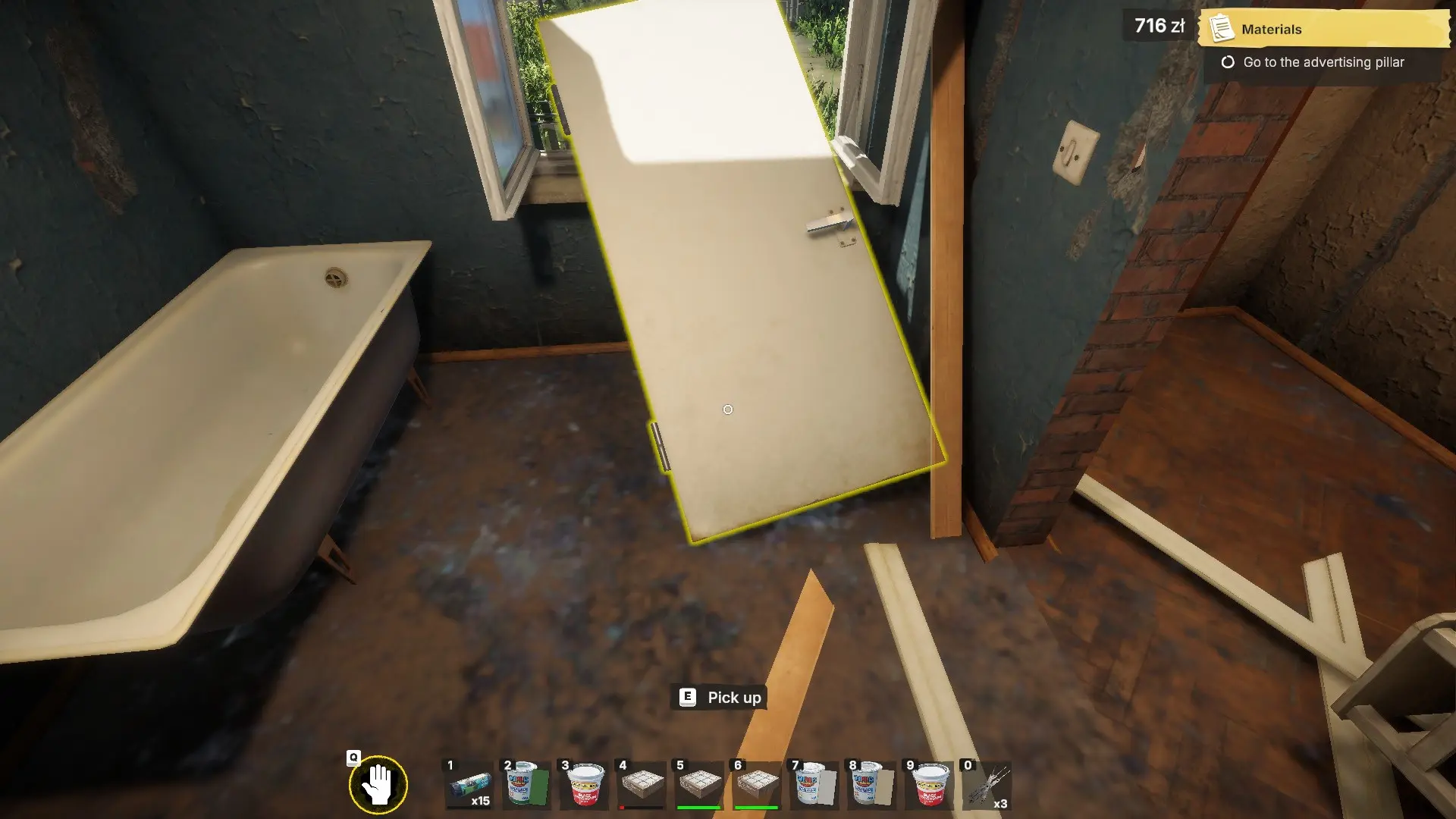
This is where the game’s physics might become your worst enemy. You’ll need to move larger objects on your own, such as couches and doors. Unfortunately, you can’t exactly lift them fully.
Instead, you need to drag the item to an open window. Then, grab the side closest to the window and get it onto the ledge or partially outside. After that, grab the other side and push the item outside as far as you can and hit “G” to throw it. If it doesn’t go fully outside, you’ll have to push it more.
Also Read: How To Complete the Playground in Low Budget Repairs
How to Throw and Drop Items
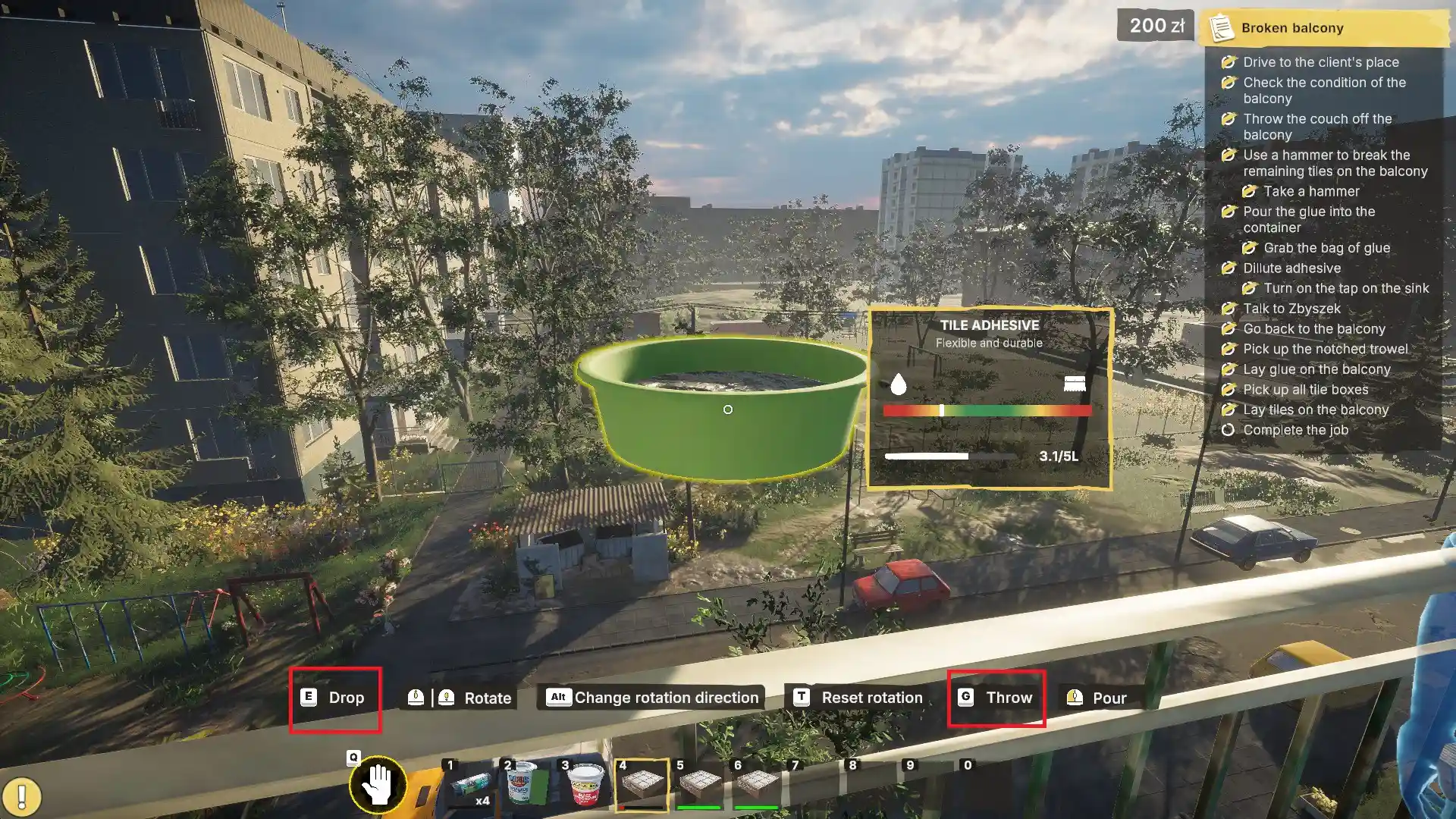
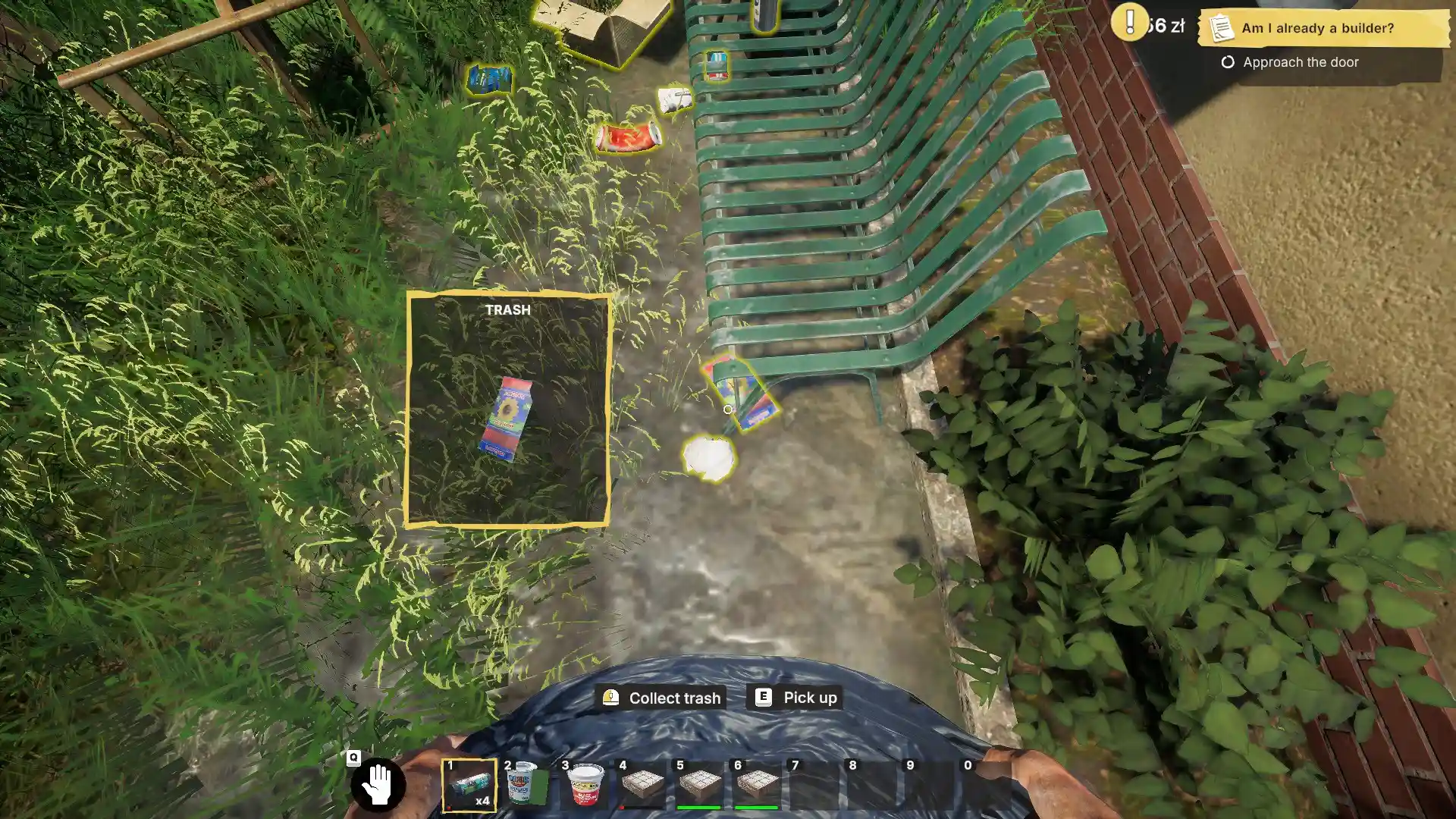
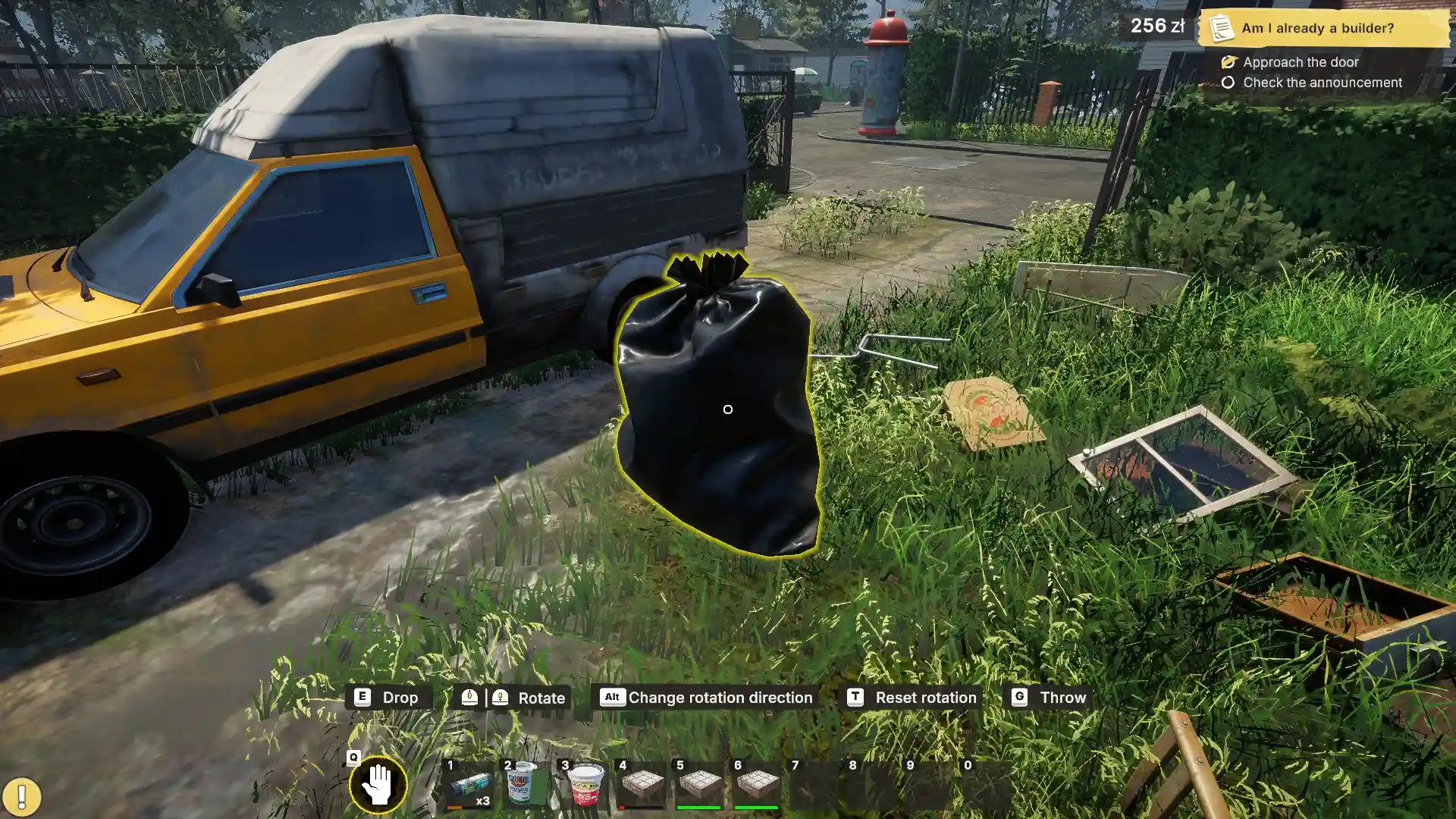
When you have an item in your hands, hit “E” to drop it or “G” to throw it. Dropped items are subject to the game’s physics, so they tend to fall over unless you basically have them touching the ground when you hit “E.”
If you’re holding an item and put your reticle over a bin, you can hit “E” to put that item in the bin, throwing it away.
While you can do this for each individual piece of trash, it’s easier to grab some garbage bags and hold one. This leads to trash having a highlight around it, meaning all items with that highlight can be put in the trash bag by placing your reticle over them and left-clicking. Full garbage bags fall onto the ground next to you, and you then pick them up and put them in the bin.
That covers the basics of interacting with items in Low-Budget Repairs, meaning you’re ready to start taking jobs and completing them well enough to get paid without spending too much on supplies.
