


Close Menu

    Subscribe to Updates

    Get the latest creative news from FooBar about art, design and business.

    What's Hot
    7
    Tides of Tomorrow Review
    April 21, 2026
    Pragmata – The Complete Training Sim Guide
    April 20, 2026
    PRAGMATA – Large Bot Boss Fight Guide
    April 19, 2026
    Facebook X (Twitter) Instagram
    TheGameSlayerTheGameSlayer
    Facebook X (Twitter)
    • Home
    • News
    • Guides
    • Reviews
    • Features
    • Lists
    TheGameSlayerTheGameSlayer
    Home»Guides»How To Play Destiny Rising With Controller Or Mouse And Keyboard
    Guides

    How To Play Destiny Rising With Controller Or Mouse And Keyboard

    By Kirthana KAugust 29, 2025Updated:August 29, 2025
    Share
    Facebook Twitter Reddit WhatsApp Pinterest LinkedIn

    ​The newest installment in the Destiny franchise is its mobile game called Destiny: Rising, which takes place in a similar universe but with newer gameplay mechanics and characters. Players who wish to hop into the game might find playing on mobile a bit cumbersome. If you wish to know how to set up a controller or keyboard/mouse, then this guide explains how to do so.

    ​How to Set Up Keyboard & Mouse for Destiny Rising
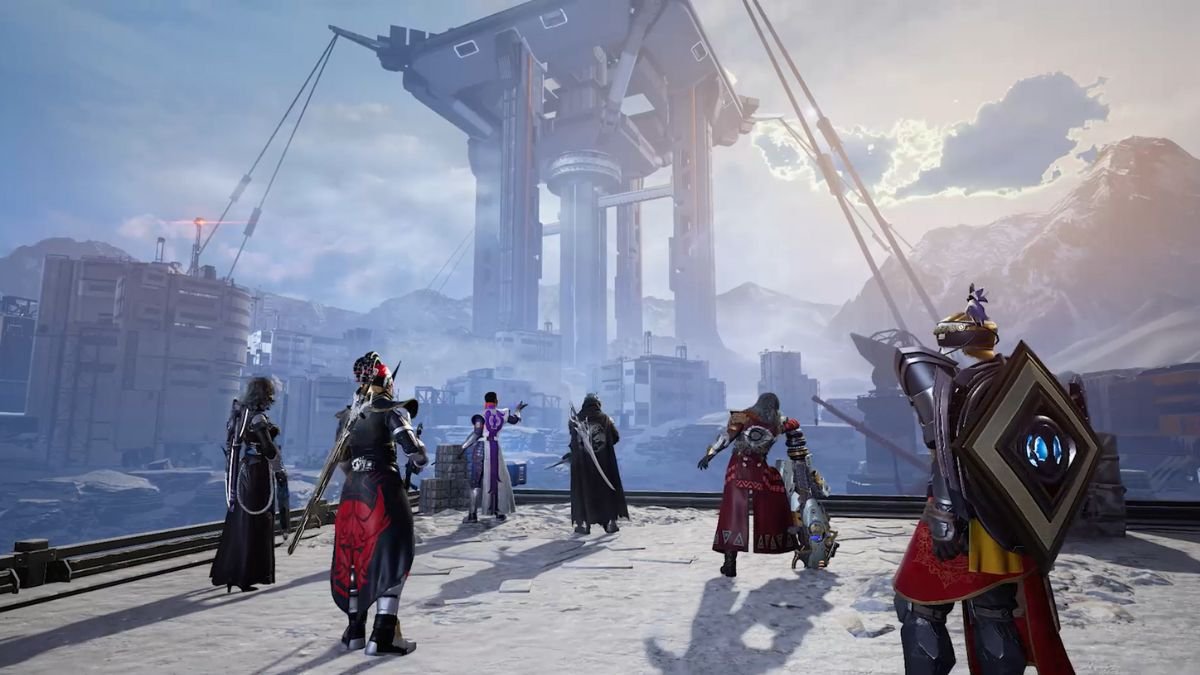
    Image via TheGameSlayer

    ​Before you begin, ensure that the Bluetooth option on your mobile phone is turned on, then pair it with your preferred device. To use your mouse and keyboard, turn them on and enable Bluetooth pairing for these devices. Also, ensure the Bluetooth in your phone’s settings is turned on. On Android phones, the Bluetooth option appears when you swipe down the task bar from the top or heading into Settings.

    On Apple, head over to the Settings app and select the Bluetooth option to turn it on. Once the devices are discoverable on your phone’s Bluetooth list, just pair them up and start playing. For controllers, pairing steps vary by model. Follow the relevant instructions below for your device type.

    ​How to Connect an Xbox Controller to a Phone

    • ​Find the small button with three brackets on the back of the Xbox controller.
    • Hold the button without turning on the controller.
    • The main controller button will start blinking rapidly, indicating that it is ready to pair.
    • Ensure that your phone’s Bluetooth is on from the settings, then search for pairable devices.
    • Once you find the Xbox controller on the list, select to pair.

    How to Connect PS5/ DualSense/ DualShock Controllers to Phone

    • ​Turn the player indicator off on the controller by holding down the PS button.
    • Then, simultaneously press and hold the Create button and the PS button.
    • The Create button is located in the top left; it has three vertical lines next to it.
    • While holding down the buttons, the light bar will start rapidly blinking, and your controller is ready to pair.
    • Enable Bluetooth on your phone’s settings, then search for the controller in the pairable devices list.
    • Select it from the list to pair it with your phone, giving access to a controller.

    With this, you get to play Destiny: Rising on your phone using a controller or keyboard-mouse instead of using the in-game controls.

    Destiny: Rising
    Kirthana K
    • LinkedIn

    Her lifelong passion of gaming led her to writing about them, bringing words to life and compiling comprehensive game guides that are quick and easy to follow. If not writing, you can catch her exploring Teyvat or the Palpagos Islands.

    Related Posts

    Pragmata – The Complete Training Sim Guide

    April 20, 2026

    PRAGMATA – Large Bot Boss Fight Guide

    April 19, 2026

    The Top 3 Pragmata Builds

    April 19, 2026
    PREFERED SOURCE ON GOOGLE

    Add as your Preferred Source on Google to find us more easily next time in your searches!

    FOLLOW US
    • Facebook
    • Twitter
    • Bluesky
    • Mastodon
    Don't Miss
    Reviews
    Tides of Tomorrow Review
    7 April 21, 2026

    I’ll be the first to admit that I loathe the idea of ‘butterfly effect’ choices…

    Pragmata – The Complete Training Sim Guide

    April 20, 2026

    PRAGMATA – Large Bot Boss Fight Guide

    April 19, 2026

    The Top 3 Pragmata Builds

    April 19, 2026

    Windrose – How to Get and Use Bezoar

    April 18, 2026

    Pragmata – Gigantic Bot Boss Fight Guide

    April 17, 2026

    Pragmata – How to Break the Blue Crystals

    April 17, 2026
    • Home
    • Privacy Policy
    • About Us
    • Contact Us
    • Reviews Policy
    • OPENCRITIC
    © 2026 TheGameSlayer

    Type above and press Enter to search. Press Esc to cancel.

    We use cookies to ensure that we give you the best experience on our website. If you continue to use this site we will assume that you are happy with it.