


The latest DLC for DAVE THE DIVER takes the crew away from the deep sea and to an unfamiliar remote village, alongside a new freshwater ecosystem to explore. So far, the DLC has been a blast to play, and the added gameplay systems freshen up the cozy game experience. Unfortunately, some players have been reporting issues about how to start In the Jungle DLC.
In this guide, I will run you through a quick check on whether Dave the Diver’s latest content pack is properly installed, and how to start the In the Jungle DLC.
How to start In the Jungle DLC
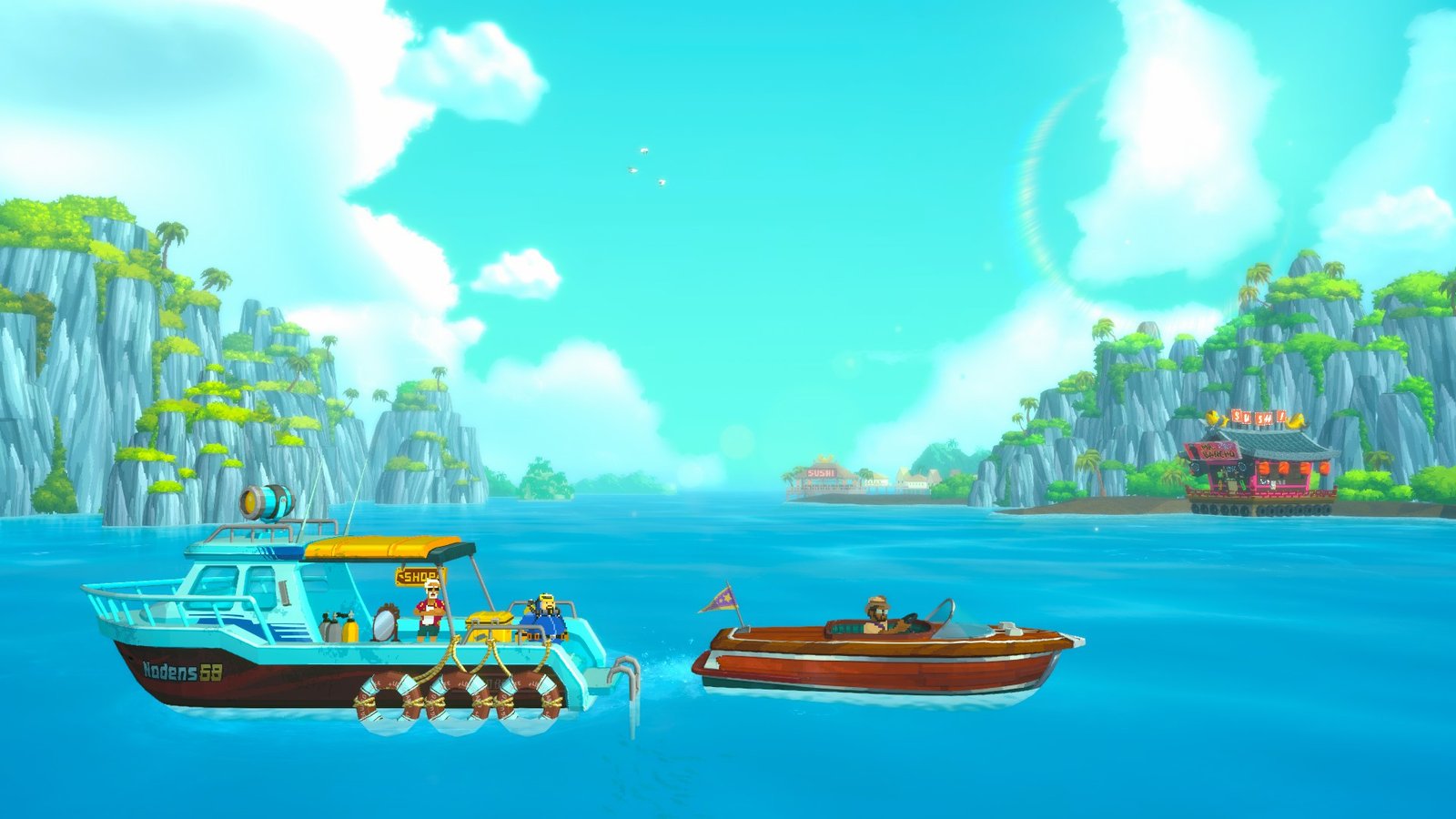
You can start Dave the Diver’s Jungle DLC by completing a dive or skipping time once you have completed the final chapter of the base game. At this point, players will be in the Epilogue, which takes place after the seventh chapter. Once you complete a dive or skip time, the archaeologist, Dr. Bacon, will recruit Dave and the crew to help his assistant in a remote village.
At this point, players are still free to play through the game normally. But when you’re ready to start the In the Jungle DLC, go to Bancho Sushi and call Dr. Bacon using the in-game mobile phone. This will lead to a cutscene, and you will then end up in the Utara Village, with your first DLC mission – To A New Place.
While there is a way to directly blitz into the DLC, I will recommend this as the best way to experience the In the Jungle DLC, as story-wise as well, it takes place after the base game’s narrative.
Do keep in mind – once you start the DLC, you will only be able to return to the base game after having completed it fully. The enemies in the DLC are also of a higher difficulty level, so it does make a lot of sense to complete the base game first, and get to a level where you can successfully take on what the DLC throws at you. Focusing on the story in the base game should get you through in about 25 hours or so.
How to Start In the Jungle DLC with a new game
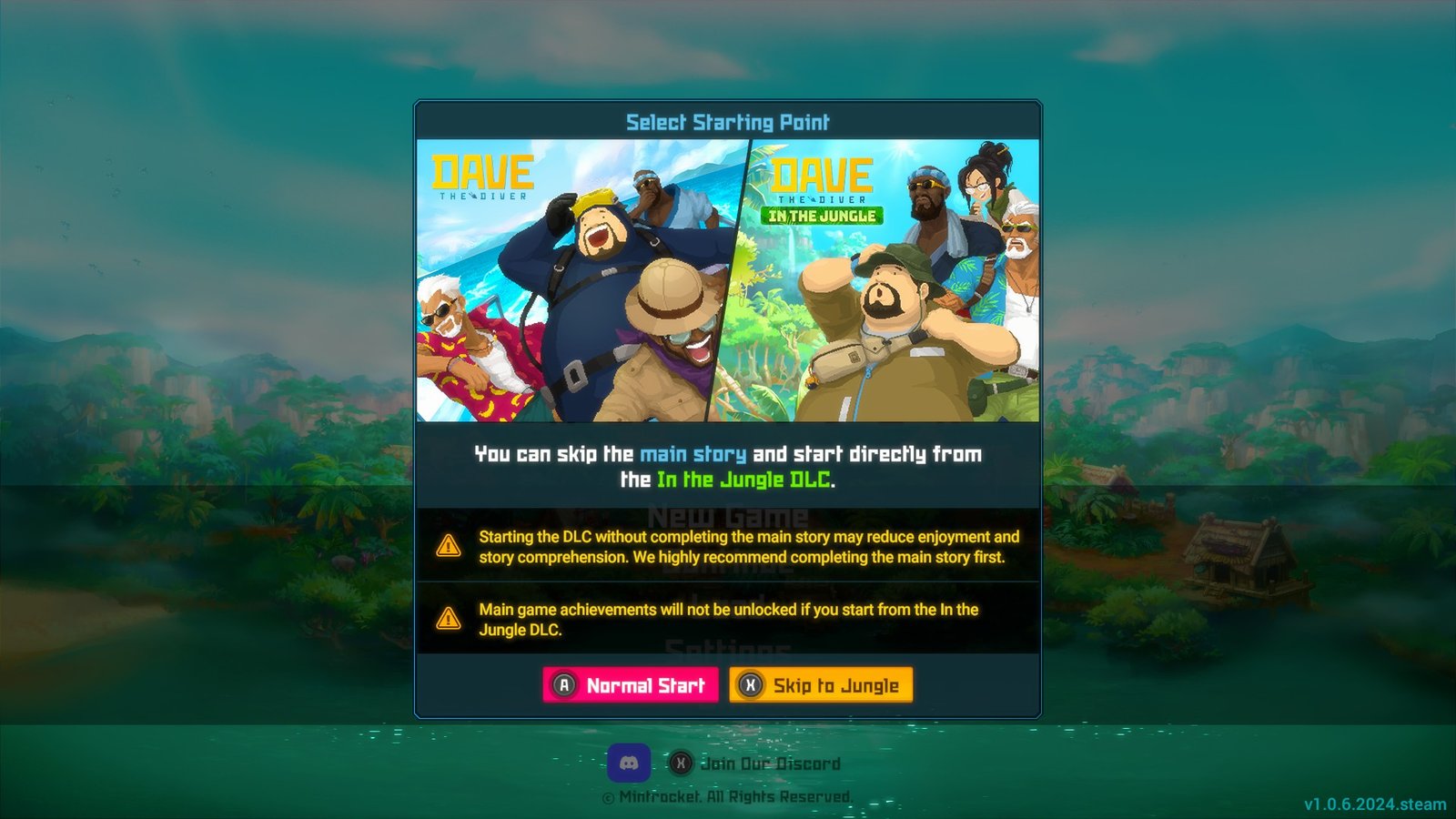
Simply start a new game from the main menu, and you’ll be prompted to choose between starting normally or skipping straight to the In the Jungle DLC.
This way, you don’t need to finish Dave the Diver’s campaign to start In the Jungle DLC. You can also jump straight into the new content pack with a fresh file. Though, for trophy hunters, I would not advise this – skipping to the DLC will disable achievements earned through the main game.
Dave the Diver DLC Not Starting – Troubleshooting Guide
Before players can start In the Jungle DLC, they first have to purchase the additional content pack. Unlike free add-ons like Dave and Friend, Godzilla, and Dredge, this DLC is paid content, much like Ichiban’s Holiday.
Whenever you install a new DLC to any game, it’s always a good idea to verify the integrity of game files, especially if you haven’t played for a while.
- After installing Dive the Diver on Steam, click on the gear icon to the right of the page. Then, click properties.
- Go to Installed Files, then click verify integrity of game files. This will scan your installed files to check for any corrupted or missing data, then repair them if there are any issues.
Additionally, you can also check if the DLC pack has been installed by clicking the gear icon, then navigating to DLC. From here, you can enable and disable any content packs you’ve acquired.
If you’ve been playing with any mods or messing around with the game folder (like installing save files), it’s best to reinstall Dave the Diver to have a clean slate without any issues.
