


My Summer Car has a sequel that was just released into Early Access, and that sequel is My Winter Car. Just like in My Summer Car, My Winter Car includes a set of meters that show your needs, similar to The Sims. One of those meters shows your fatigue level, which lets you know when it’s time to take a break and sleep.
Sleeping in My Winter Car
Sleeping is the primary way that you’ll lower your fatigue. However, it’s not as straightforward as you might think it should be. That’s primarily because you aren’t told why you can’t sleep if you’re trying and failing to do so.
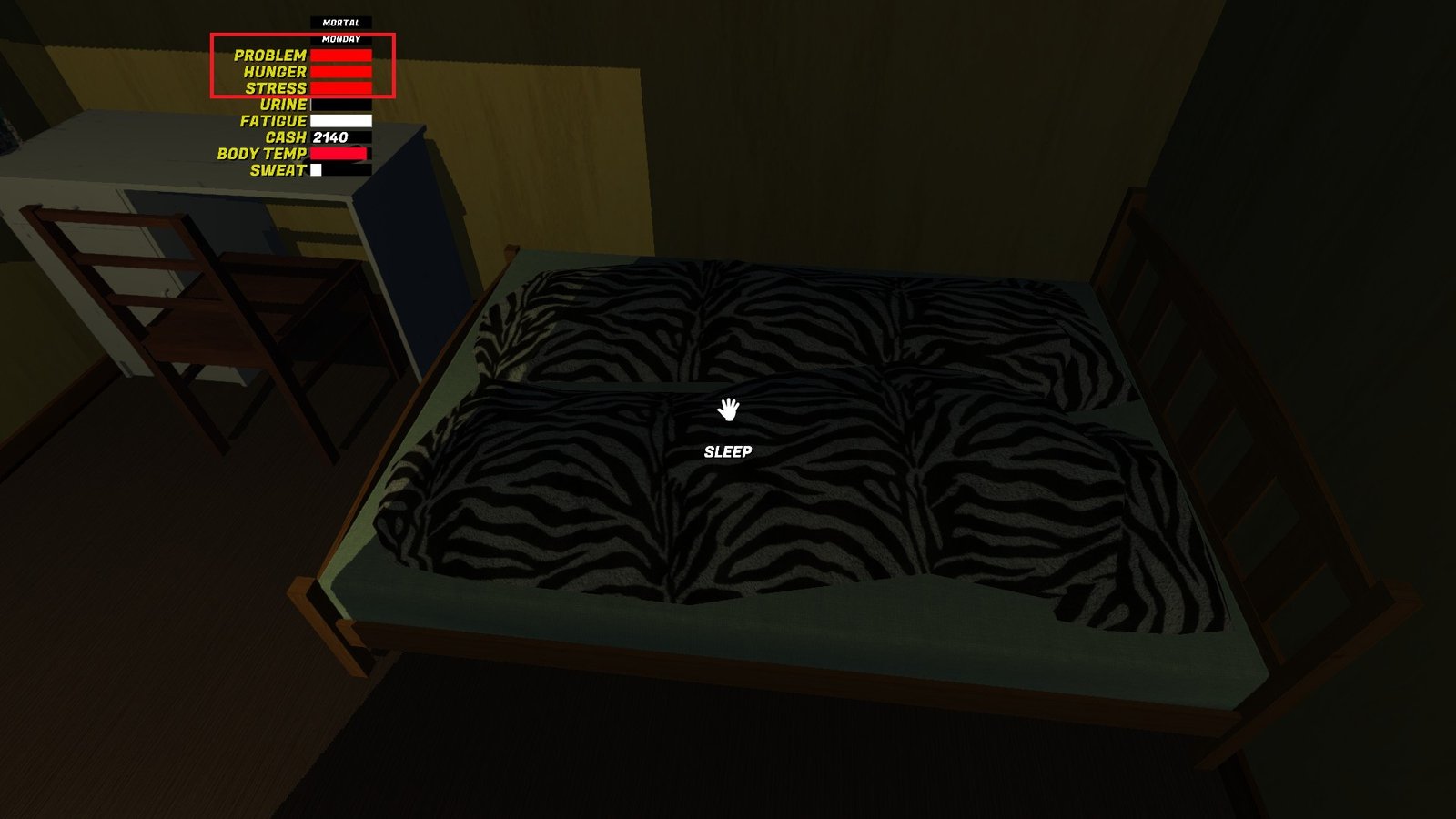
In theory, you should be able to sleep in My Winter Car by going to your bed, which is in the room directly to the left when you walk in through the front door. Then, you stand by the bed and hold F until you see the “Going to Sleep” message pop up. You’ll sleep until your fatigue meter is empty, which might not take long depending on how much you let it fill up.
How To Warm up the House in My Winter Car
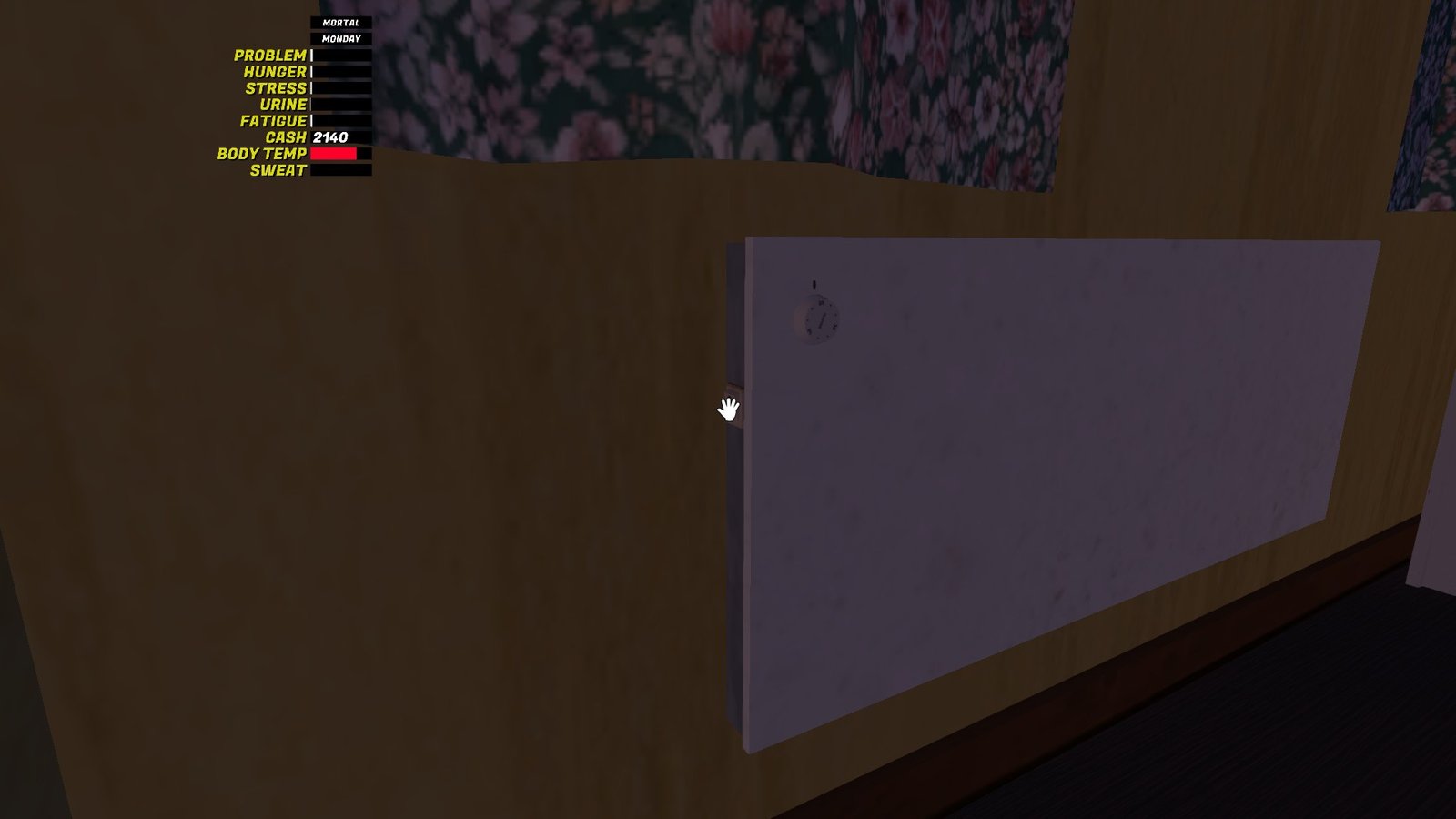
The biggest issue with sleeping is that you can’t sleep if your room is too cold. After some inspection, I found that each room has its own radiator. On the left side of the radiator, there’s a switch to turn it on and off. If you plan on sleeping, turn on the radiator in the bedroom early, because it takes a long time for the rooms to warm up.
Other issues that keep you from being able to sleep include being too hungry, your problem meter being too full, or your fatigue not being high enough. Just like the room temperature, you won’t be told which issue is keeping you awake. You’ll just have to address your needs and warm up the room, then see from there if you can sleep yet. In my case, I had the heat on, but my hunger was too high to sleep, just like my problem meter. So, I had to address those first.

Since My Winter Car is in Early Access, you might also end up with a bug that prevents you from sleeping. If you can’t figure out why you can’t sleep, you can always log out and log back in, which seems to solve a lot of the random issues that pop up.
