

Close Menu

    Subscribe to Updates

    Get the latest creative news from FooBar about art, design and business.

    What's Hot
    Windrose – How to Get the Conquistador’s Armor
    April 23, 2026
    Windrose – How to Remove a Death Marker
    April 23, 2026
    7.0
    REPLACED Review
    April 23, 2026
    Facebook X (Twitter) Instagram
    TheGameSlayerTheGameSlayer
    Facebook X (Twitter)
    • Home
    • News
    • Guides
    • Reviews
    • Features
    • Lists
    TheGameSlayerTheGameSlayer
    Home»Guides»How To Save Game In Hollow Knight: Silksong
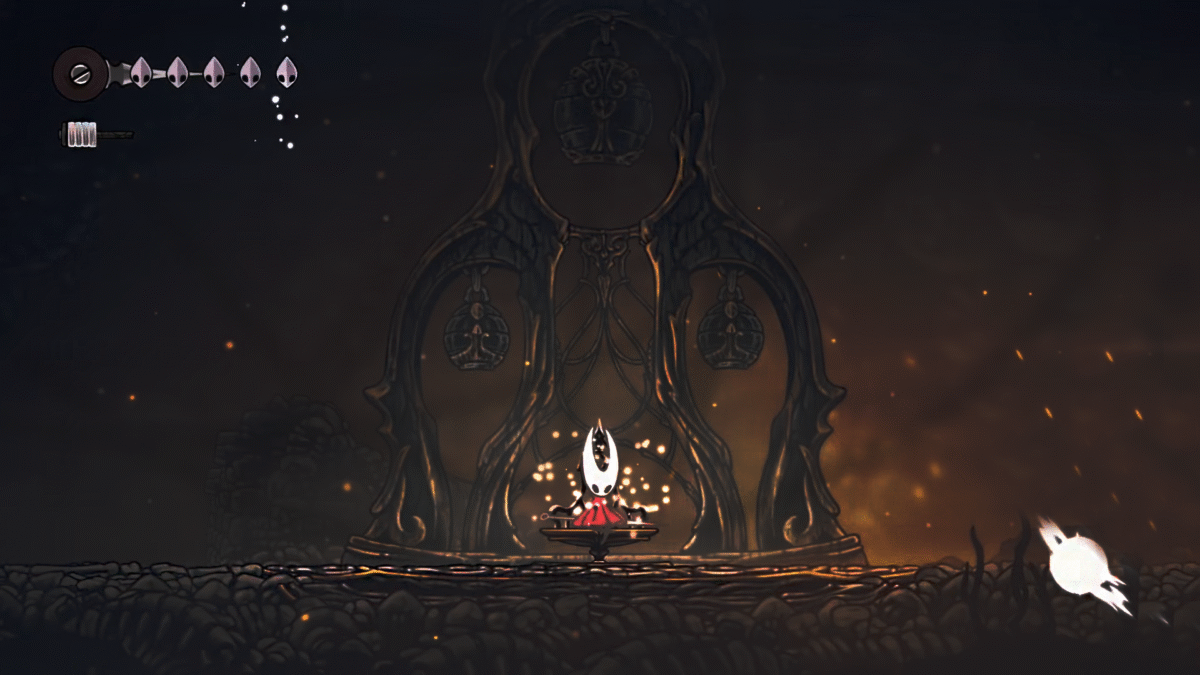
    Hollow Knight Silksong, Resting at Bench to Save Progress and Restore Health
    Image via TheGameSlayer
    Guides

    How To Save Game In Hollow Knight: Silksong

    By Santosh KumarSeptember 4, 2025
    Share
    Facebook Twitter Reddit WhatsApp Pinterest LinkedIn

    When you are playing a Metroidvania souls-like game, losing progress is the last thing you want to face. Not saving the game is probably more frustrating than most foes that you encounter in these games. Luckily, Hollow Knight: Silksong has a save mechanic that works without telling the player about its save system. Here, we will provide all the possible ways to save your game progress in Hollow Knight: Silksong.

    How Can You Save Game In Hollow Knight: Silksong?
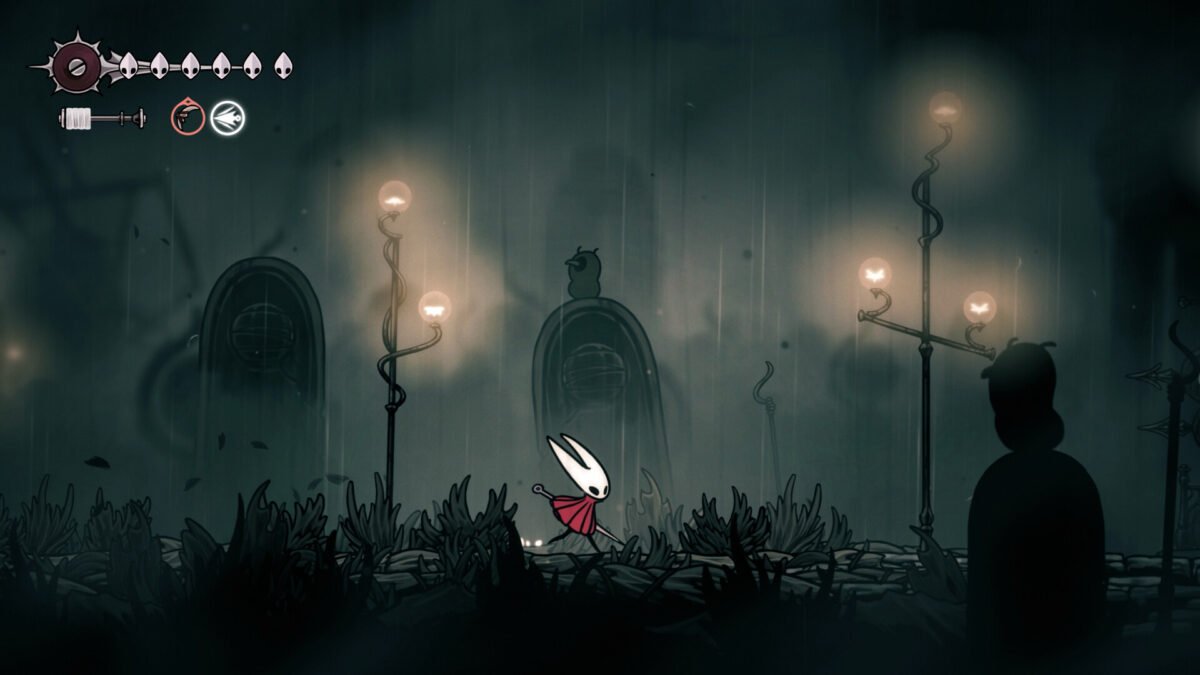
    Hollow Knight Silksong, Walking in The Rain Gravyard
    Image via TheGameSlayer

    There are two ways to save your game in Hollow Knight: Silksong: Resting at Benches, or ‘Quit to the Main Menu’. When you find a Rest Spot, make sure to interact with the spot to restore your health. What you might not know is that resting at the bench also saves your game progress. Unlocking them is crucial for survival, as they serve as a checkpoint but also as a save station. So make sure to unlock the rest spots; some of them are going to cost you a few Rosaries to unlock.

    When you pause the game, you will get three options: Continue, Options, and Quit to Menu. Select ‘Quit to Menu‘ and you get another prompt “Save and Quit“, select “Yes“. Keep in mind, though, resuming will start from the last rest spot in the game.

    Don’t ever hard exit the game by pressing Alt +F4; it will not save your progress at all. Upon resuming the game, you will not have all the progress; you will start from the last rest spot. That means all the Rosaries or Collectibles you have gained from the last rest spot will get lost.

    Hollow Knight: Silksong can be challenging at times, while pressing Alt +F4 might let you rage out your frustration, but you will lose precious progress. Always pause the game and Save and Quit, so you can come back with all items intact.

    Hollow Knight: Silksong
    Santosh Kumar
    • LinkedIn

    Santosh Panda creates gaming guides at The Game Slayer. With 5 years of writing experience under his belt, his journey to game writing has helped many fight the big monsters, solve intricate puzzles, disarm the hidden traps, and finally open the treasure box.

    Related Posts

    Windrose – How to Get the Conquistador’s Armor

    April 23, 2026

    Windrose – How to Remove a Death Marker

    April 23, 2026

    Pragmata – The Complete Training Sim Guide

    April 20, 2026
    PREFERED SOURCE ON GOOGLE

    Add as your Preferred Source on Google to find us more easily next time in your searches!

    FOLLOW US
    • Facebook
    • Twitter
    • Bluesky
    • Mastodon
    Don't Miss
    Guides
    Windrose – How to Get the Conquistador’s Armor
    April 23, 2026

    If you want to go for a tanky build in Windrose, then you’ll want to…

    Windrose – How to Remove a Death Marker

    April 23, 2026
    7.0

    REPLACED Review

    April 23, 2026
    7

    Tides of Tomorrow Review

    April 21, 2026

    Pragmata – The Complete Training Sim Guide

    April 20, 2026

    PRAGMATA – Large Bot Boss Fight Guide

    April 19, 2026

    The Top 3 Pragmata Builds

    April 19, 2026
    • Home
    • Privacy Policy
    • About Us
    • Contact Us
    • Reviews Policy
    • OPENCRITIC
    © 2026 TheGameSlayer

    Type above and press Enter to search. Press Esc to cancel.

    We use cookies to ensure that we give you the best experience on our website. If you continue to use this site we will assume that you are happy with it.