


If you’ve just started playing Heroes of Might and Magic: Olden Era, you might’ve noticed that the default movement and battle animations feel unusually slow. It can make traveling across the map or fighting battles take longer than they should.
Thankfully, there’s a simple fix for this once you know where to look. You don’t need any mods or external tools, just a quick settings adjustment inside the game itself.
Heroes of Might and Magic: Olden Era – How to Increase Movement Speed
You can increase the Movement Speed by accessing Menu -> Additional Settings -> Battle Animation Speed. The option to increase movement and combat speed is actually hidden inside the game’s Additional Settings tab. Once you know where it is, changing it only takes a few seconds.
This design choice can make certain options easy to overlook at first, but once you know where to find them, it’s simple to tweak your experience. It’s a small learning curve, but it helps you understand how the game organizes its settings for better control later on.
Accessing the Speed Settings
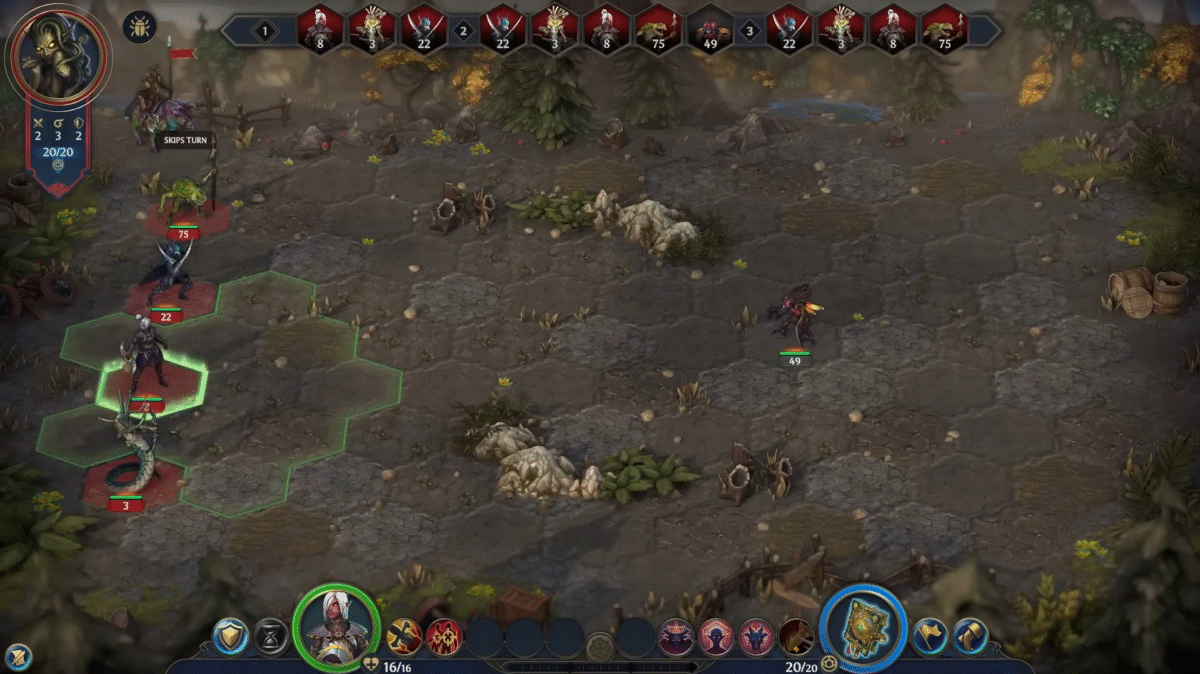
To adjust the movement and battle speed, you need to open the in-game settings menu. While playing, press the ESC key on your keyboard. This will bring up the pause menu, where you’ll see a few options at the top of the screen. There are two main tabs here, Basic and Additional.
Most players open only the Basic tab and miss the Additional section entirely, which is where the speed controls are located. Click on Additional, and you’ll find sliders that control animation speed.
Adjusting Map and Battle Speeds
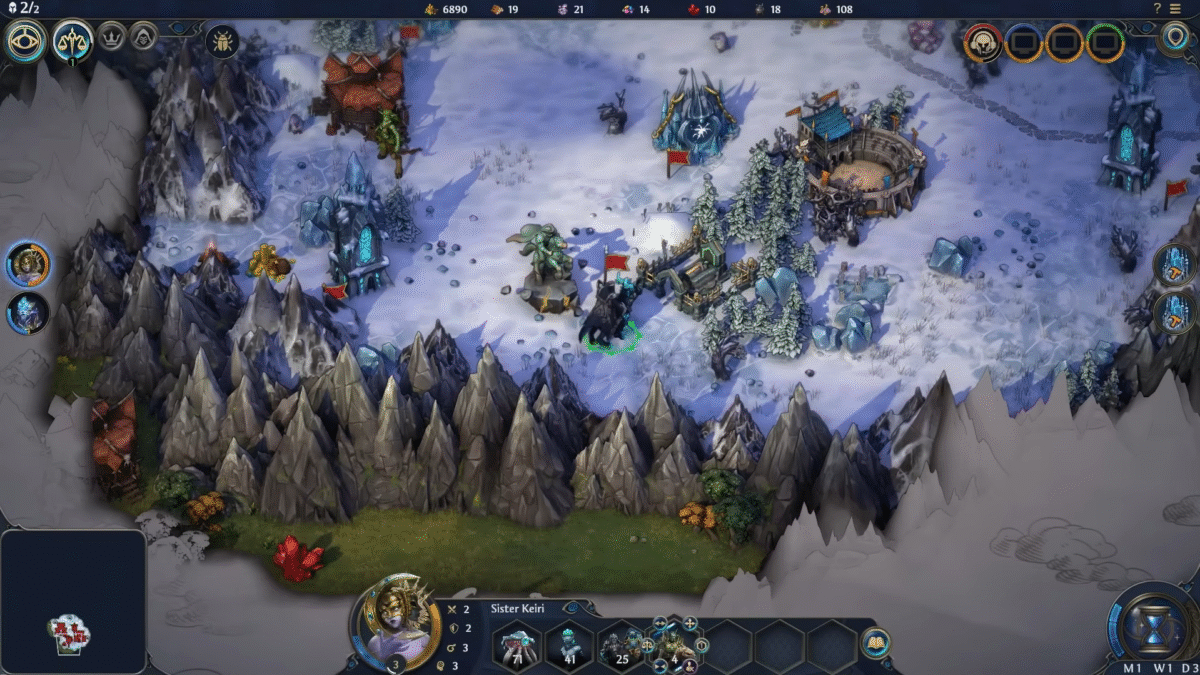
Inside the Additional tab, look for two sliders labeled Map Animation Speed and Battle Animation Speed. These control how fast units move on the overworld map and how quickly animations play out during combat.
Move the sliders to the right to increase the speed. The further you slide them, the faster your characters will move and the quicker battle animations will play. You can test different values until you find a pace that feels comfortable to you.
Once adjusted, the changes take effect immediately, there’s no need to restart the game. This makes it easy to tweak the settings while you play.
Extra Tips for Faster Gameplay
If you want to speed up only certain parts of the game without changing the global speed settings, you can try a few tricks. For example, some players prefer to hold down the left mouse button during battles to make animations play out faster.
This doesn’t skip the action but makes it flow more smoothly without permanently changing your settings. If you’re playing in one of the game’s new modes focused on hero battles, the pacing may already feel faster compared to the main map mode. This can be a good option if you find the exploration sections too slow.
This small change can really transform how Heroes of Might and Magic: Olden Era feels to play. It makes exploration for rare materials like Alchemical Dust smoother and battles much quicker, keeping the overall gameplay flow more engaging.
