


You will quickly run out of space as you keep collecting loot in Escape from Duckov. Luckily, there are ways to expand your storage to accommodate more items. But you need to find the necessary item, which is a chore in itself. If you are having a tough time trying to expand storage, then this guide is for you.
How to Increase Warehouse Storage in Escape from Duckov
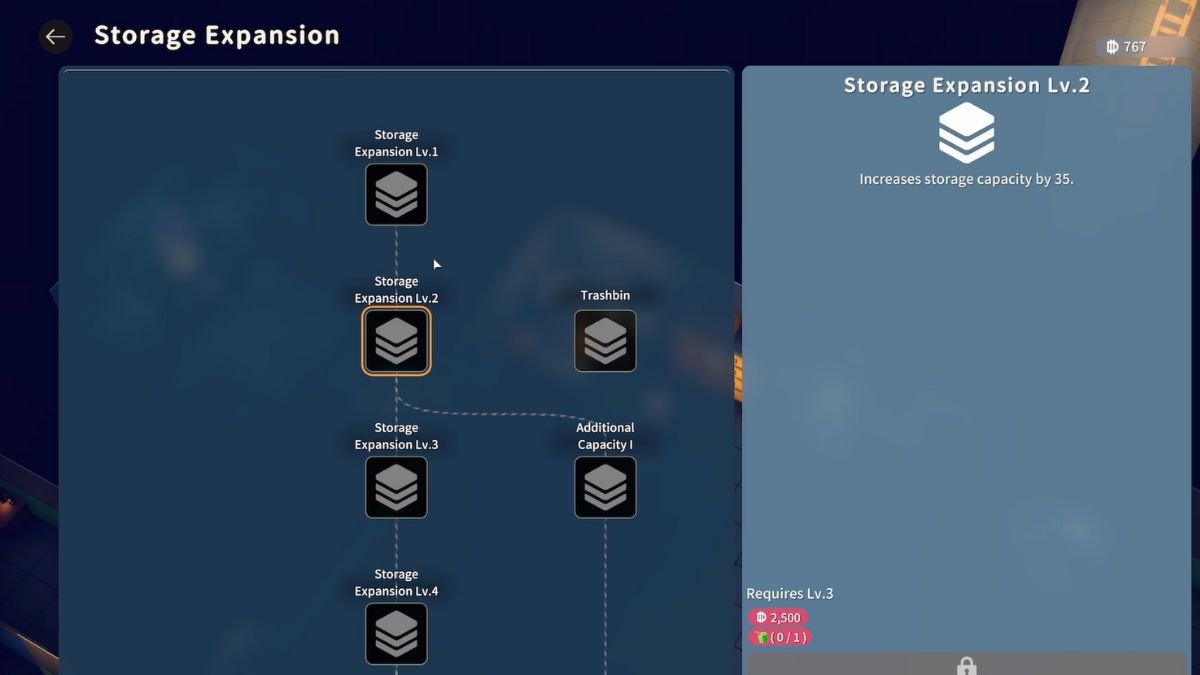
Locating Expansion Boxes in the wild is the only way to upgrade Warehouse storage. These expansion boxes spawn randomly within loot crates and come in three sizes: Small, Medium, and Large. Using any of them will expand your warehouse slots several times over. The only downside to these boxes is the weight, as the larger ones are quite heavy to carry. Once you find an Expansion Box, make it your priority to head back to base as quickly as you can to avoid losing your loot.
To use the Expansion Box, head back to base and interact with the warehouse behind Jeff. You get an option to expand, check the requirements, and feed it the necessary amount of Expansion Boxes to get the extra slots. Expansions for the warehouse will also require credit, which you get by selling items at the vending machine.
How to Increase Backpack Storage in Escape from Duckov
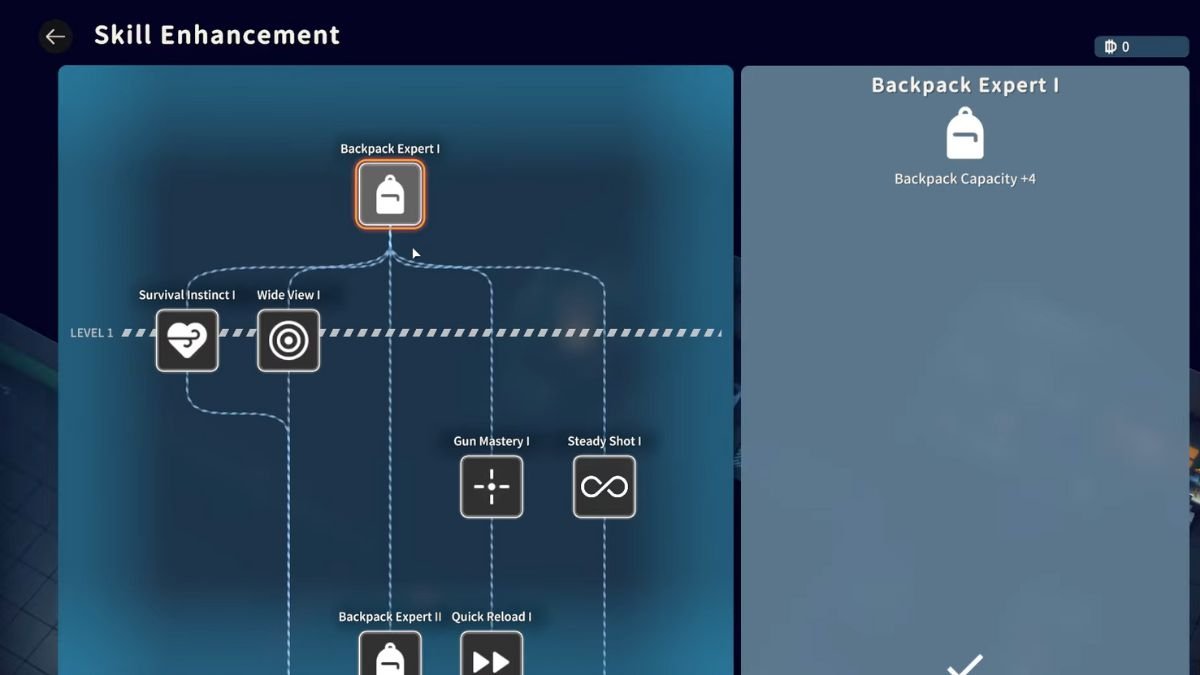
Head over to the Skill Enhancement machine after unlocking it at your base and select the Backpack Expert option to expand backpack space. Upgrading your backpack will require some credits, and at later expansions, will also require items. Another way to increase backpack storage is to randomly find backpacks in the wild. These will be consumed to add extra slots to your bag, too, but this process requires a lot of RNG, so don’t depend too much on this.
If you are still in the early game and have already run out of space to store your items, then check out our Escape from Duckov guide on selling items to make space in your warehouse and backpack.
