

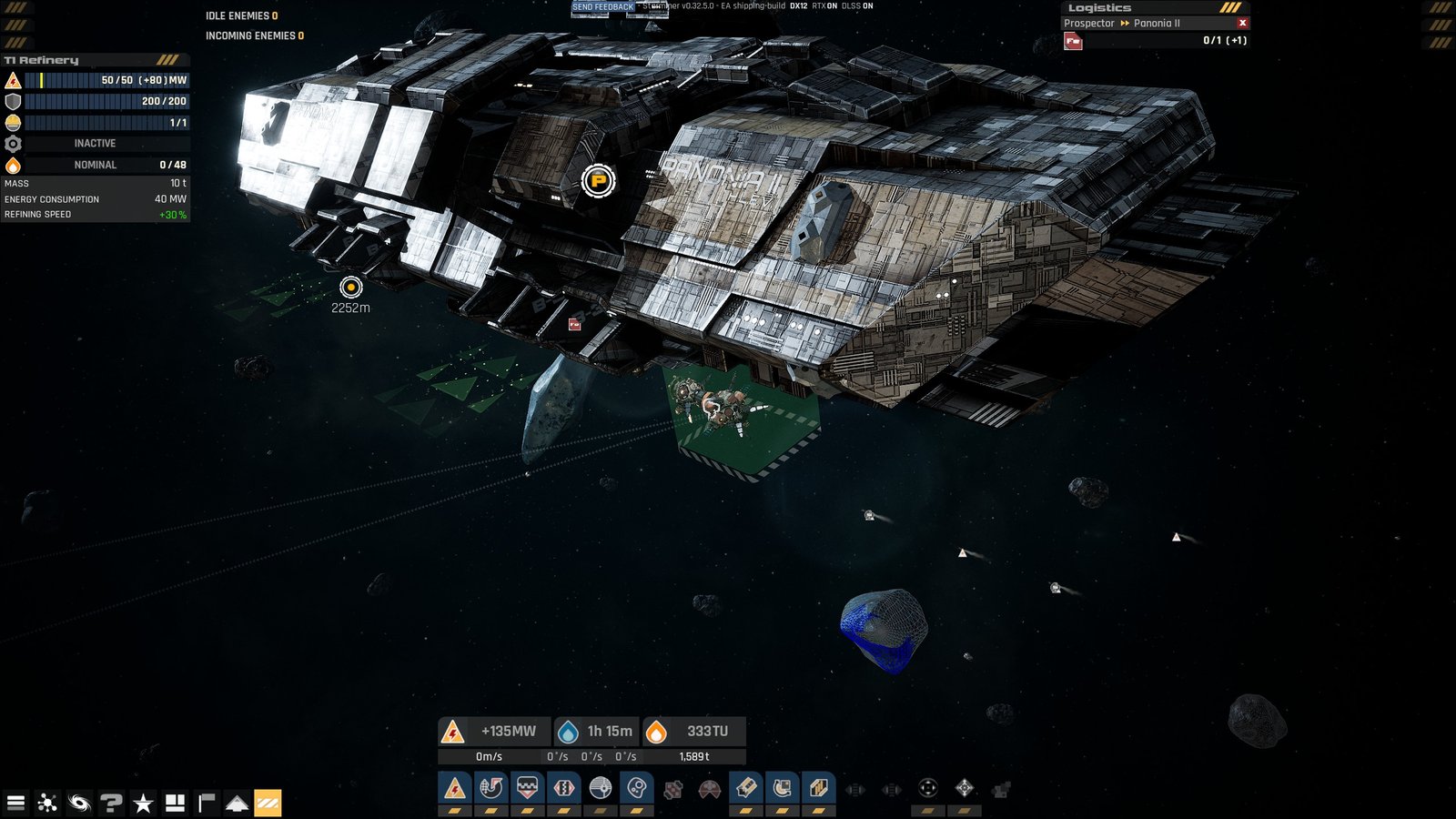
Starminer is one of the most impressively detailed space sims I have ever played. But, as is often the case with industrial simulators, it’s got a seriously steep learning curve, and doesn’t hold your hand anywhere near as much as other games.
One of the first issues I stumbled across in Starminer is the can’t sell – path is blocked issue, where you are physically unable to sell any of your resources from the T2 Metal Storage module. If you’re looking to sell your resources to make money in Starminer, this can be an annoying issue without a particularly clear indication of why it’s happening.
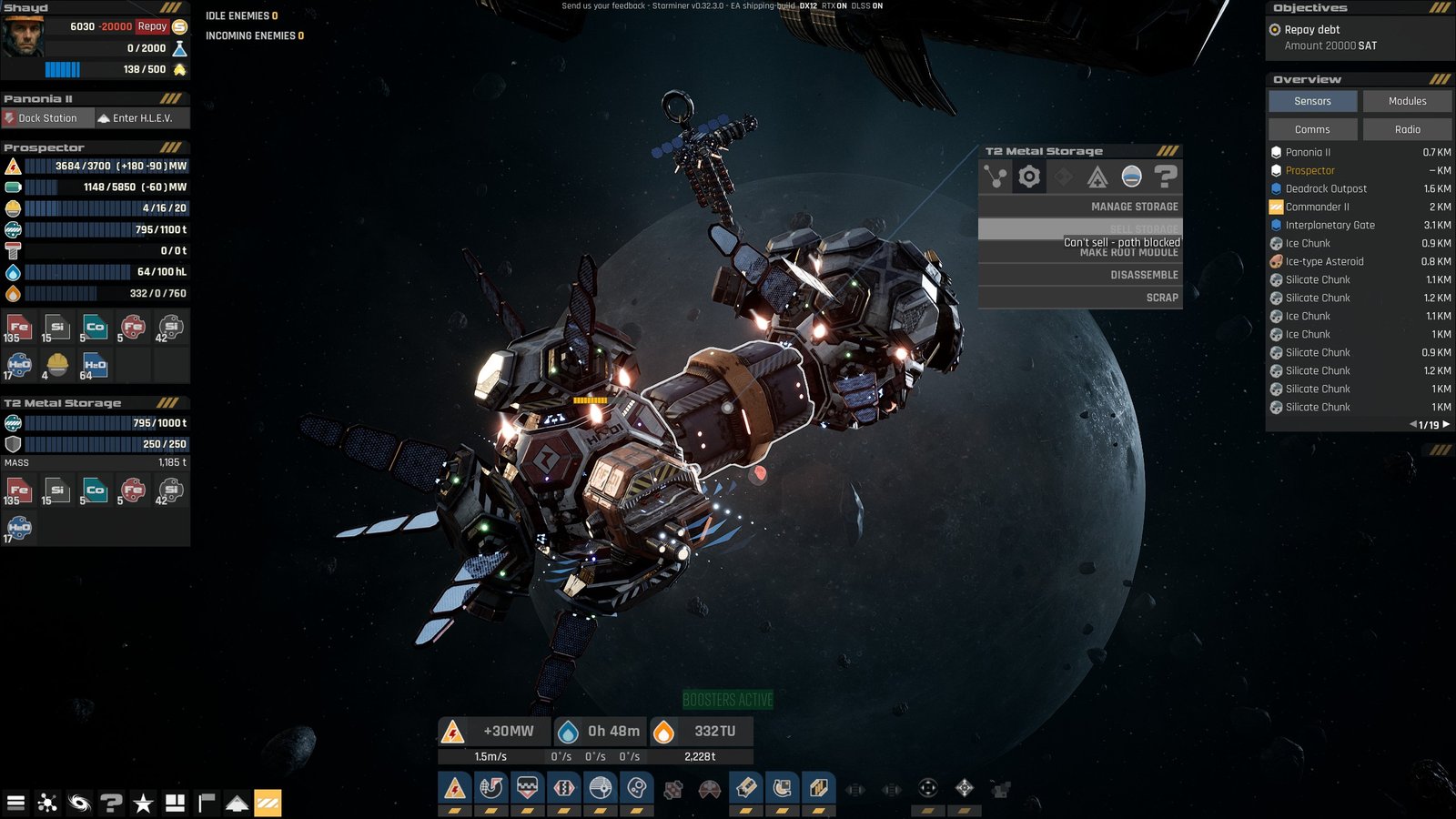
What’s Causing the Can’t Sell – Path Is Blocked Issue?
If you’ve built or picked a pre-built ship, the chances are you’ve got a T2 Metal Storage module. But what the game fails to mention is that the placement of this particular module is important for making sure you are able to trade/sell in Starminer.
This particular module is designed to be taken away once you’re ready to sell its contents. To be able to do that, it’s important to make sure that you’ve built the T2 Metal Storage module somewhere accessible so that a trade ship can come and collect it. No, they don’t return it empty. Yes, I did find that extremely cheeky and annoying.
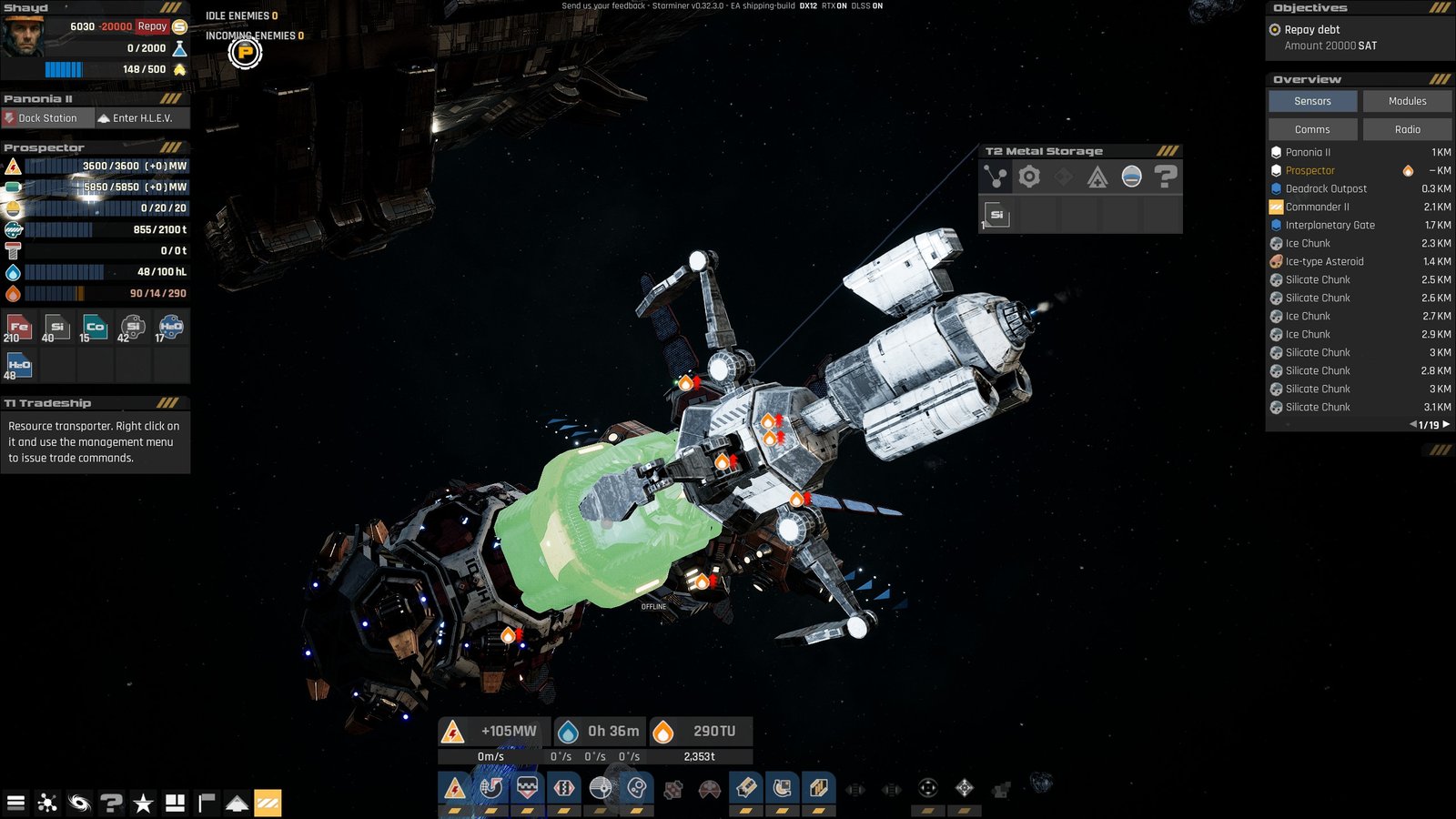
Once the trade ship has collected the T2 Metal Storage, it will then take it to the nearest gate, giving you the money once it has completed its journey.
How to Solve the Issue
The issue is simply caused by your storage placement. Many of the pre-built ships come with storage in the middle of the spacecraft. While this is fine for storage itself, it blocks you from being able to sell using that particular storage module, causing the can’t sell – path is blocked issue you’re facing.
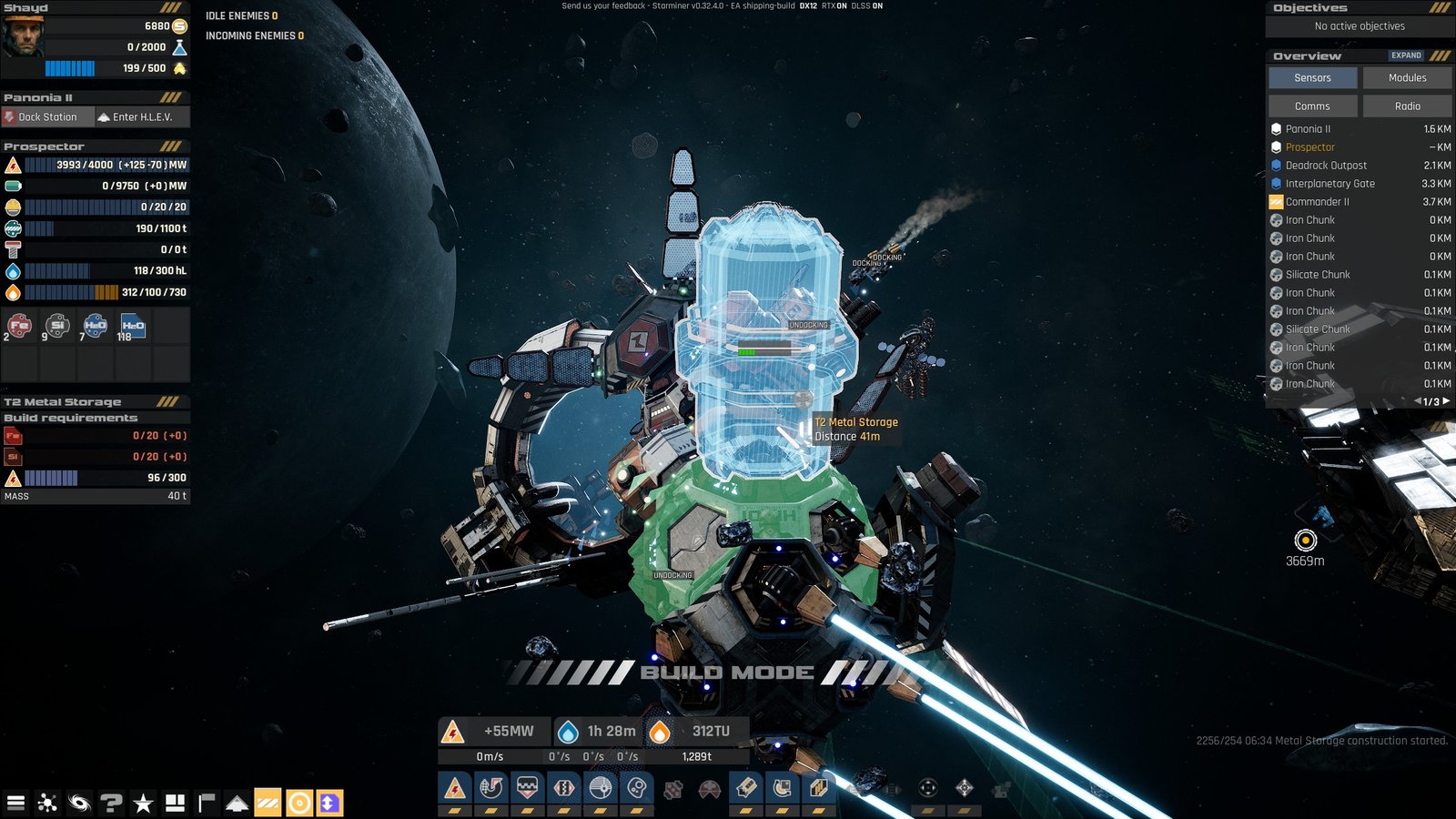
The quick and easy way to fix the issue is to simply build a new T2 Metal Storage module somewhere accessible. As long as the trade ship is able to access one end of the module, you’ll be able to sell, and it will come collect the storage module from your ship.
You will need to make sure that you transfer any items you want sold over to the new storage. To do this, simply right-click on the storage module, then click the management tab, and go to manage storage.
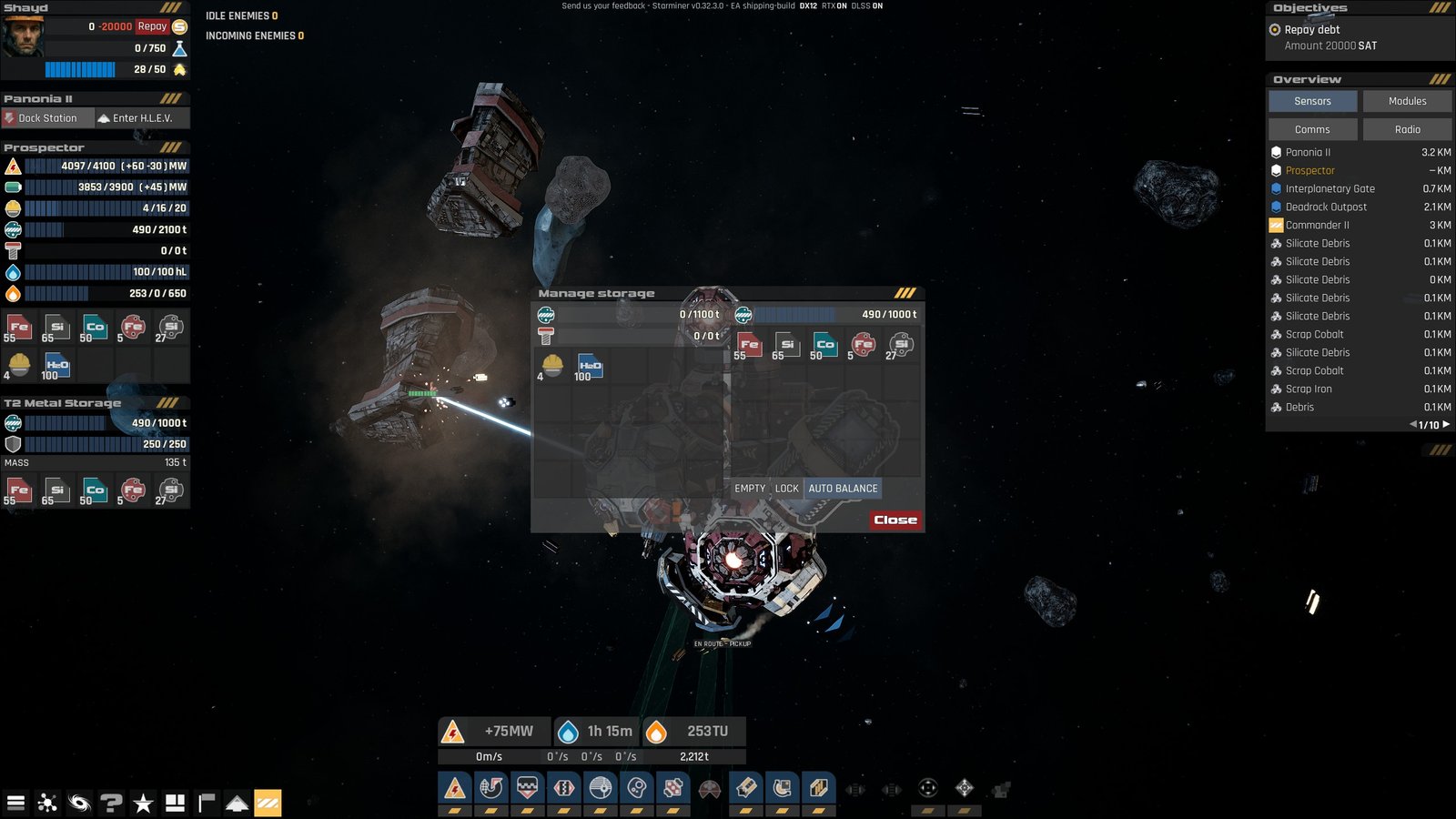
From here, you’ll be able to move any of the resources you want to sell over to the new T2 Metal Storage module to be taken away and sold.
Moving Resources to Space Stations
If you don’t have the resources to build a T2 Metal Storage, you can always fly your resources over to the nearest station, where you can unload resources no matter where your storage module is located on your ship.
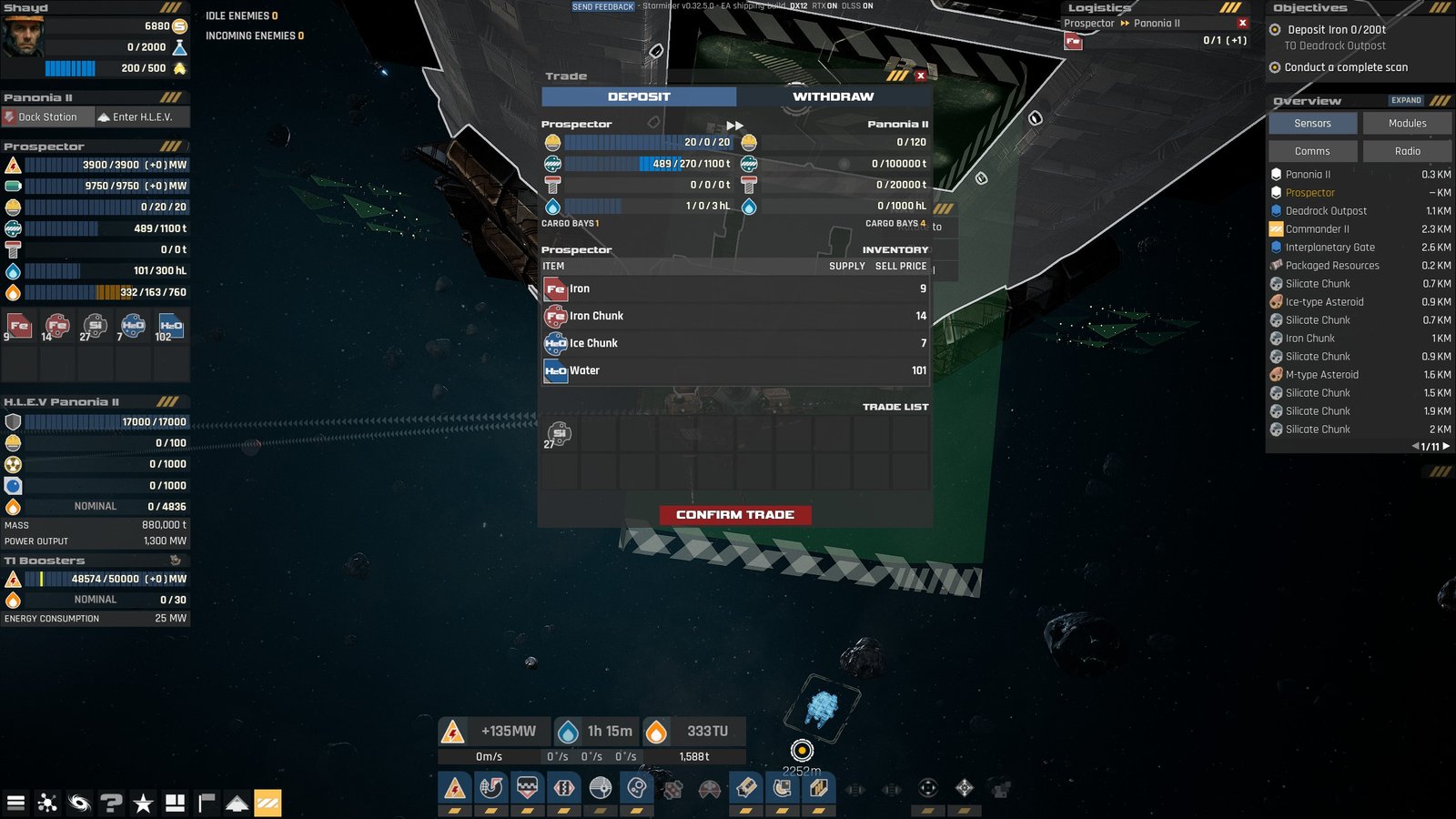
Unlike the trade ships that come and collect your resources, space stations can be docked in, letting you trade without needing to move your storage. This can be helpful for unloading if you’re ships storage is getting full, as well as putting aside resources for missions.
Because the space stations don’t take the entire T2 Metal Storage module, you shouldn’t have any issues with the can’t sell- path blocked problem.
