


Hope you were paying attention in your Financial Literacy classes, because we’re about to talk money. In the case of MIO: Memories In Orbit, it’s called Nacre, and rest assured that it’s just as important to success in MIO’s economy as it is in real life.
And kind of like real life, no one really prepares you in MIO for how to best hang onto your valuable currency. For a long time at the start of the game, it’s going to feel like “easy come, easy go” as you learn that each new death in the game will leave you broke and on the streets if you aren’t careful.
No, this isn’t a body-running Soulslike experience where you’re able to reclaim your lost cash whenever you die. If you don’t take the proper steps in MIO, it all goes down the drain once that HP bar hits zero.
With all of that in mind, here’s how to earn Nacre, how you can actual hang onto it, and what you’re able to do with it.

Bookmark:
How To Earn Nacre
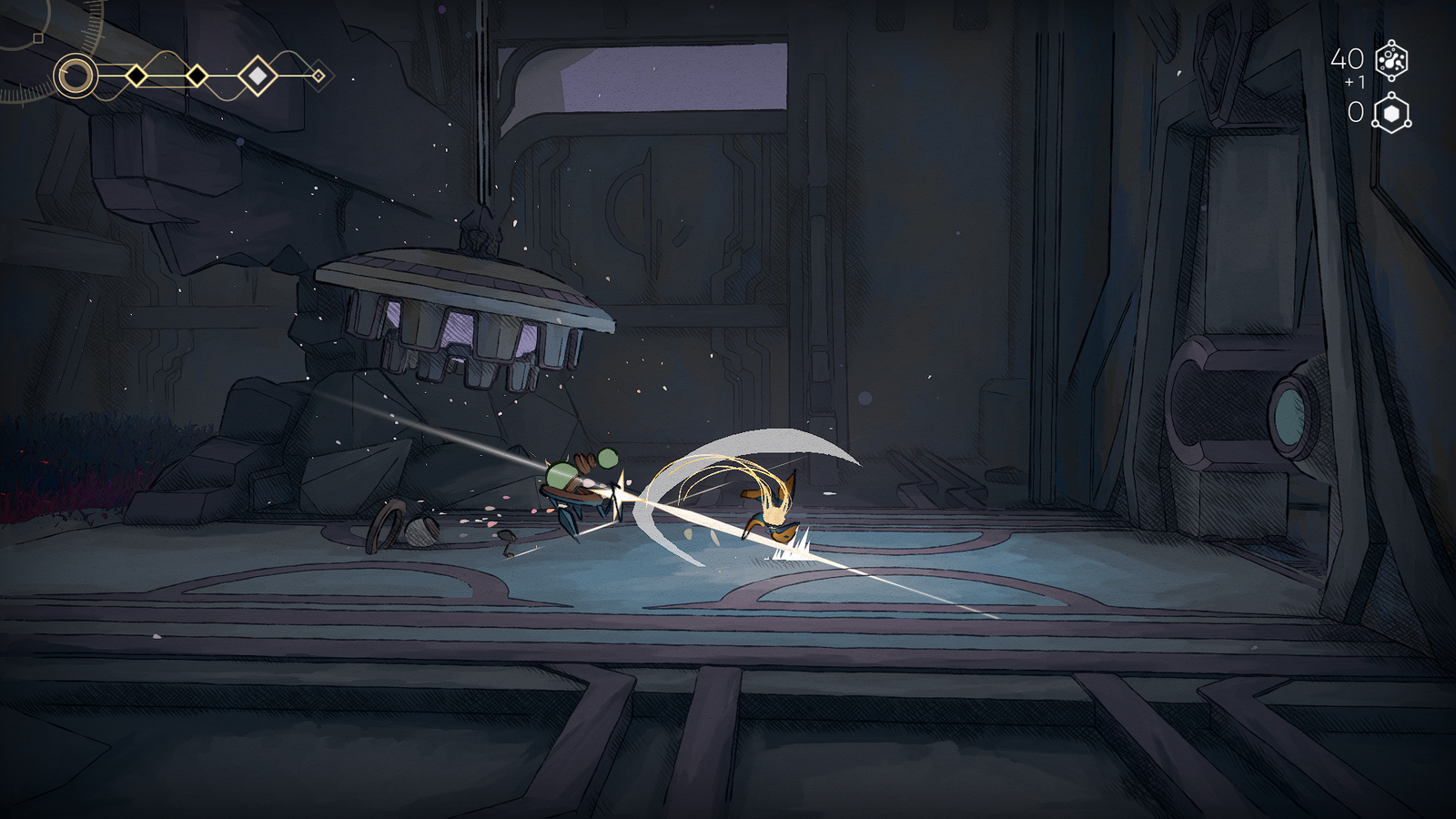
The first way you’ll be able to earn Nacre in MIO: Memories In Orbit is simply by engaging in combat. Grunt enemies and bosses alike will earn you a nice chunk of change whenever you’re able to successfully kill something.
As such, if you’re always looking to maximize your financials, take the time to fight and defeat everything that stands in your way. You can also find things like special modifiers that grant you more Nacre than usual upon a successful defeat of an enemy.
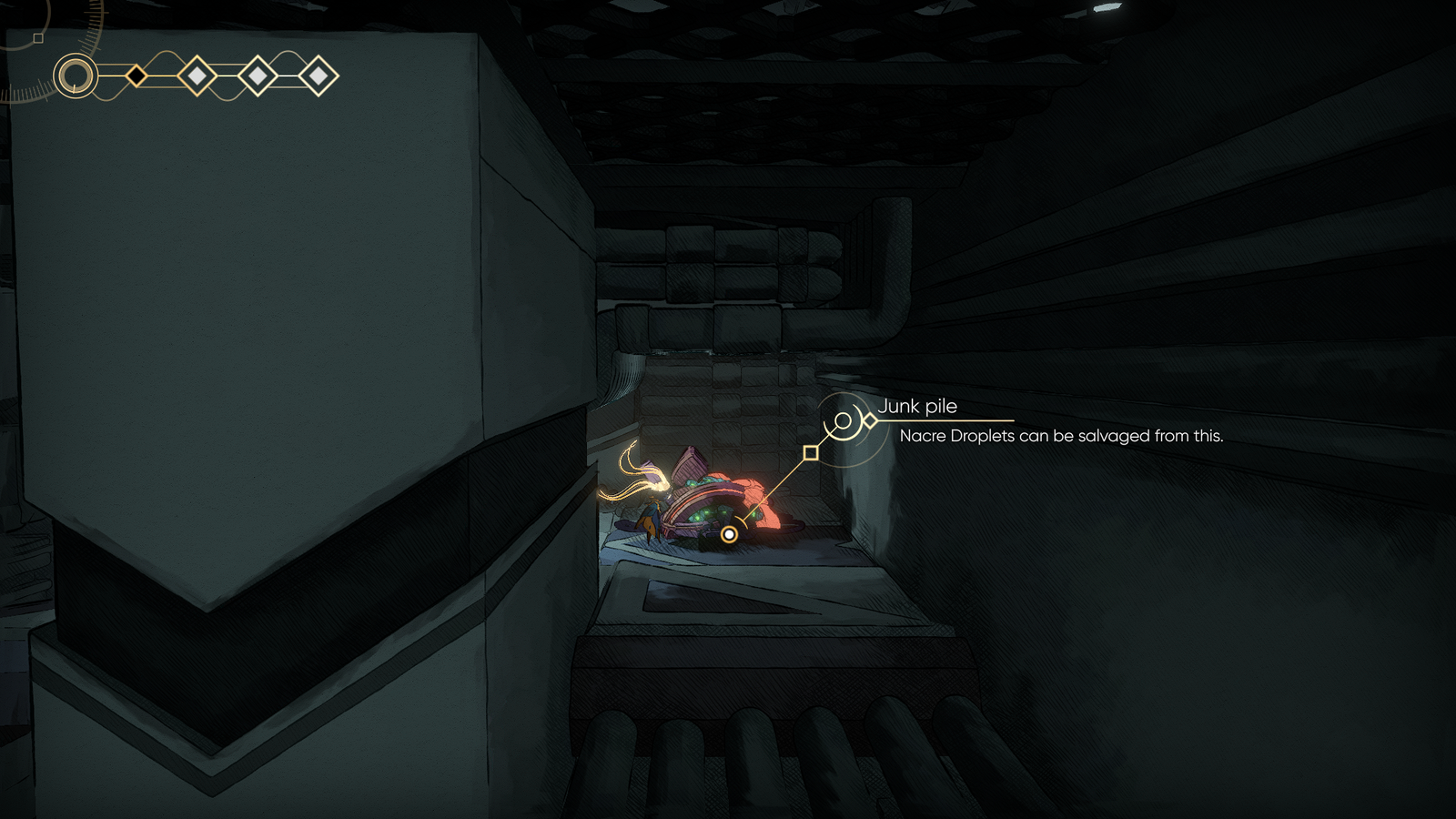
You’ll also start to notice Junk Piles spread throughout the map, which reward you with Nacre once you attack them enough to break them apart. Whenever you see one of these, make sure you take the time to smash and grab.
What’s nice is that these piles also respawn after you interact with an Overseer, so you can grind these till the cows come home if you’re really in a tight spot and can find a pile that’s convenient to keep running back to over and over.
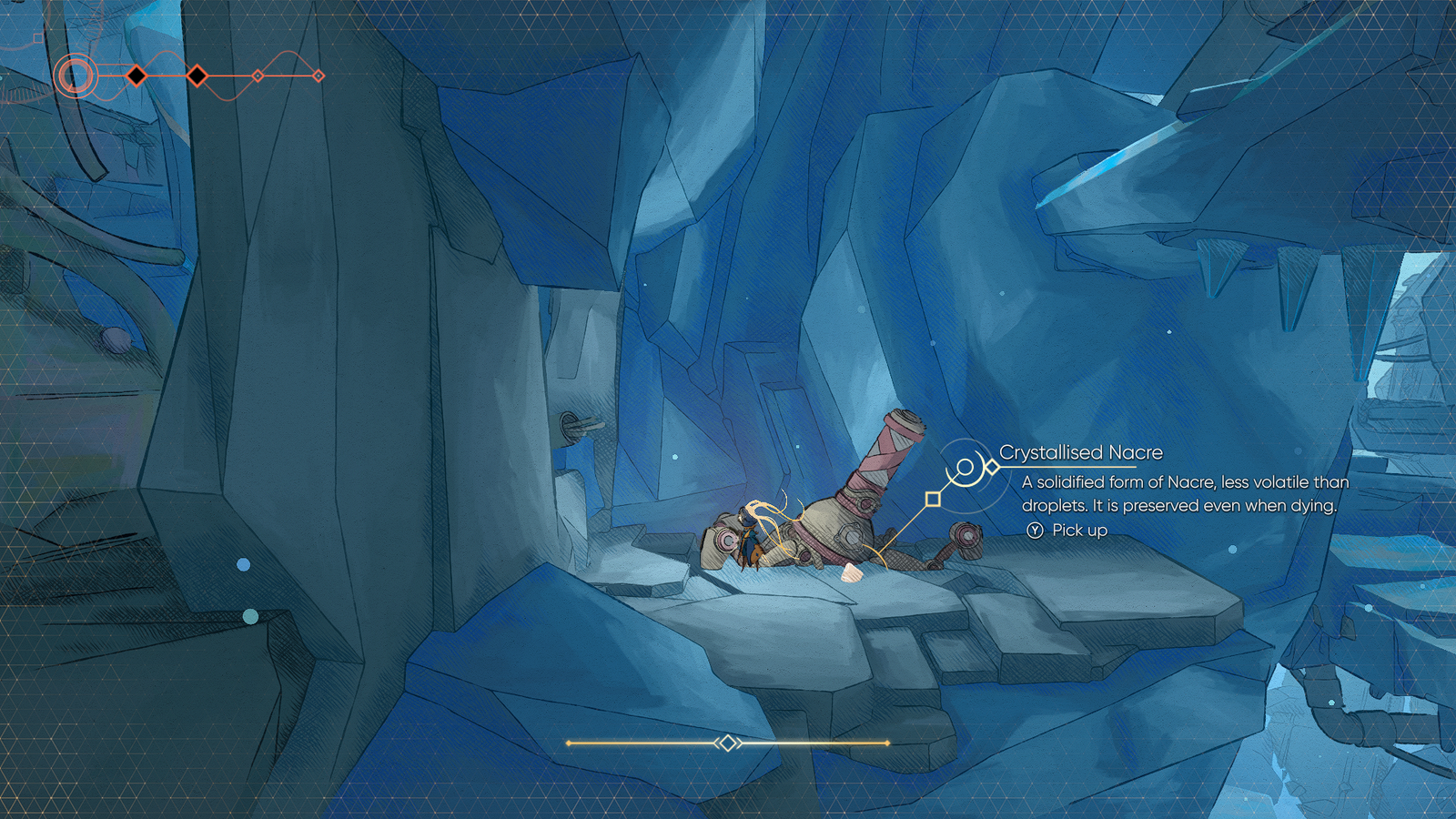
The most reliably lucrative source of Nacre in the game, however, is the crystallized sort that you can find periodically in your adventures. These are large lump sums of Nacre you’ll find deposited on the ground in front of a deceased Crystalliser bot.
These Nacre deposits don’t respawn, but they can sometimes score you Nacre in the triple figures if you’re lucky.
How To Save Nacre
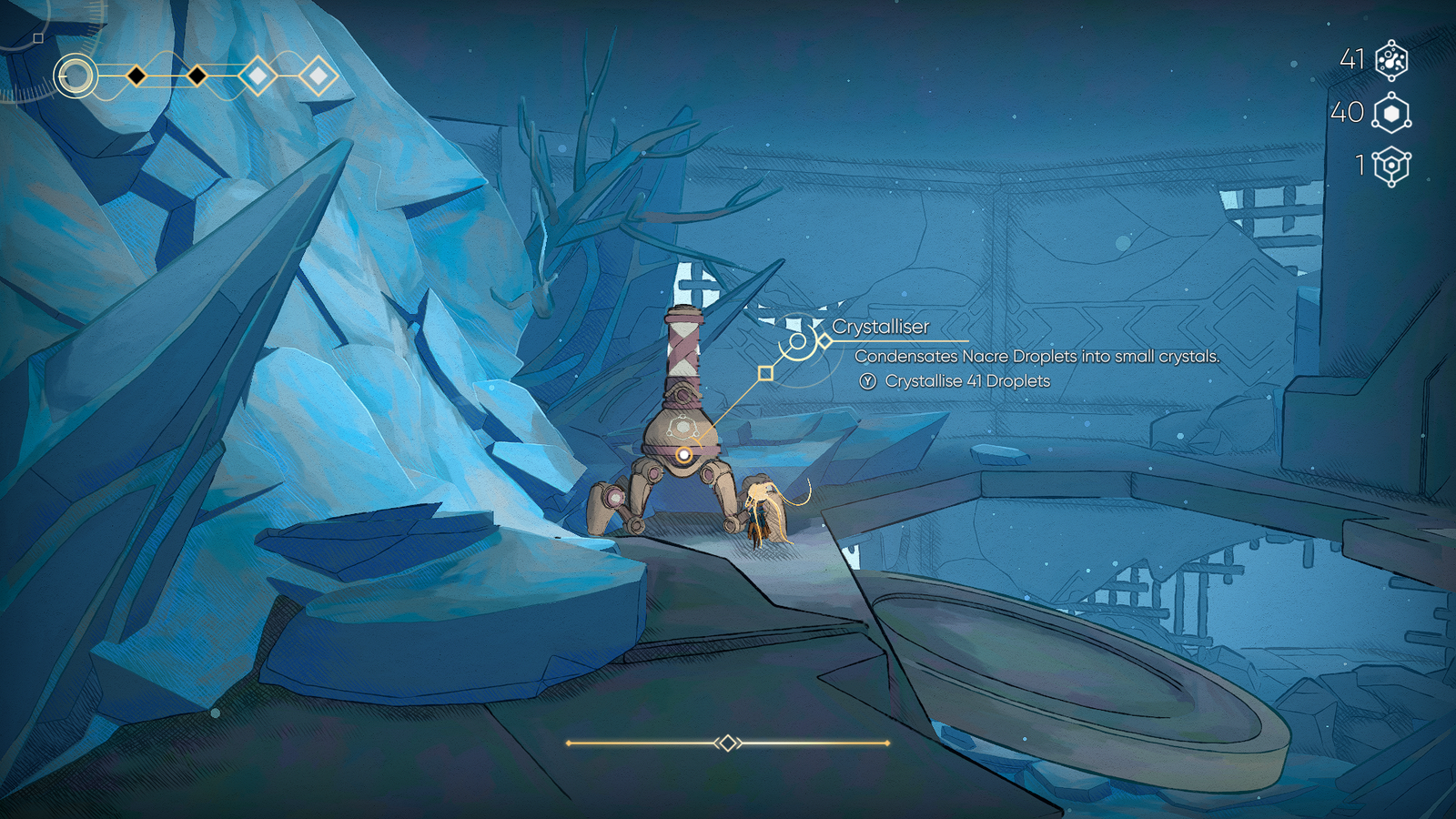
Of course, hoarding all of this Nacre will do you no good if you simply keep dying and losing all of it. Luckily, there is a way to make sure you hang onto your money upon death, but it does take one extra step to do so in MIO: Memories In Orbit.
You see, there are actually two types of Nacre in the game – crystallised and uncrystallised. You earn uncrystallised Nacre from killing enemies and from junk piles. Uncrystallised Nacre is the volatile type and will be permanently lost whenever you die.
Crystallized Nacre, however, stays with you forever, even upon death and respawn. As you explore the map, you’ll come across Crystalliser bots, like the one pictured above. With the press of a button, you can deposit all of your uncrystallized Nacre into this robot, and it will return the same amount fully crystallized.
This is critically important to do every single time you come across a Crystalliser, lest you be doomed to continually losing everything you’re holding the many times you perish in MIO.
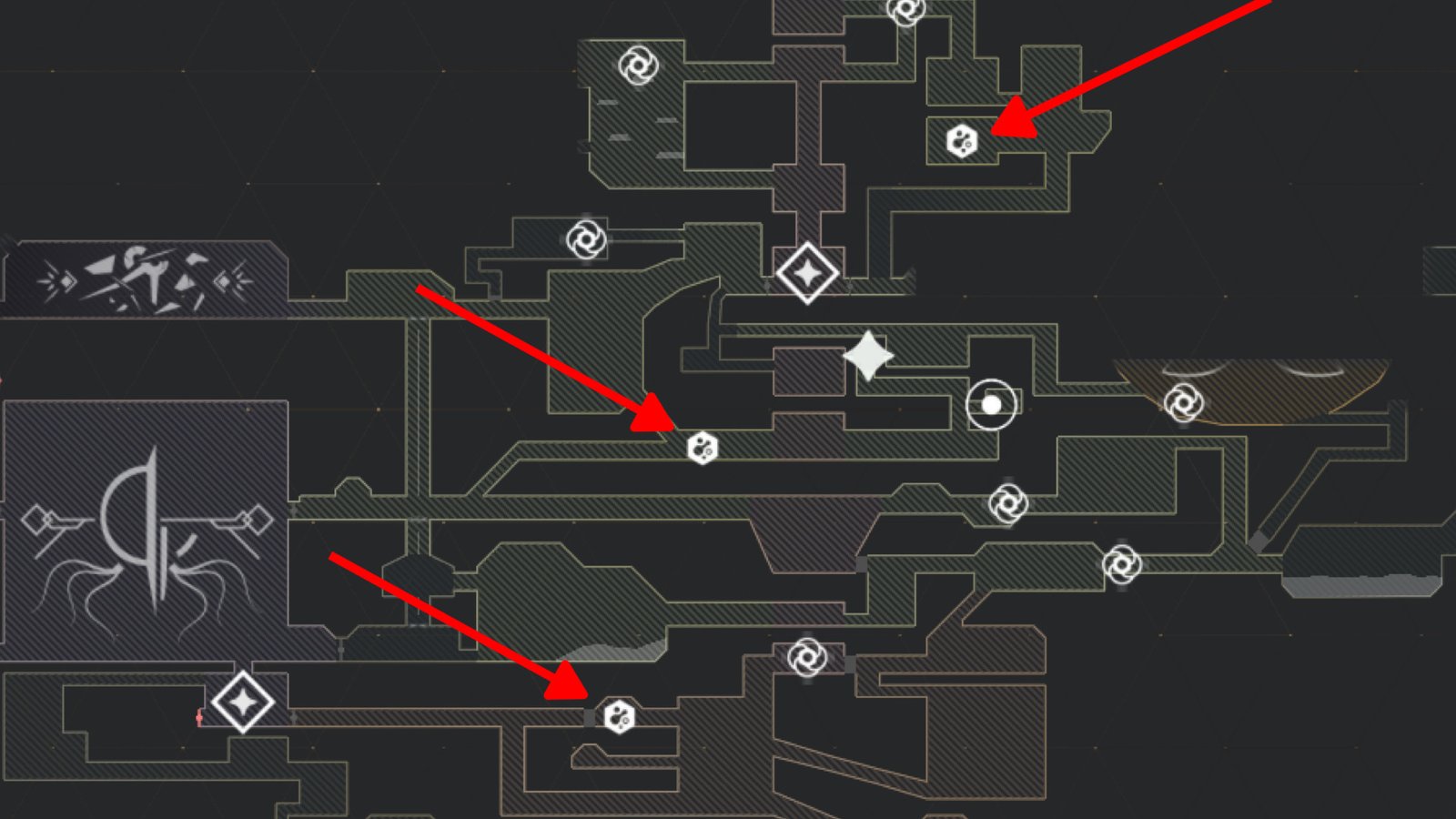
What’s nice is that since these Crystallisers are so important, MIO also marks them on your map for you whenever you come across one (and after you interact with an Overseer to update said map).
A found Crystalliser is located at the map icons marked above with the red arrows. There are many Crystallisers to be found, and several are located at convenient locations throughout MIO near Overseer fast travel points.
It can occasionally feel like a bit of a chore, but if you happen to be holding onto an amount of uncrystallised Nacre that you’d be upset about losing, make a pit stop at the nearest Crystalliser to transform it safely, securely, and permanently.
How To Use Nacre
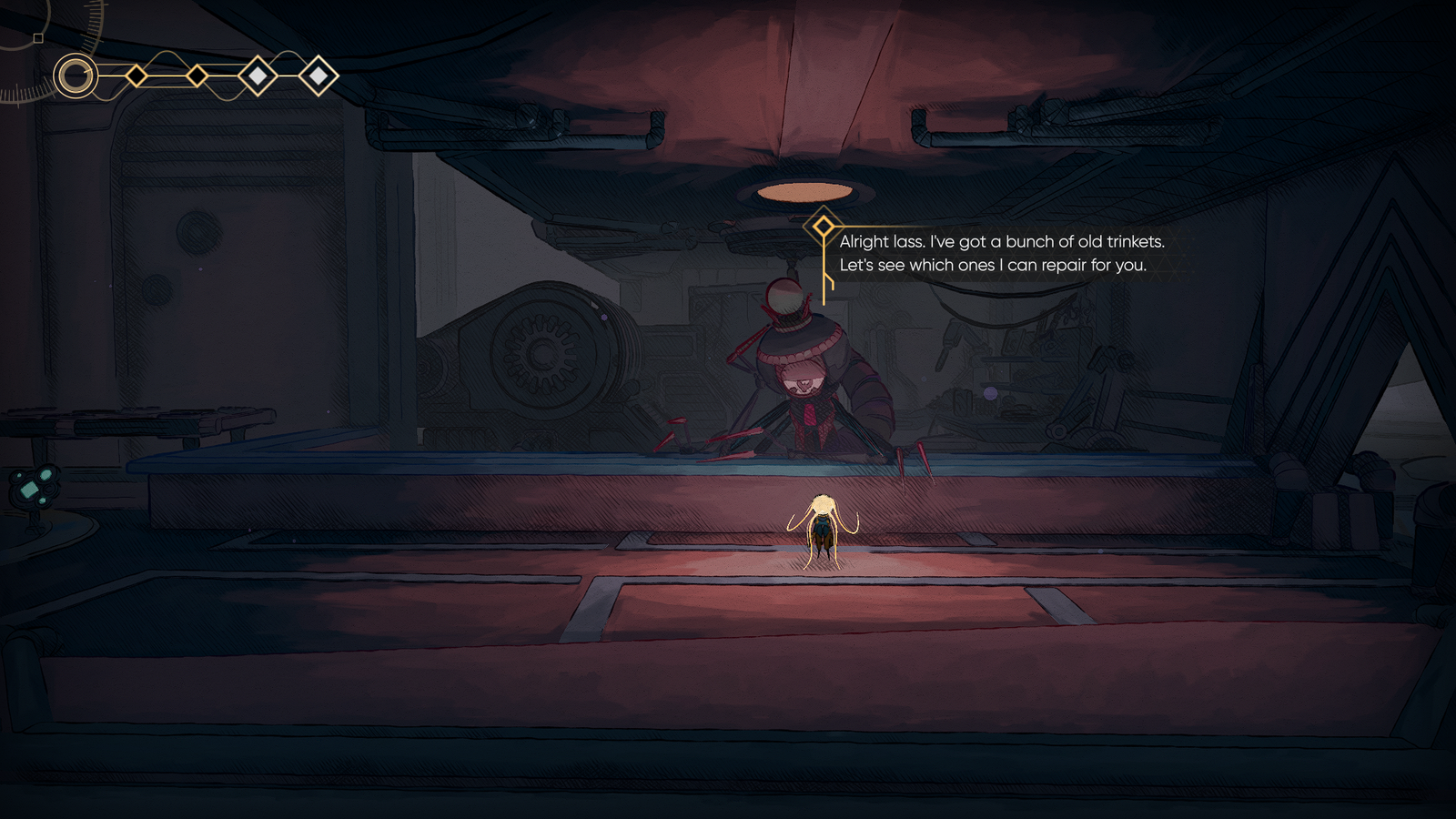
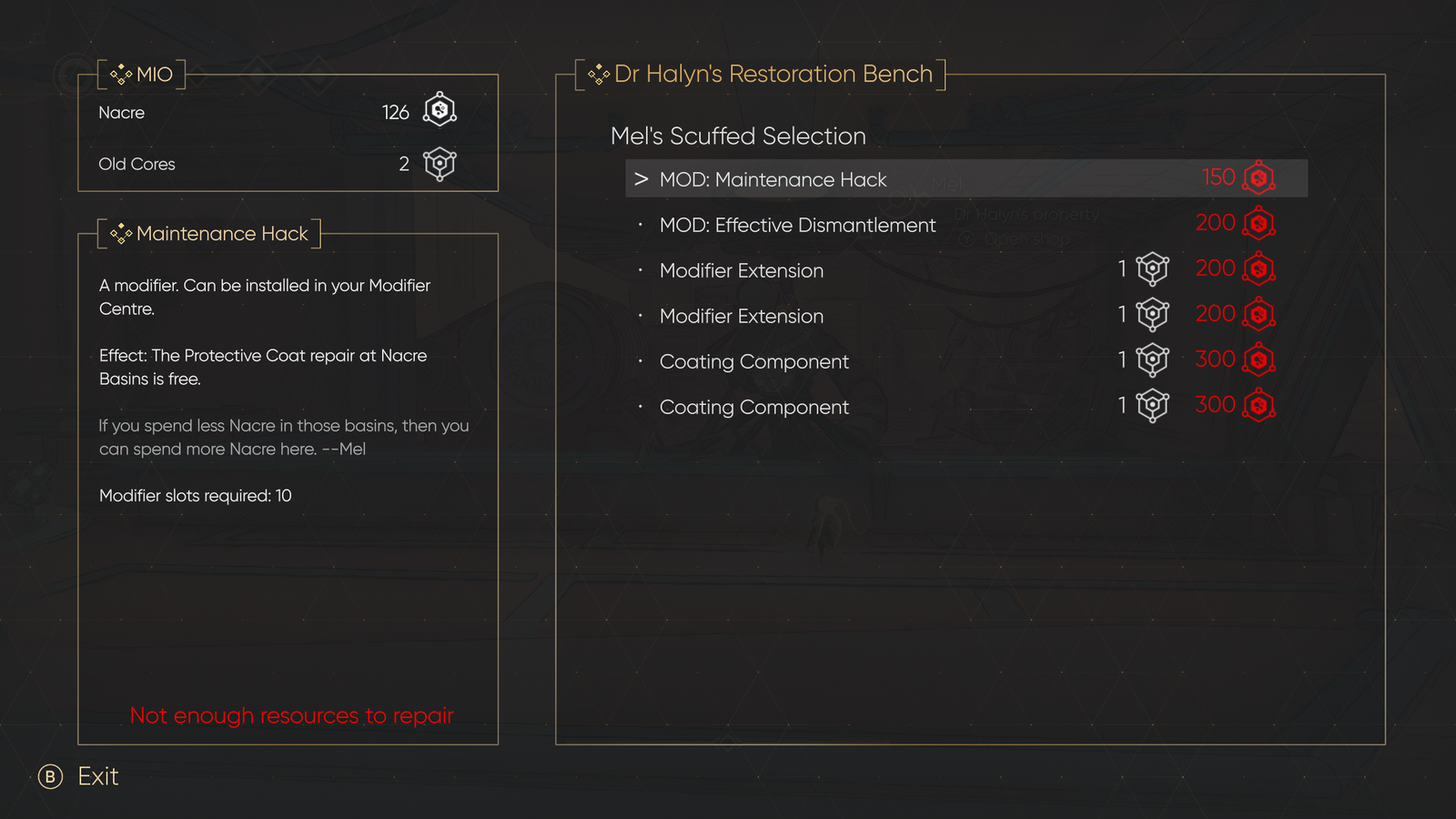
As the main currency in MIO: Memories In Orbit, Nacre is naturally what you use to purchase items throughout the game, such as the ones that Mel sells in the Nexus shop just west of Shii.
These items range from new modifiers, additional modifier slots, and coating components, all of which are absolutely critical to your continued success in MIO.
Many of the more useful items in the shop also require your Nacre to be paired with an Old Core or two, so you’ll want to make sure you’re exploring every inch of the map to find these as well.
Mel’s shop doesn’t have many items to buy at first, but more are unlocked as you locate Scrapper bots around the map as well. Be sure to check back in with Mel whenever you find another Scrapper to see what else is now available to purchase.
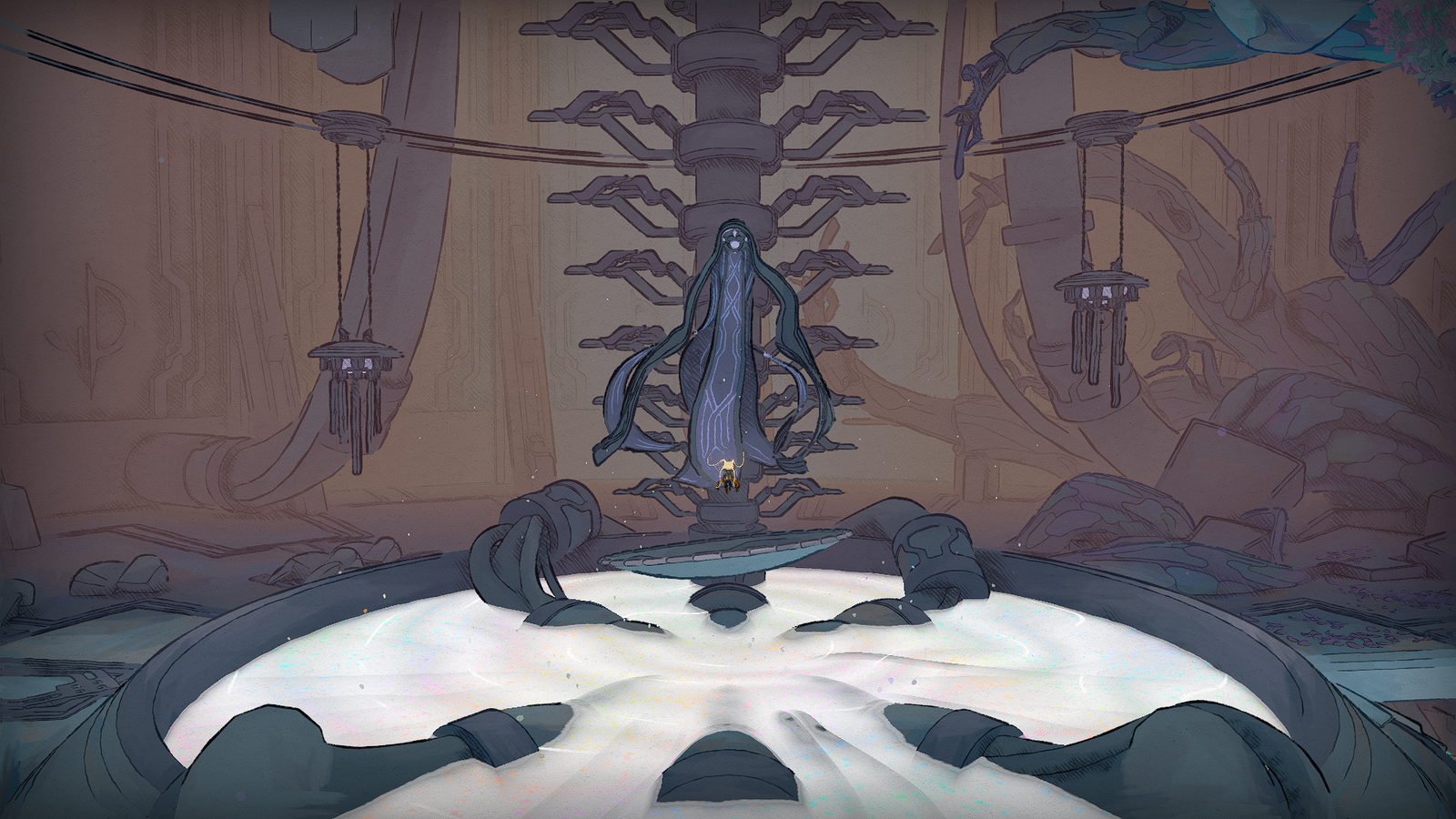
Early in the game, you’ll also need to offer Nacre to Shii in order to refill the pond at the Nexus and bring Shii back to life. This is mandatory, but thankfully it doesn’t require a particularly large amount of Nacre.
After this required task, you’re free to hoard your Nacre for purchases from Mel, or to pay the hefty 10,000 Nacre needed in order to purchase the “Mysterious Item” later in the game.
