

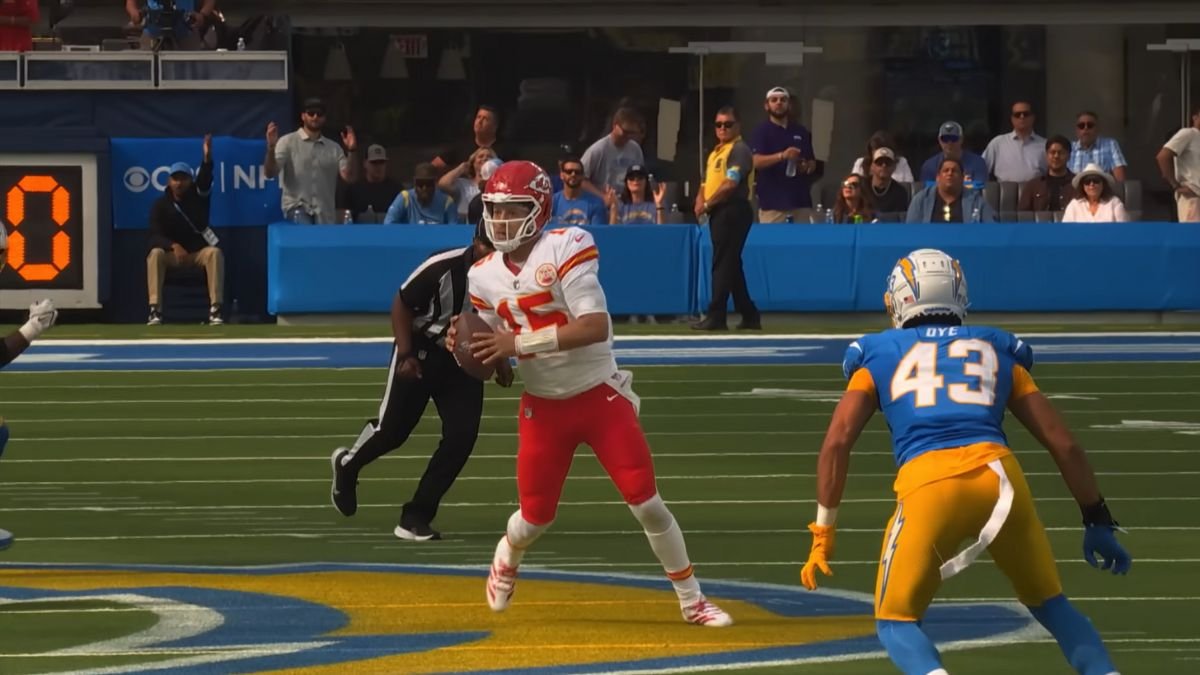
Like the previous versions of Madden NFL, you get to crossplay with your friends on different consoles. It’s no different this time around, but some options have changed in Madden 26. There are new added features that enhance your multiplayer experience, and this guide will cover everything there is to know about multiplayer in Madden 26.
How to Play Multiplayer in Quick Play Mode In Madden NFL 26
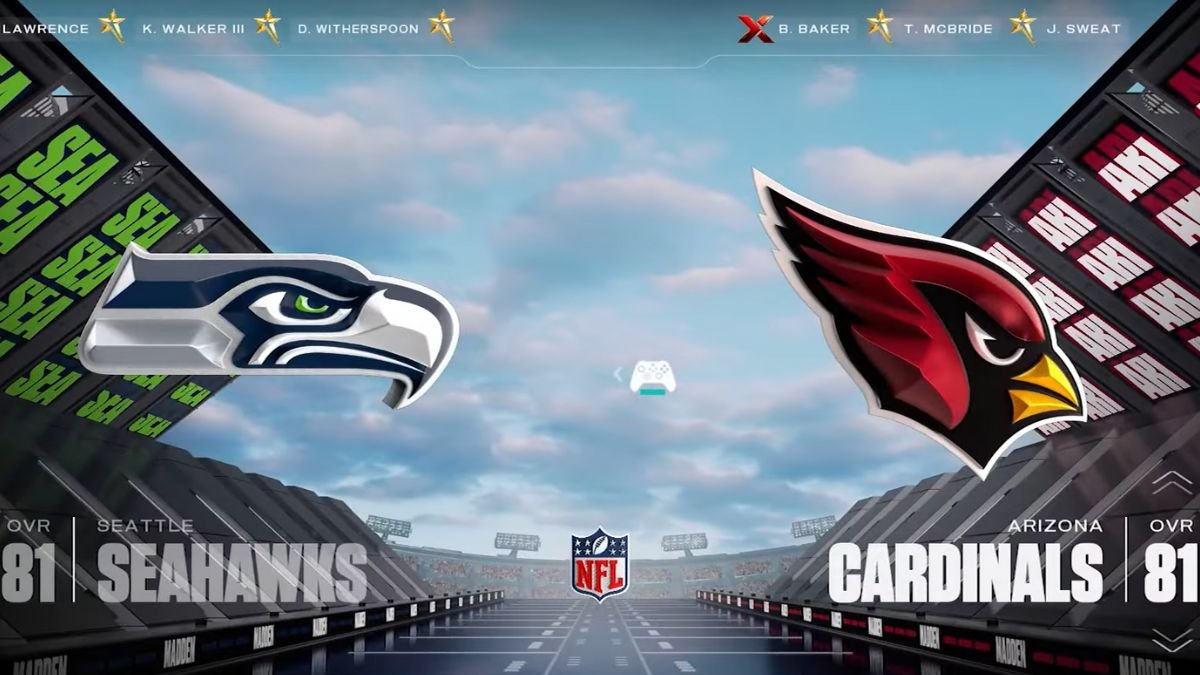
Quick Play offers multiplayer for local co-op or online. For local co-op, you get the modes Pro Bowl and Play Now, while online multiplier Superstar KO and Online H2H. While picking up couch co-op, you and a friend get to pick a team and either work against each other or work together to take down the AI.
In Superstar KO, you and your online friends will work together and draft a NFL team. This mode has various player options, such as 1v1, 2v2, or 3v3. Online H2H is your basic multiplayer challenge, where you get to put yourself against your friends. This mode offers friend invites either through your console list or from EA friends.
After selecting either Pro Bowl or Play Now and picking teams, you and your friend will be automatically pitted against each other when both of your controllers are connected. If you want to work together, then you need to change your multiplayer settings to play as a team against AI.
As for online multiplayer, go to the Online H2H option from the main menu and select your team. You get the option called H2H PAF, which allows you to add friends from your console friend list or EA friends.
Also Read: How to Spike the Ball in Madden 26
How to Play Multiplayer in Franchise Mode In Madden NFL 26
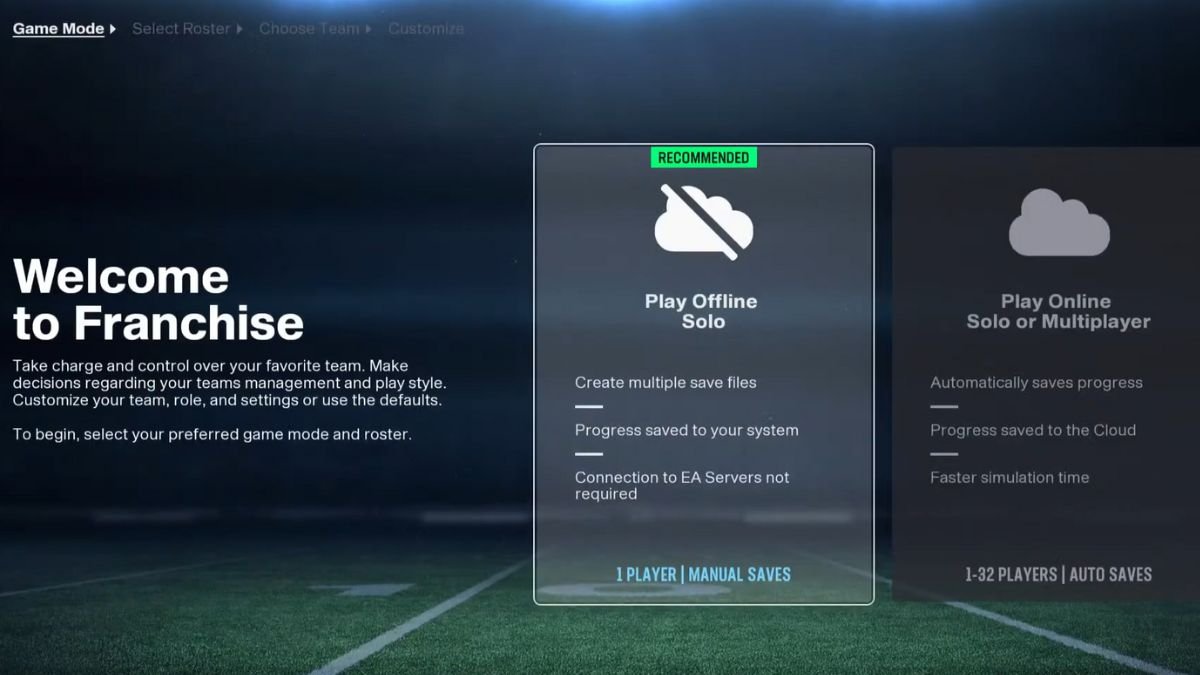
While in Franchise Mode, after selecting your league, switch to an online experience to get the option to invite your friends. After going through the process of selecting your coach and team, you may set your lobby to private and put a password in place. Hand out the password to your friends to use when they log in to Franchise mode.
You also get the option to add friends by selecting a team and assigning a friend to it. To do this, go to Options > Members > Select Team, then click on X (PS)/ A (Xbox) to select a friend and send an invite. Whenever they come online, your friend may choose to accept the invite or decline.
If you get a password for a lobby instead and are asked to join a lobby, click on the search icon while on the Current Franchise screen under Franchise mode. Search the league lobby name here, select it, then enter the password to join them.
The only multiplayer feature available for Franchise mode is the option to move teams. Otherwise, you are on your own while fantasy drafting, as each player needs to sort out their own teams.
How to Play Multiplayer in Ultimate Team In Madden NFL 26
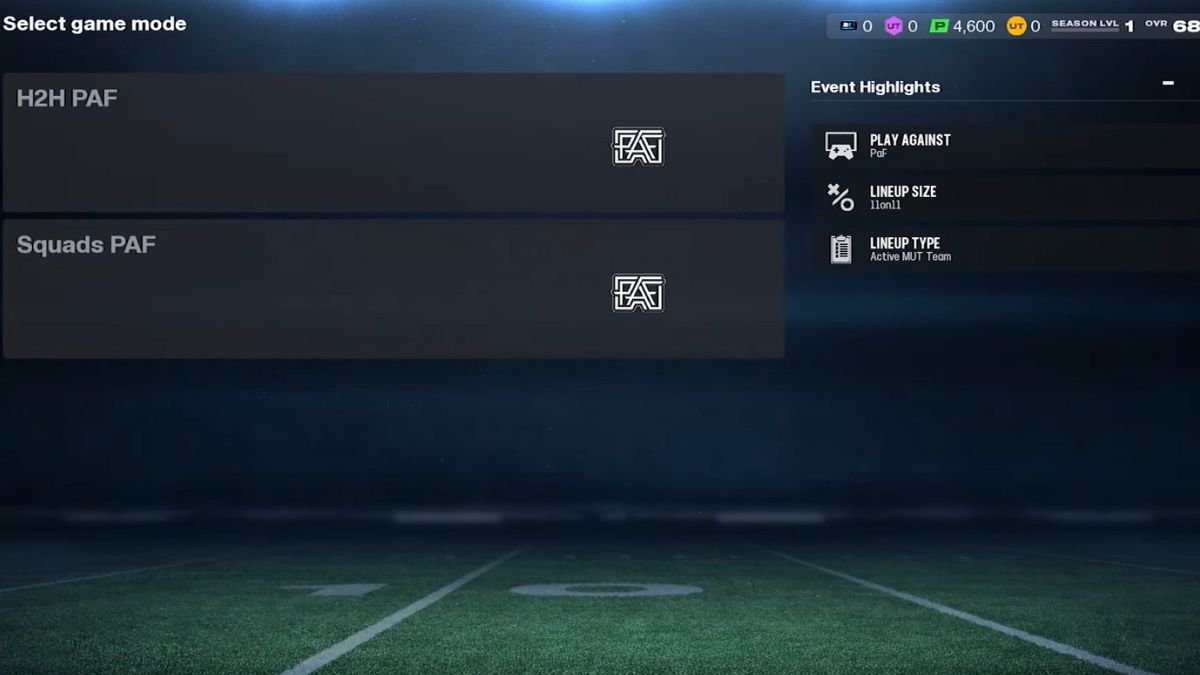
Under Ultimate Team mode in Madden 26, you get two multiplayer options; Squads Play-A-Friend and Head to Head Play-A-Friend. While in the main menu, select the mode and choose the option to Play a Friend. Console players can pick friends directly from the friend list, but PC players need the EA app overlay and pick friends from that. If you pick Squads, you also get the option to pick either a 2v2 or 3v3, after which you add your friends and wait for them to accept.
With Squads PAF, use your pre-chosen squad and play matches against your friends. With H2H, select your team players and add them to MUT, then use this against your friends to win the match. Depending on which mode you want to play in, send an invite to your friends from the friend list, then wait for them to accept.
