


Ice Pick Lounge really doesn’t hold your hand through just about anything that comes your way in Pathologic 3. It’s ruthless and makes you think about your decisions five times before committing to them, but I love it.
There isn’t a manual save feature, and every time you enter or leave an area, the game displays an hourglass icon indicating that an autosave is in progress. But when you open up the game and click to Continue, you’re immediately brought back to wherever you were last.
The good news is that you actually can go back to all those autosaves from the last day you experienced. The game doesn’t exactly tell you how to do this, but you absolutely can reload an autosave in Pathologic 3.
How Do You Reload an Old Save in Pathologic 3?
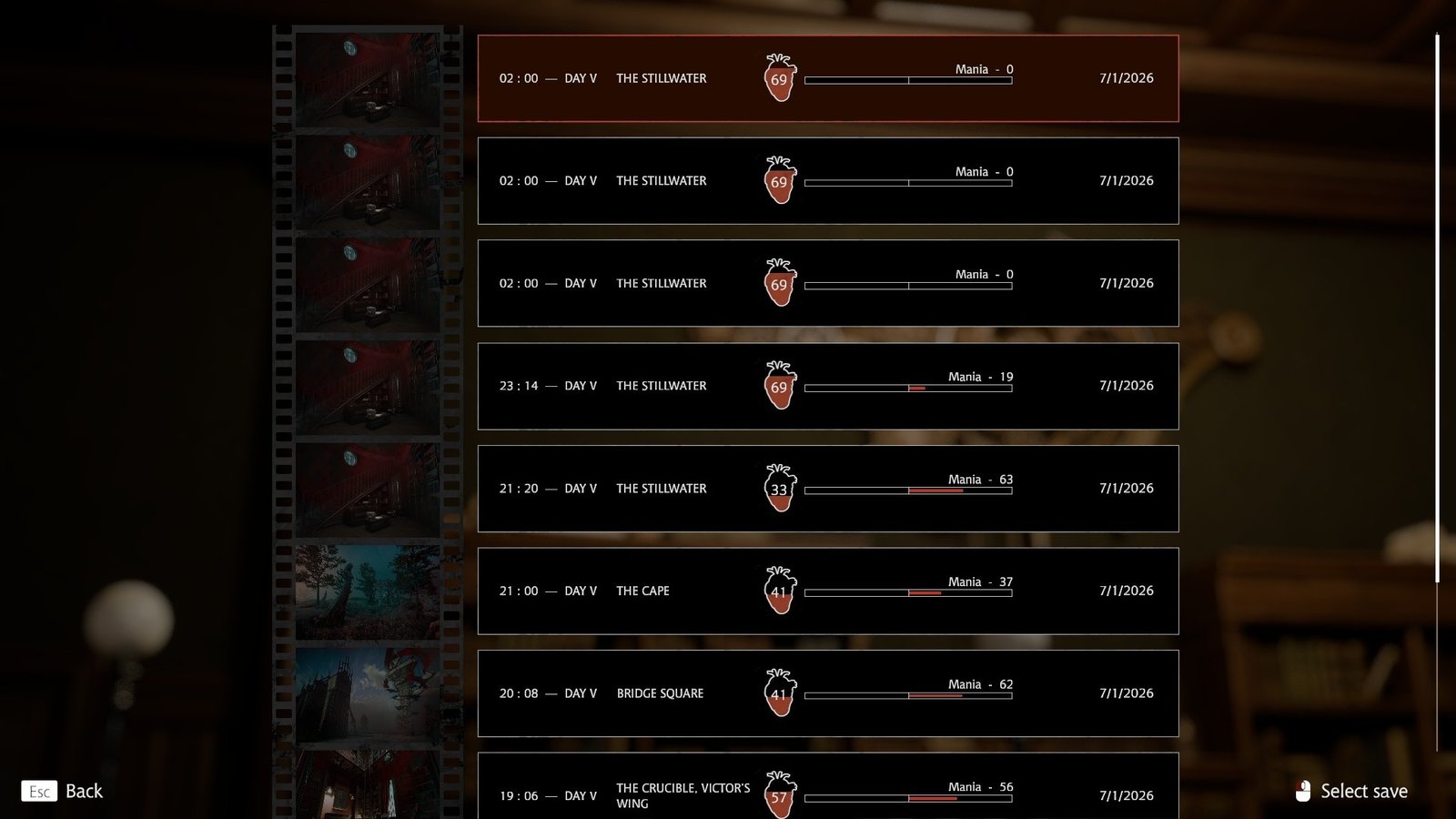
To reload an old save in Pathologic 3, you have to open up the main menu and select the Play option. After that, pick which save you want to open up, and you’ll be introduced to every save from the previous day.
Did you mess up somewhere and wish you could erase it all and start fresh? Reload your autosaves this way and choose the bottom-most save to start over from the last day you played.
Can You Reload a Save if You Permadie?
If you die from either your apathy or mania and don’t have any more Amalgam left, then you’re pretty much forced to start all over again. But if you still have enough left, then you’ll be brought to the same autosave window as above.
That way, you can check out everything you did the whole day and pick where you want to pick things up from.
However, that means that on the other hand, if you don’t have any more Amalgam, you’ll permanently die. That means you quite literally have to start over.
But, using the same method as above, you can also load an old save from the last day you played and keep going.
How Far Back Do the Autosaves Go?
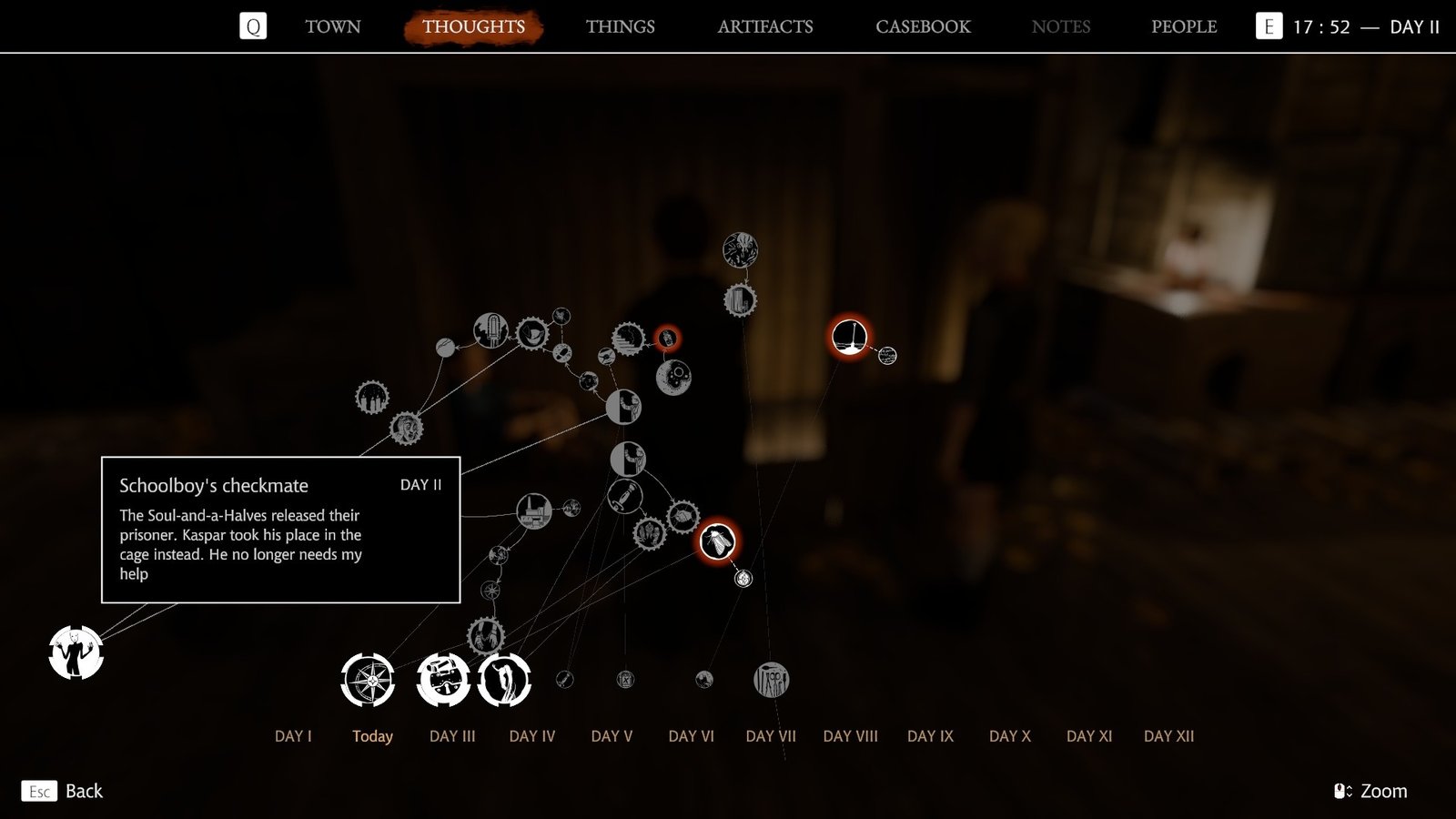
Because you are only able to return to any point in the last day you experienced, if you wish to change anything before that, you’re pretty much out of luck. If you genuinely feel that your run can only be saved by going back to a day before the one you last experienced, you’ll need to time-travel there.
However, if you had permanently died because you didn’t have any more Amalgam, then I suggest you search for as many mirrors as you possibly can. You definitely have the choice to restart, but after spending so much time in the Steppe, I wouldn’t blame you if you don’t want to do it again.
How Many Autosaves Can You Have?
The number of autosaves depends on how many places you visited in the last day. However, if you have one to three save files, you have access to up to three autosave features.
So, if you really wanted to, you can experience different days on different saves and discover everything you can by switching between them.
That sounds like it would take a long time, but I’d recommend it for players who want to discover the best route of action without immediately having to suffer the consequences if they fail. They can just hop into a different save and keep going from there.
