


Crimson Desert is a rather obtuse game, to say the least, as a lot of the systems are outright hidden from the player, and require experimentation and discovery to fully understand.
In many ways, this works in the game’s favor, as the lack of hand-holding is refreshing, but in some cases, the lack of a tutorial can serve as an unwanted roadblock.
One such occasion is just after dealing with the Reed Devil, when you need to launch a camp expansion mission.
In theory, it’s easy to do. But, because the game never outright shows you how, you’ll probably find yourself fumbling around camp for hours on end. So, here’s how to get it done with minimal fuss.
How To Launch The Howling Hill Expansion Mission
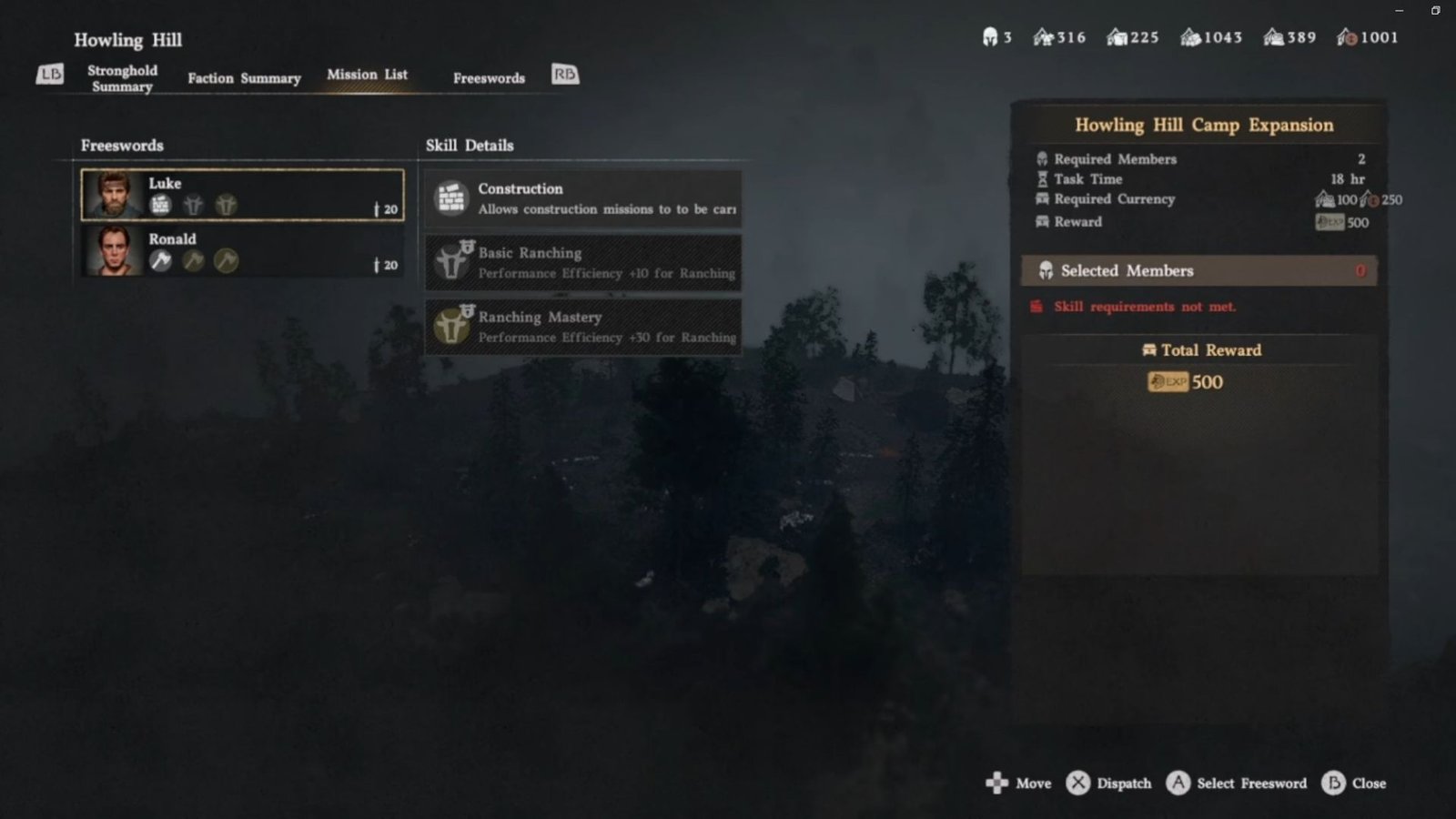
Firstly, the player will arrive back at camp for the start of A Gentle Touch, where you’ll find a hidden letter at the Shrine from Shakatu, the new leader of the Goldleaves. Upon examination, it will inform the player that resources are being sent to help you expand your camp. But, the only issue is that you’ll need to send your recruits off the collect these resources.
Also Read: Crimson Desert: How To Defeat Hornsplitter
To do this, you’ll need to go into your map and then hover over the Howling Hills camp. Then press Triangle, or whatever equivalent binding you rock on your console of choice, and this will open the camp menu. From here, you’ll want to navigate to Missions, select the recruits you want to send off, and then dispatch the mission.
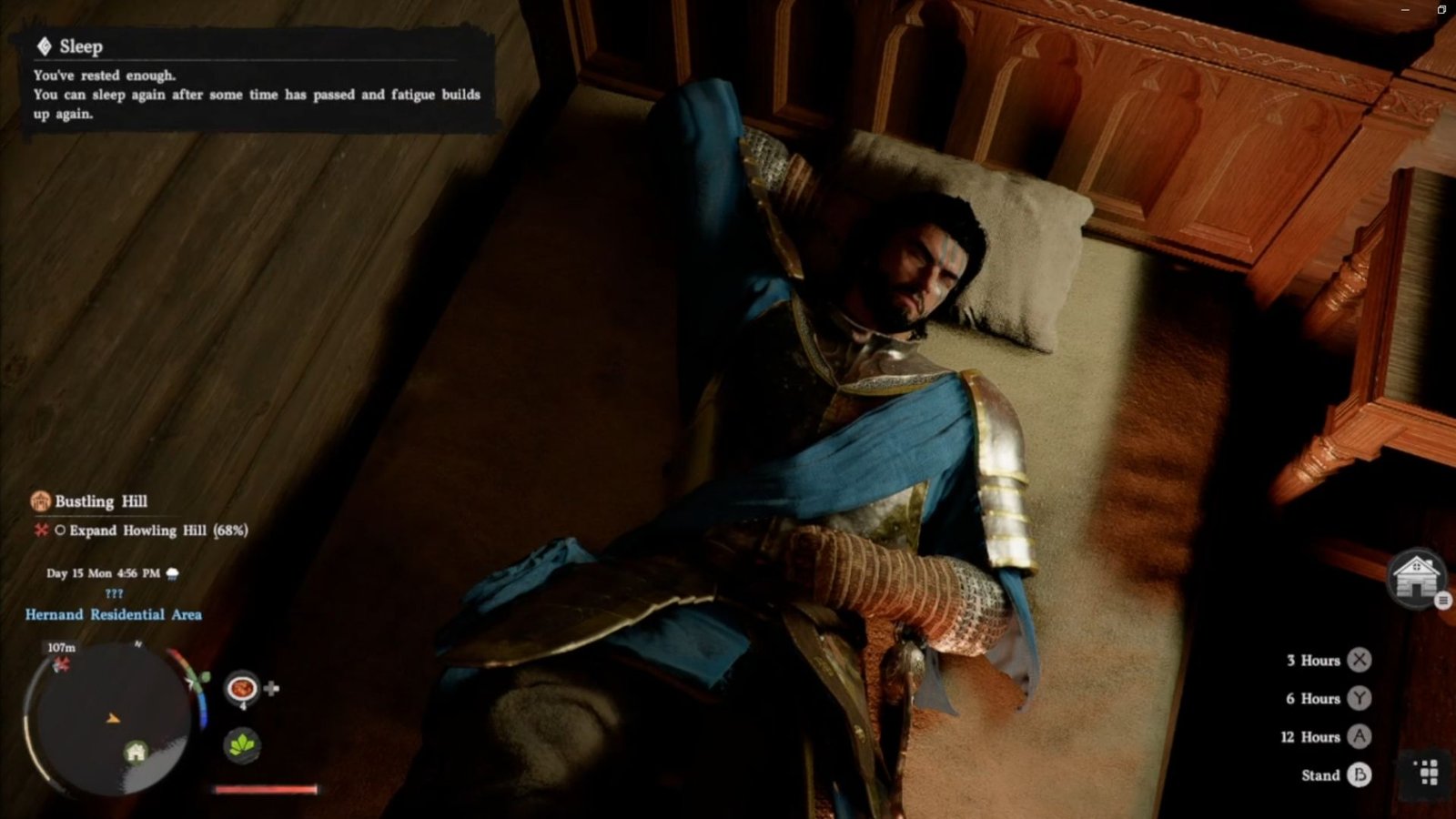
Once you do this, you’ll need to wait for this action to complete, which takes 18 in-game hours. So, make use of the nearby bed in your home to rest for 12 hours, and then head off to do a side-quest to kill some time. Note that you will also need to donate some currency (100) to your camp through the manage supplies menu. If you can’t find it, all you need to do is talk to Carl at camp.
