

Close Menu

    Subscribe to Updates

    Get the latest creative news from FooBar about art, design and business.

    What's Hot
    Kingdom Come Deliverance Devs Face Heavy Criticism on Q&A Session
    April 30, 2026
    7 Best Games We Played At LVL Up Expo 2026
    April 29, 2026
    The Call of Duty Movie Rejected Spielberg for a Guy Who Hates Videogames
    April 29, 2026
    Facebook X (Twitter) Instagram
    TheGameSlayerTheGameSlayer
    Facebook X (Twitter)
    • Home
    • News
    • Guides
    • Reviews
    • Features
    • Lists
    TheGameSlayerTheGameSlayer
    Home»Guides»CloverPit Save and Config File Location On PC Guide
    Guides

    CloverPit Save and Config File Location On PC Guide

    By Kirthana KSeptember 27, 2025
    Share
    Facebook Twitter Reddit WhatsApp Pinterest LinkedIn

    ​Like most PC games, if you wish to load a previous save or back up your game’s save files, you need to locate the right save and configuration file in the right folder in CloverPit. If you want to manipulate your odds while playing the game, or simply keep a backup, then you need to determine where the save files are located. This guide will make things easier and give you the save file access location for the game.

    ​Where Are My Save and Config File Locations in CloverPit?
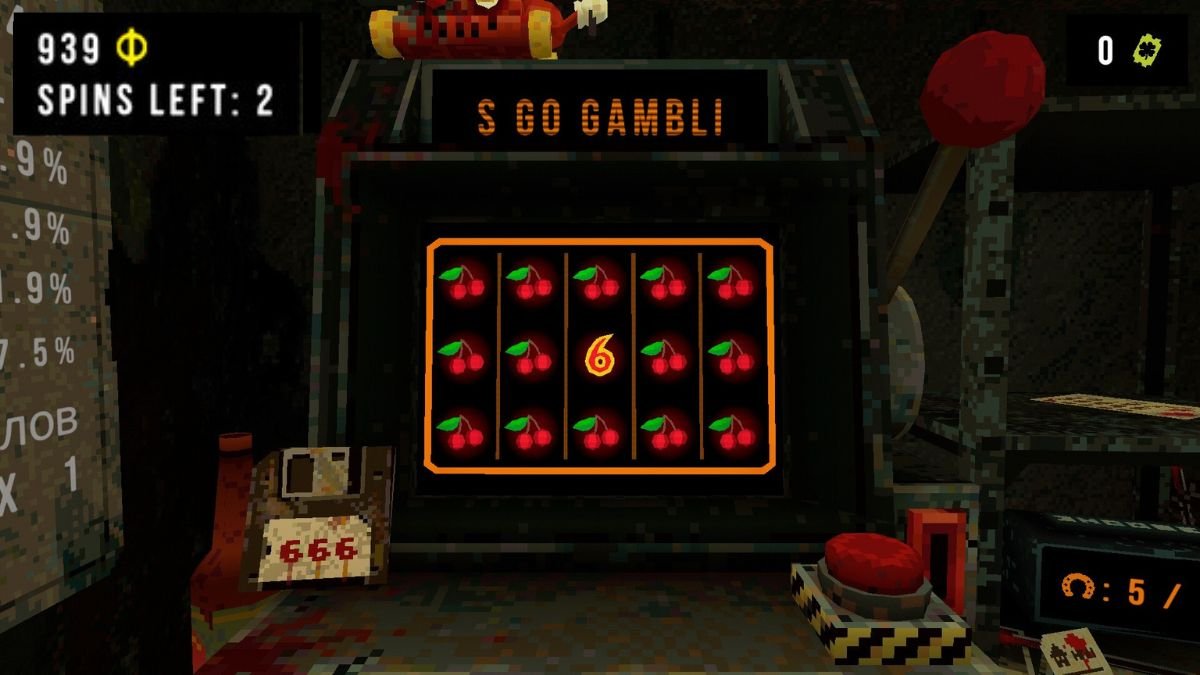
    Image via TheGameSlayer

    ​The save and configuration files for CloverPit are located within %USERPROFILE%\AppData\LocalLow\Panik Arcade\CloverPit\SaveData. To open the Run command, press the Windows key + R, then paste the above link into the command box. Press Enter to be taken directly to the save file folder. In case that doesn’t work for you, follow the steps below for a more detailed approach.

    • Launch File Explorer and select This PC on the left side panel.
    • Select the Drive that has the game and scroll down to find the Users folder.
    • Click on your User Profile and select the App Data folder.
    • In case you don’t spot the App Data folder, select View on the top panel of the window and select Show > Hidden Items.
    • Select the LocalLow folder and find the Panik Arcade folder.
    • Within it is the CloverPit game folder. Select it to find the SaveData folder.
    • Within the folder are two files: GameDataFull.json is the save file, and SettingsDataFull.json is the config file.
    • To make any changes to the game files, right-click on either of the above two files and select the option to Open With Notepad.
    • You can also copy these files and paste them into a different folder for safekeeping.

    While using Steam Cloud, the game’s save file pathway would be different. Rather, you need to go to [Steam Library Folder]/steamapps/common/CloverPit/SaveData, then locate the two .json files. CloverPit depends on a lot of RNG, so why not try your luck unlocking the Raging Capitalist by checking out our guide on it?

    CloverPit
    Kirthana K
    • LinkedIn

    Her lifelong passion of gaming led her to writing about them, bringing words to life and compiling comprehensive game guides that are quick and easy to follow. If not writing, you can catch her exploring Teyvat or the Palpagos Islands.

    Related Posts

    Pokemon TCG Pocket Pulsing Aura: 13 of the Strongest Cards from the Latest Set

    April 28, 2026

    Windrose – How to Get the Conquistador’s Armor

    April 23, 2026

    Windrose – How to Remove a Death Marker

    April 23, 2026
    PREFERED SOURCE ON GOOGLE

    Add as your Preferred Source on Google to find us more easily next time in your searches!

    FOLLOW US
    • Facebook
    • Twitter
    • Bluesky
    • Mastodon
    Don't Miss
    News
    Kingdom Come Deliverance Devs Face Heavy Criticism on Q&A Session
    April 30, 2026

    Warhorse is getting pelted with tomatoes as it faces the crowd.

    7 Best Games We Played At LVL Up Expo 2026

    April 29, 2026

    The Call of Duty Movie Rejected Spielberg for a Guy Who Hates Videogames

    April 29, 2026

    Pokemon TCG Pocket Pulsing Aura: 13 of the Strongest Cards from the Latest Set

    April 28, 2026

    Fortnite to Start Self-Refund Campaign Over D4vd Items Tomorrow

    April 27, 2026

    Resident Evil 9 Party Attendees Spark DLC Rumours

    April 26, 2026

    Final Fantasy XIV is Using AI “to Much Success, and By Much Success, I Mean No Success”

    April 26, 2026
    • Home
    • Privacy Policy
    • About Us
    • Contact Us
    • Reviews Policy
    • OPENCRITIC
    © 2026 TheGameSlayer

    Type above and press Enter to search. Press Esc to cancel.

    We use cookies to ensure that we give you the best experience on our website. If you continue to use this site we will assume that you are happy with it.