


DayZ isn’t like other survival games, as there are certain core mechanics that don’t work here. One of those mechanics is the option to open a map. As such, you might find a map during your exploration, but you don’t get any sort of marker on your current location. That’s where you need to learn how to read a map to help in navigation, and this guide will explain how to open maps and help you navigate in DayZ.
How To Open Maps In DayZ
If you have a makeshift map that you have collected from towns or other points of interest, then you can place them within your character’s hands and press the following buttons:
- PS: R2 + Left stick to move/ Right stick to zoom in or out
- Xbox: RT + Left stick to move/ Right stick to zoom in or out
- PC: M key + Mouse to move/ mouse scroll to zoom in or out
You can press the respective button again to set your map aside. This applies to all maps that you have picked up on your journey, so you can use this quick tip to equip and unequip maps on your character.
How To Get Maps In DayZ
There are two main methods to get maps in the game. The first method to get a map is through exploration, as you might come across a map hidden away in a secluded area. Finding maps this way is tough, as the spawn points for them are random. The best places to check for maps are around towns, youth camps, train stations, newsstands, and general stores. The second method that you can try is opening up maps via external sites. Sites and apps like iZurvive and DayZ Interactive Map can help you figure out the basic terrain of your chosen location.
How To Navigate Maps
Usually, maps in DayZ will not have any indicators of your current location, so you need to learn how to read your map to help with seamless navigation. While exploring, you might happen upon a GPS, which is extremely handy in figuring out the right coordinates for your current location. All you need is a 9v battery to run it, place it in your hands, and you are good to go. You can match the coordinates shown with your map so you can figure out your location.
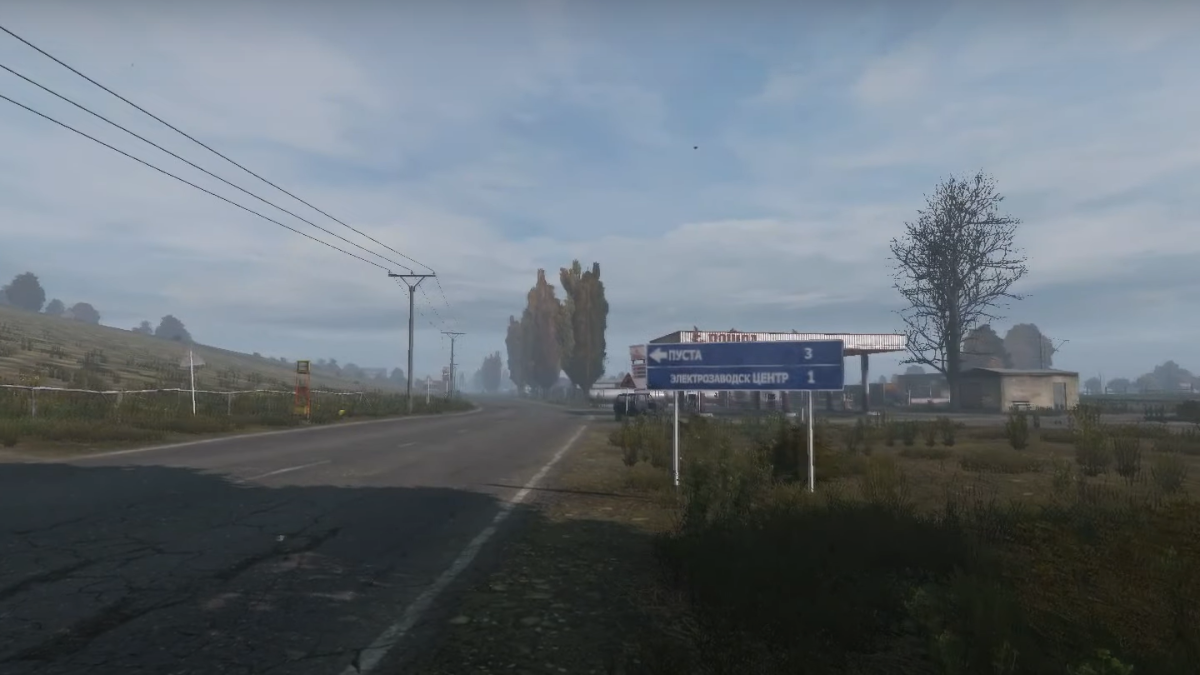
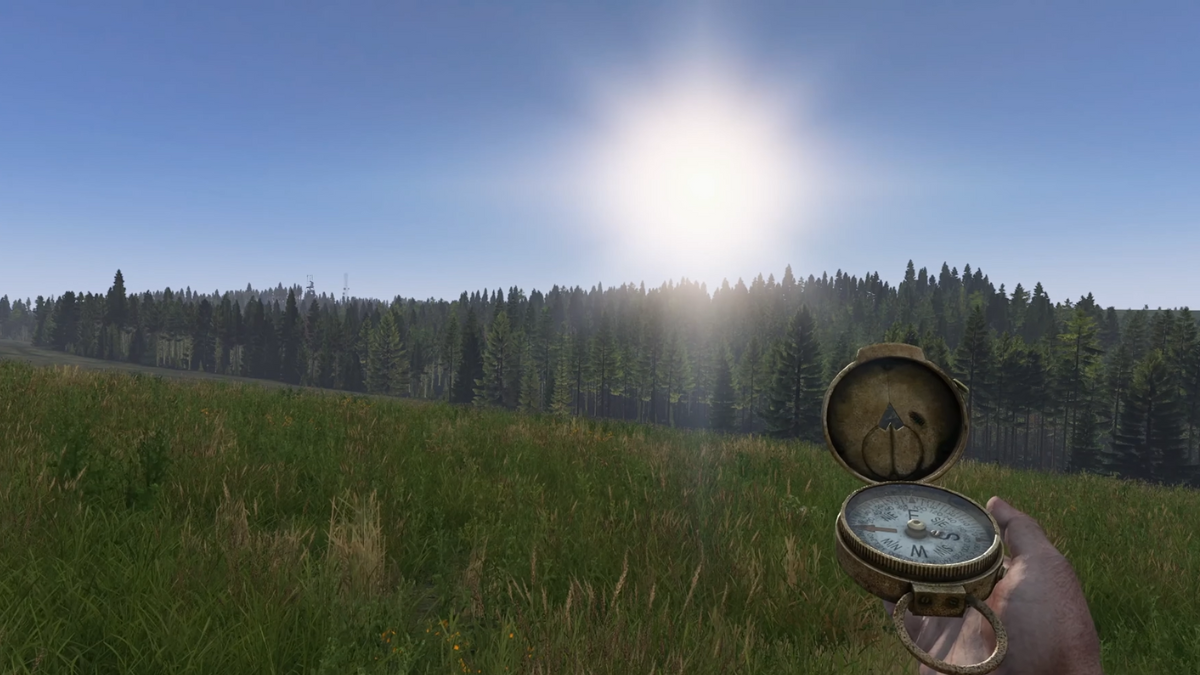
Another tip that you can try out is to make a note of any nearby landmarks. Towns will usually have their town name displayed near the entryway, and you can also check the bulletin boards to find out your exact location. If you are out exploring, then keep an eye out for natural landmarks like hills and towers to figure out where you are, then compare them to the terrain within the maps. Compasses can help you figure out the direction you are heading, and you might find a compass while exploring Hunting, Camping, and Forester sites.
While you are exploring, also keep an eye out for tents: they are not the easiest to spot but are invaluable to your survival in the game. Check our guide on everything there is to know about tents in DayZ.
