

There are many times my game has gotten corrupted due to unforeseen reasons. When that happened, sadly, I had to start the game from scratch. While it may not be frequent when it happens, it can feel like a soul leaving the body. Especially in a game that doesn’t have any cloud saving feature and requires hundreds of hours to complete.
When the game is huge, the save file becomes more precious, as we invest more time completing everything the game has to offer and then some. Paralives also has the mod functionality, which makes tweaking around the game an even more fun and rewarding experience. But it has an asking price of its own; if the save file gets corrupted from modding or any other reason, then you will find yourself in a rough situation.
While all of it might feel a bit complicated, here is an easier breakdown to learn and back up the save files and photos from Photo Mode in Paralives.
Paralives Save File Location
The save files for Paralives are located in “C:\Users[Username]\AppData\LocalLow\Paralives\Paralives\MySavedGames.mod.“
Creating the Backup
Instead of backing up only the individual save files, copy the entire Paralives folder inside the “C:\Users[Username]\AppData\LocalLow\”. And back it up on a drive or anywhere on your SSD or HDD. That’s it, now you have a backup of your save files.
A quicker access to the save file location would be to open Run (Win+ R), and input the directory mentioned above, hit Enter to get to the save file location.
Restoring the Backup
Copy the backup save “Paralives” folder, and head to “C:\Users[Username]\AppData\LocalLow” and paste the folder inside LocalLow to either replace or add the new folder with the old.
Note: I would advise copying the Paralives folder, so you don’t have to spend an hour choosing a particular backup save file to the save folder.
What You Need to Know about Save Files
- Paralives in the Early Access mod, so a new update can be a blessing in disguise, and it also has the chance to break your old saves. So, regularly back up your save files to be on the safer side of things.
- You are allowed to create multiple save files, but they are all located inside the ‘MySavedGames.Mod‘ folder. If you copy the Paralives folder, you will back up all the individual saves inside.
- The size of the save file will differ, but none of them will be a deal breaker. The directory for the save file will stay the same.
Photo Mode Locations
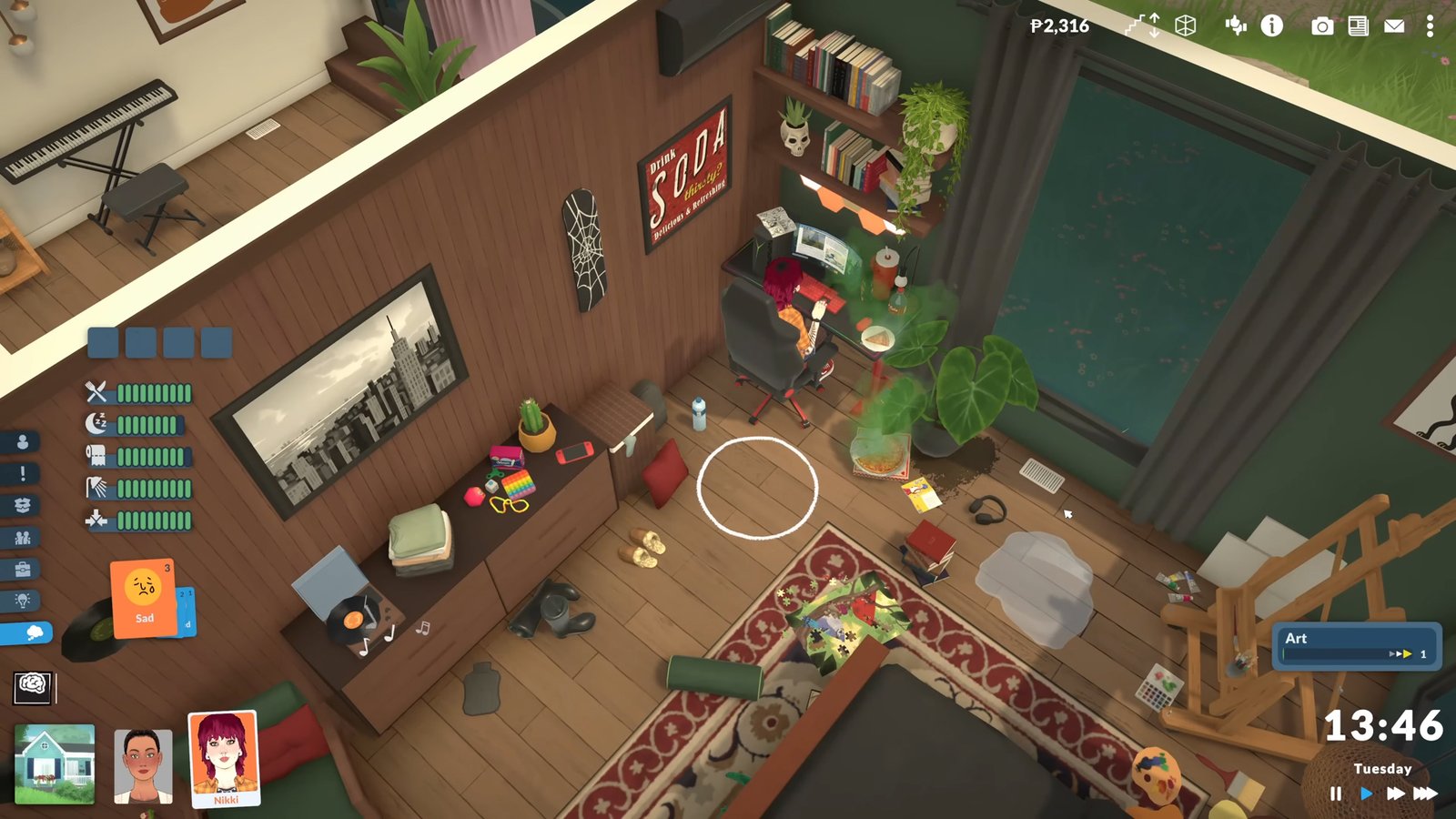
The location for all the Photos taken in Photo Mode is: “Desktop>Paralives Photos“. That’s it, direct access to all of your in-game photos right on the Desktop.
Steam Screenshot Location: If you are using the Steam Capture screenshot feature, then click on Paralives in your Steam Library, scroll down, and you will see Recordings & Screenshot on the right panel.
- Here, left-click on any of your Paralives screenshots, and then press right-click, and you will get the option: Copy to Clipboard and Show on Disk. Choose Show on Disk to manually get to the screenshot folder.
