


In Rust, you can invite your friends to help you set up camp and survive against other players who might raid your base. You can chat with them via text or voice chat, but if you don’t want to take up too much effort doing all that, you can also emote. Making your character perform an emote is a simple process, and this guide will cover how to do that in Rust.
How To Use The Emote Wheel In Rust
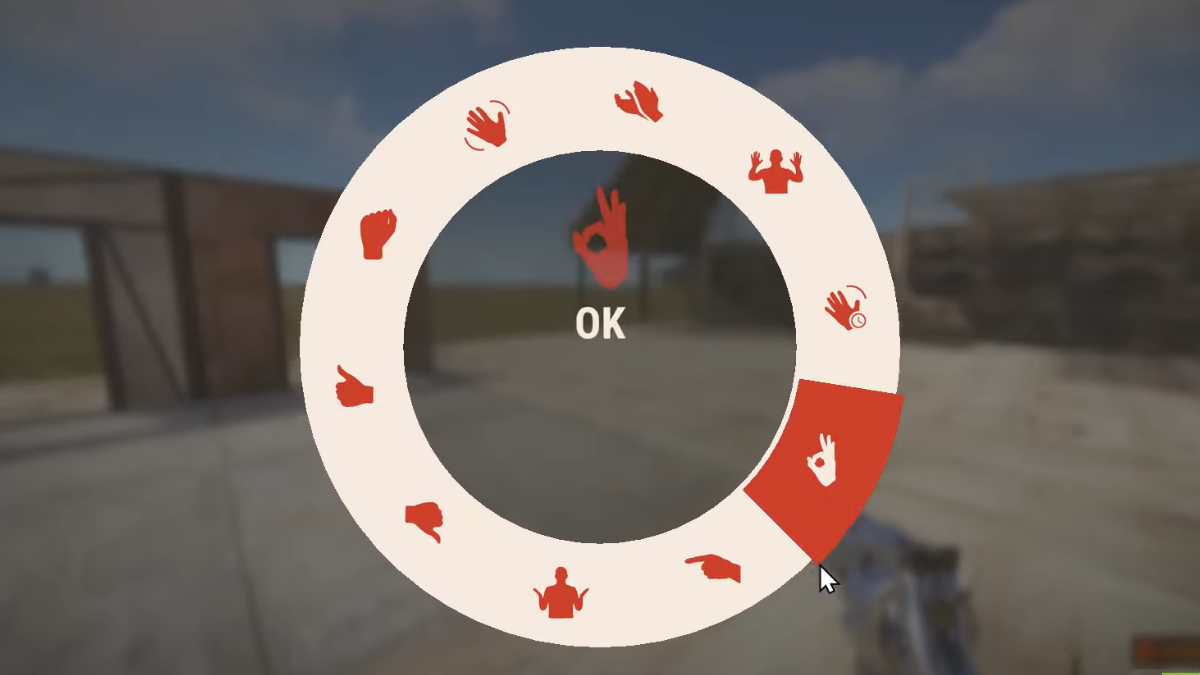
Performing Emotes is a quicker way to get your feelings and thoughts across without typing them out or using your voice chat. To bring up the Emote wheel, just press the following buttons.
- PC: Hold down the B key.
- PlayStation: Hold down R3/ Right analog stick.
- Xbox: Hold down RS/ Right analog stick.
Also Read: How To Get Wheat In Rust
Once the radial menu appears, you can hover over the various emotes and select the ones you want. Currently, there are 10 default emotes in the emote wheel, which are:
- Clap
- OK
- Point
- Hurry
- Surrender
- Shrug
- Thumbs Down
- Thumbs Up
- Victory
- Wave
The most commonly used Emote would be Surrender, as this can allow other players to view but not modify your inventory. If you want other players to see what you have in your inventory or view your character build, this is a quick way to do it. After you are done showing off an Emote, press any button to switch back to your weapon. Emotes are always in first person, so you can view how it is being performed in front of you.
How to Keybind Emotes
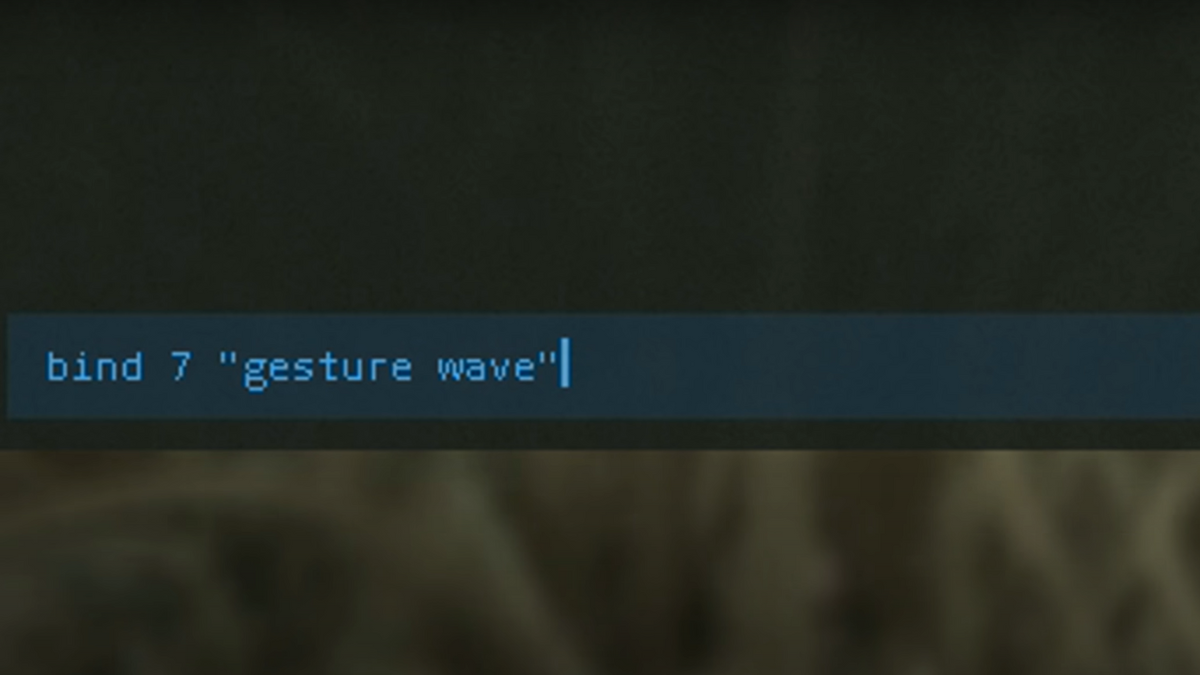
You can set a keybind on PC if you want to quickly access emotes without bringing up the emote wheel. To do that, press F1 to bring up the command menu, then type in the command ‘bind’ followed by the number you want to assign an emote to. After that, in quotes, type in “gesture [insert emote name]” to assign the emote to that number key. So, the command should look something like this:
bind 1 “gesture wave”
You can do this for all other gestures in the game and bind them to a particular number key to quickly bring them up. That way, you don’t have to face a huge radial menu blocking your view, and you can quickly inform other players what you want. To clear your keybinds, go back to the command menu by pressing F1 and type in the clearbinds command. After that, head over to Settings in the game’s menu and select Management > Reset all Settings to undo all your commands.
How to Get More Emotes
With the Rust DLCs, you can unlock new emotes like Dance, Finger Guns, and more. This will show up as a new radial menu alongside your existing emote wheel, and you can access it by pressing E or Q keys on PC. But, like all DLCs, this is a paid service. If you are looking for new emotes to add to the fun, then this is the way to go about it.
There is tons to do in Rust, and with each update you get to learn a lot more about the game. If you are looking for quick guides on raising chickens or getting rid of bees, you can check them out here.
