

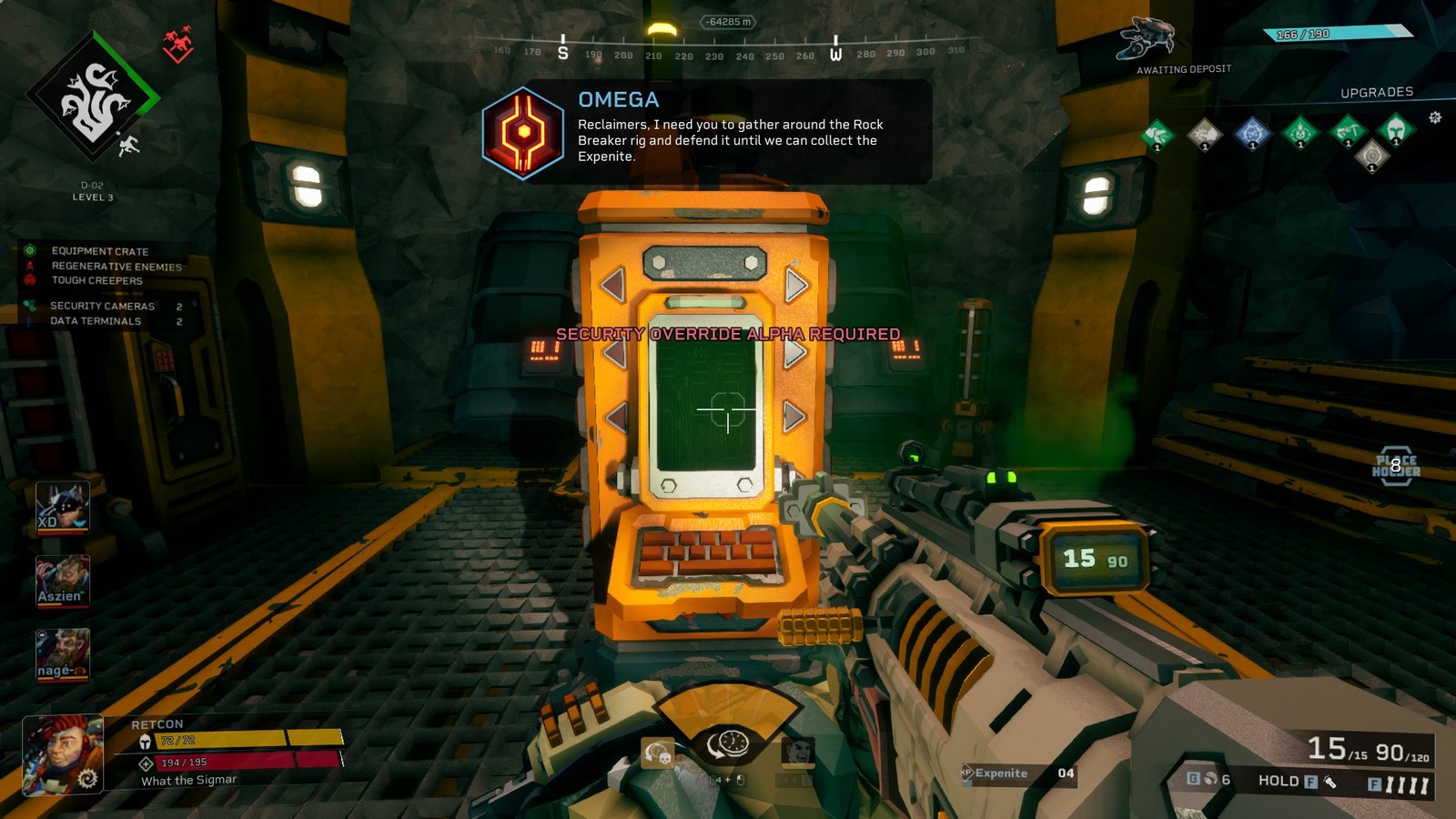
Deep Rock Galactic: Rogue Core streamlines resource and mineral gathering to focus more on the combat. Aside from the green Expenite for purchasing upgrades, Rogue Core Data Terminals and Security Cameras are also scattered around the procedurally generated map. Although it isn’t immediately clear what they do, these resources are vital for progression.
Let’s take a closer look at Rogue Core Data Terminals and Security Cameras, and why it’s worth collecting them. Additionally, this means that we will also learn how to unlock the Security Override Alpha to interact with one Rogue Core’s newest resources.
Rogue Core Security Cameras
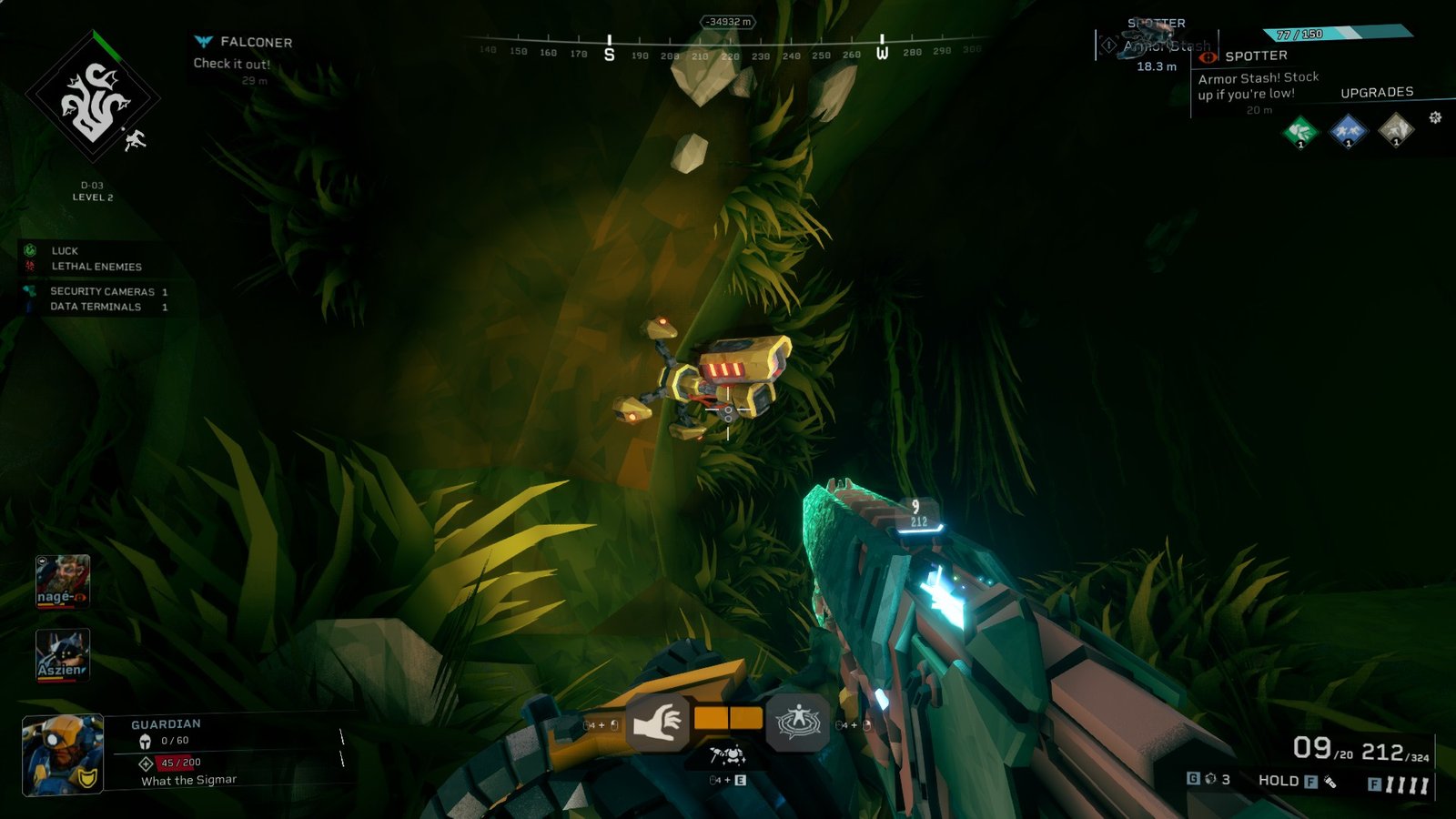
First, Security Cameras are straightforward to collect and understand. Seen as a red dot on a player’s Terrain Scanner, these Security Cameras are often found observing on the walls of Rogue Core’s cave systems. Players can approach the camera and interact to collect them.
While some cameras are easy to grab, trickier ones will require traversal tools to reach. Using the Zipline creates a linear path toward these resources, but players can always use creativity to get there using other tools like the Platform Gun.
Claiming these Security Cameras in Rogue Core will boost Reclaimer Points awards at the end of the mission. These valuable points are automatically exchanged for Enhancement Chips used for empowering the Dwarves. These boosted points are still rewarded whether the mission was a success or a failure. There are tons of Enhancement Chips in Deep Rock Galactic: Rogue Core, so the earlier players start earning them, the faster they can afford the higher-tier chips.
How to get Security Override Alpha in Rogue Core
Now, the Rogue Core Data Terminals are a small step in complexity. Players may have already encountered these Data Terminals around mining facilities, which are the previously built abandoned structures in the caves. However, new players can’t access it without atleast Security Override Alpha.
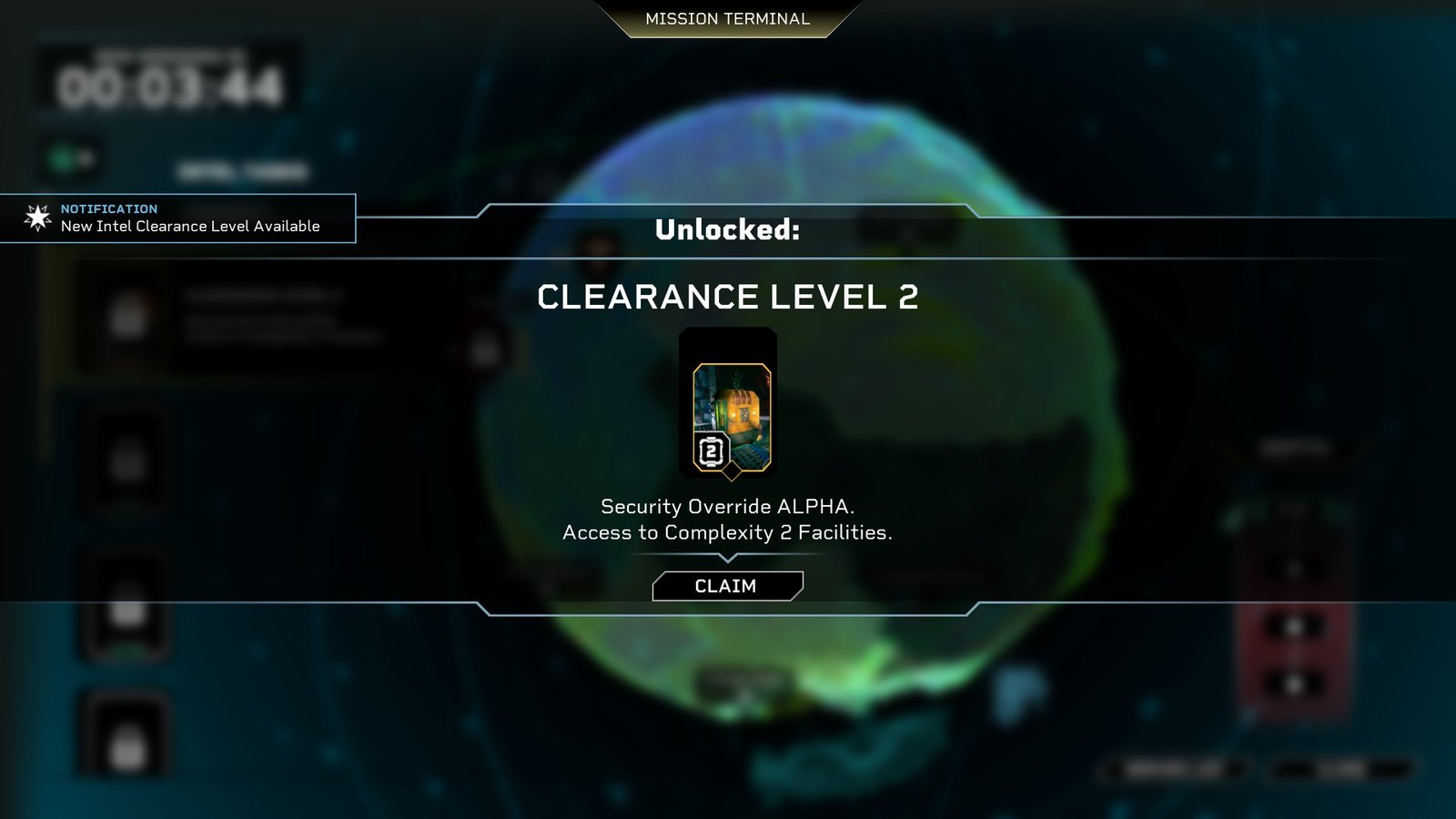
Security Override Alpha refers to gaining access to Clearance Level 2, allowing them to access Complexity 2 Facilities. To do this, players should approach the Mission Terminal in their Space Rig and examine their Intel Tasks. These are checklists tasking players with sub-objectives during their runs in missions. Completing these tasks and claiming the Intel will earn players enough points to proceed to the next clearance level, opening up more assets during runs.
To unlock Security Override Alpha, players will have to:
- Reclaim a Facility
- Recover 9 Security Cameras from the Salt Pits and Crystalline Caverns
- Summon a GATEKEEPER
- Process 500 Expenite in the R.E.P.D
Don’t forget to claim these Intel Tasks in the Mission Terminal yourself! I completely missed out on working on my Tasks during my first few hours since I let the host of the party fiddle around with the Terminal.
Rogue Core Data Terminals
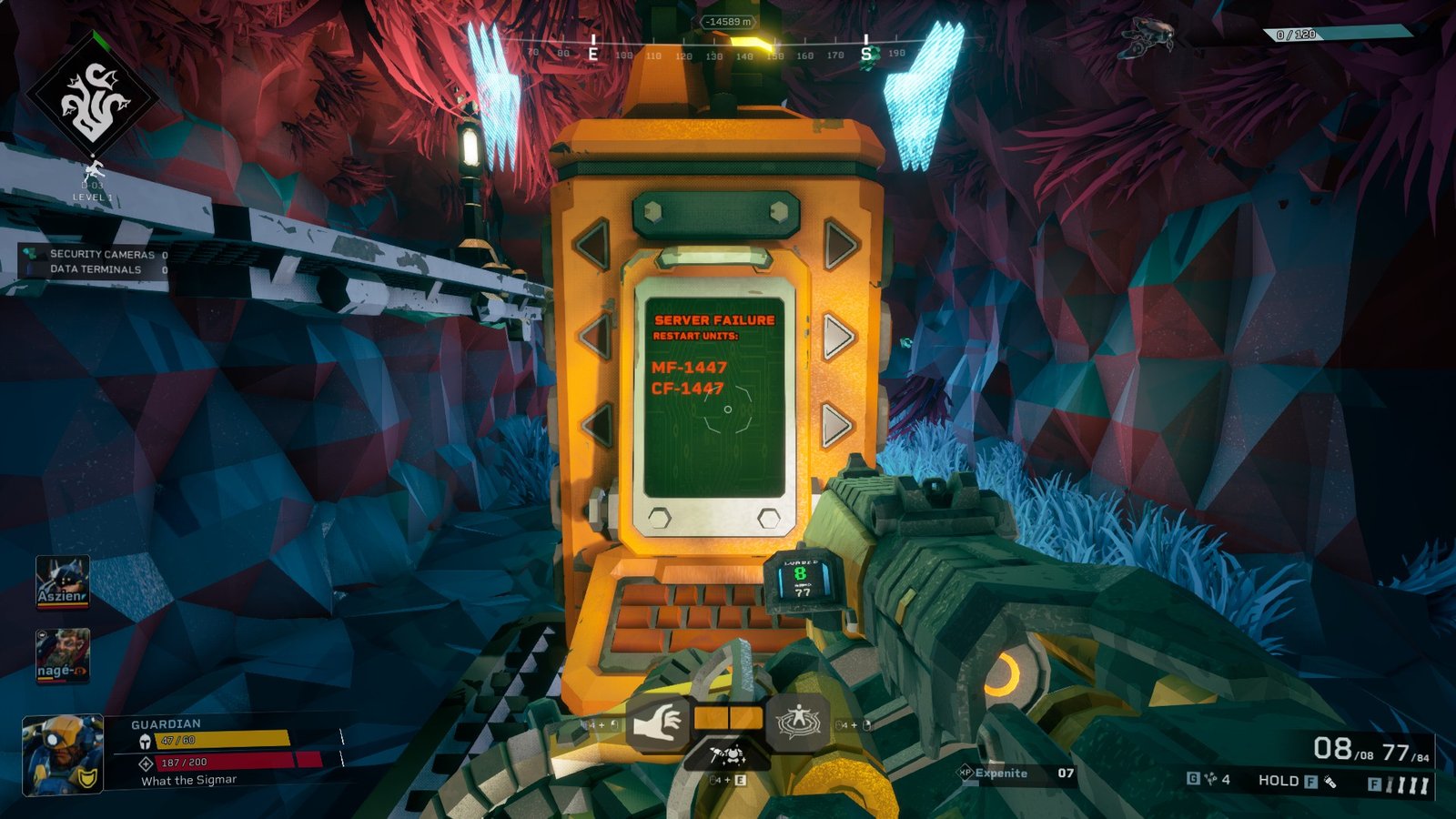
Finally, after gaining access to Security Override Alpha and Clearance Level 2, players can now interact with the Data Terminal. These Rogue Core Data Terminals look like yellow computer terminals with two panels of lights on two sides. They’re usually located near mining facilities, so keep an eye out near structures.
Interact with the Data Terminals to reboot the system. Then, the screen will display two strings of letters and numbers. The on-screen instructions are your guide for which button to push on the sides of the Data Terminal. Look closely since Rogue Core tends to give similar strings with just the slightest differences. Pushing the wrong button will cause the machine to reset with a new batch of numbers.
After pressing the two exact buttons corresponding to the numbers on screen, the whole team will be able to see all points of interest in the level using their Terrain Scanner. This massively speeds up exploration and is especially good for finding Armor and Munition Crates. Not only that, but activating Rogue Core Data Terminals will also increase Reclaimer Points too at the end of the mission.
