


Vampire: The Masquerade – Bloodlines 2 is live right now for all players, but has garnered some criticisms for the gameplay, particularly the FOV. Players are currently experiencing an issue with the default FOV in the game, and are looking for ways to change it. Today, we take a look at whether the FOV is changeable or not in Vampire: The Masquerade – Bloodlines 2, and if so, how to change it.
Is the FOV Changeable in Vampire: The Masquerade – Bloodlines 2?
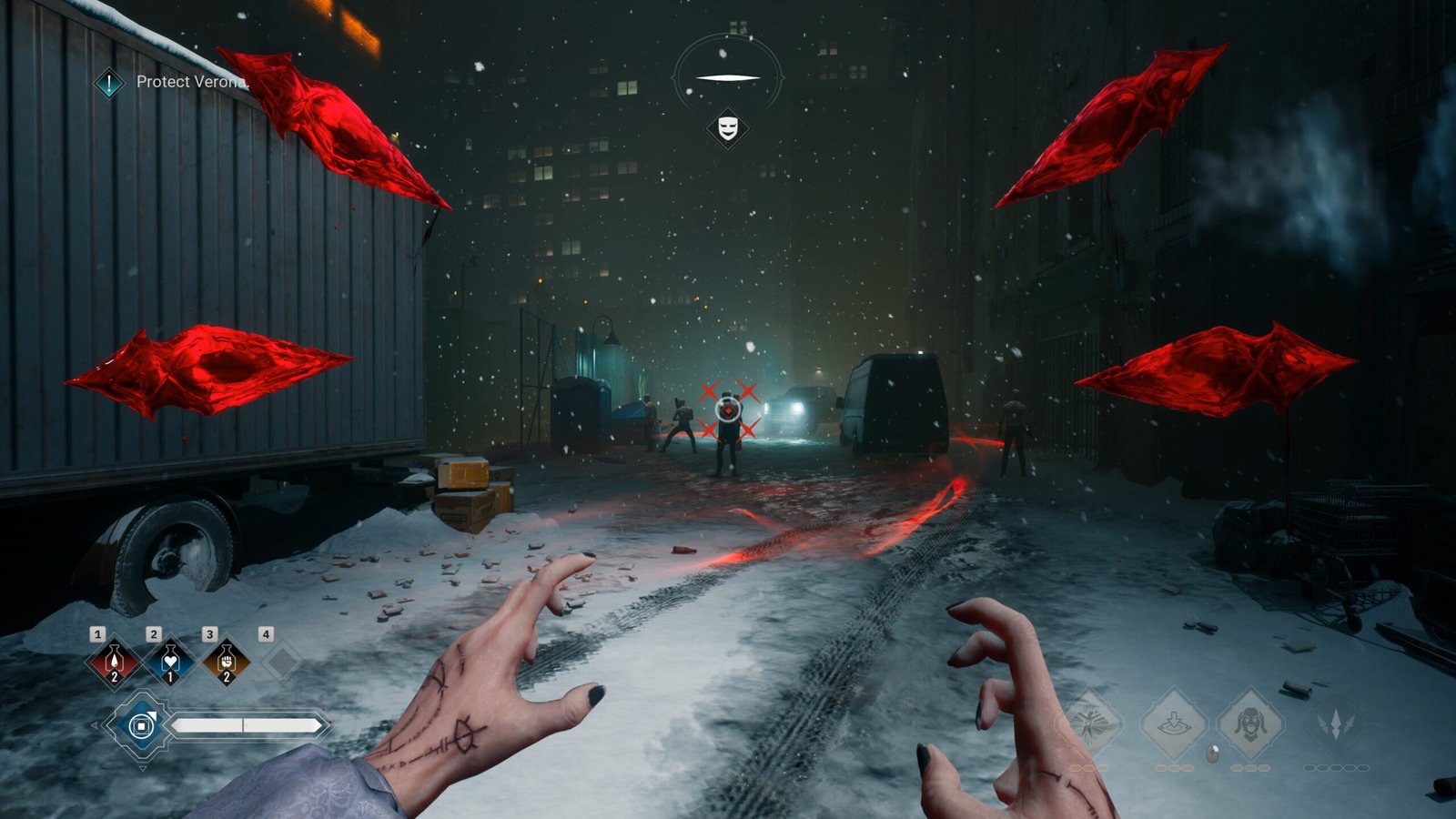
Unfortunately, there’s no way to change the FOV in Vampire: The Masquerade – Bloodlines 2. This has caused some disappointment among players, as many claim that the default FOV for the game is unplayable and needs a rework. Not just the FOV, players are calling out the cluttered UI, the default motion blur, chromatic aberration, and more, which are not uncommon for Unreal Engine 5 titles.
However, while changing the FOV isn’t officially an option in the game, it can still be done with the help of mods. A user by the name of DorrianKarnett has shared how to change the FOV on the Steam Community for the game, and here’s how you can do it:
- Download Universal Unreal Engine Unlocker (UUU).
- Start Vampire: The Masquerade – Bloodlines 2 and load into the game.
- Alt-tab out of the game and run the UuuClient.exe file.
- In the unlocker window, click on the game’s process and select “Inject DLL”.
- Go back into the game and press the tilde key (~) to open the developer console.
- Change the FOV. Type FOV followed by your desired number (e.g., FOV 100) and press Enter.
Also Read: VTM Bloodlines 2 -Benny Comes With Me or You Can Have Benny?
This should change your FOV for the game the way you want it. There’s also another method to change the FOV, along with the option to disable motion blur and fog. Here’s what you need to do:
- Download “Simple Mod Loader” from Nexus Mods.
- Read the ReadME on the mod page before you proceed.
- Open the console in-game using [~] or [`].
- Type the following commands in the console:
- fog 0
- MotionBlurQuality 0
- MotionBlur.Scale 0
- fov 120
This should change the FOV and disable both motion blur and fog present in Vampire: The Masquerade – Bloodlines 2. It’s pretty unfortunate that a 2025 release doesn’t have an FOV slider, but thankfully, players have found a way to bypass it, like they always do.
Is There a Third-Person Mode in Vampire: The Masquerade – Bloodlines 2?
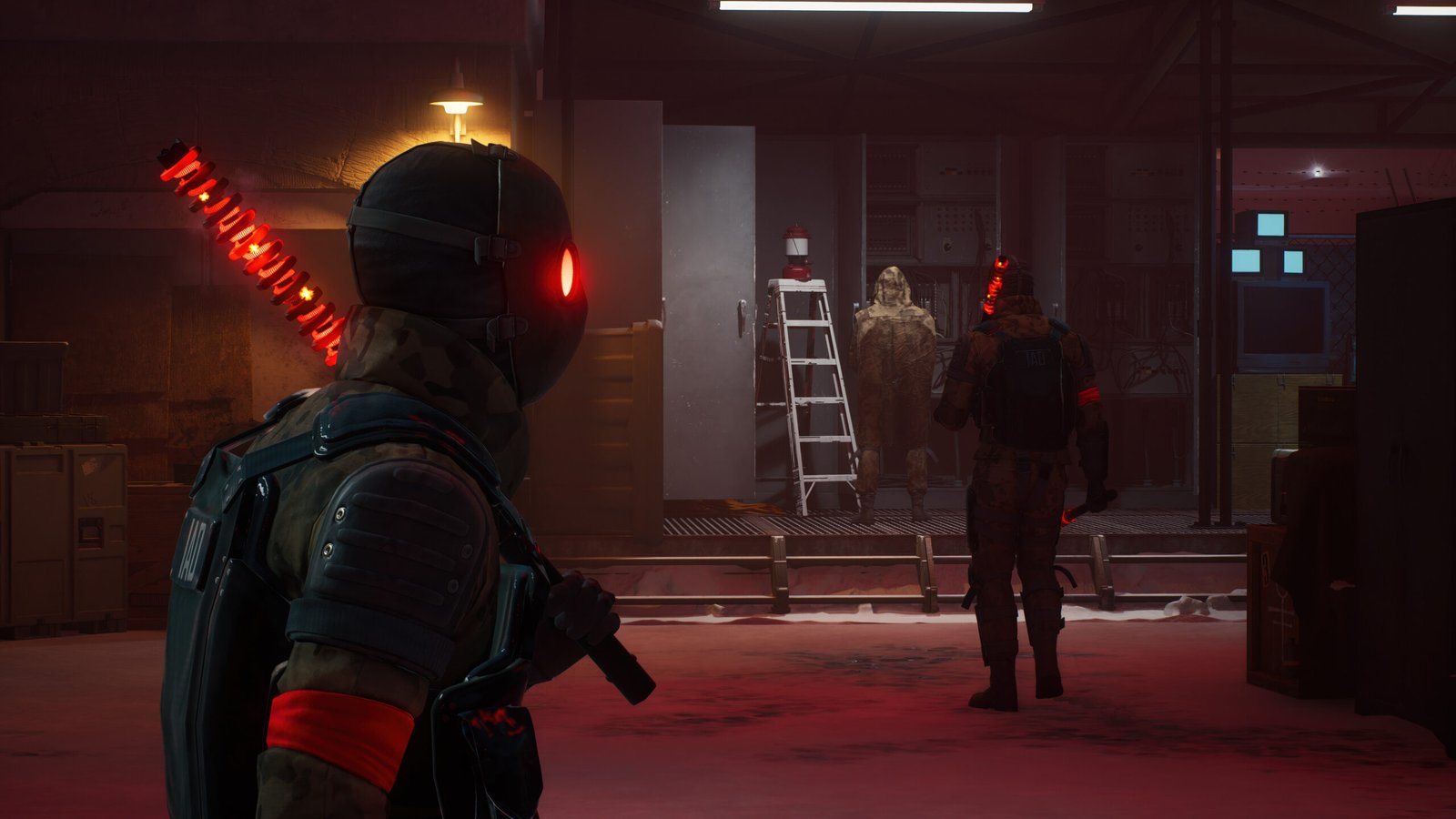
There is no third-person mode in Vampire: The Masquerade – Bloodlines 2, and you can play the game only in first-person mode. Unlike the first game, which had both first-person and third-person modes, that feature wasn’t carried over to the sequel by Paradox Interactive. Players were looking for a third-person mode to get away from the first-person mode’s default FOV, but unfortunately, there isn’t one.
Now, a third-person mode isn’t impossible, since it has already been done with the first game, but it is very unlikely, especially with the base game’s level design, which was built specifically for first-person gameplay, as explained by one of the developers of the game, Azar, in their forums. So, players either have to stick with the default first-person gameplay or use the steps mentioned above to at least change the FOV, motion blur, fog and have a preferred gameplay experience.
That’s all you need to know about changing the FOV in Vampire: The Masquerade – Bloodlines 2. There might be an update to change the mentioned settings in the future, but for now, use the mods to tweak the settings and enjoy the game.
Set TheGameSlayer as your Preferred Source on Google to find us more easily when searching for game guides and news!
