


Acquiring a NuCal Employee ID is one of the objectives of the Introducing: NuCaloric contract in Marathon. Introducing: NuCaloric is one of the first major priority missions available to players after completing the main CyberAcme contracts to open up the game’s additional factions.
Introducing: NuCaloric is the first contract mission available for the NuCal faction and takes place on the Perimeter map, inside a tick-infested building. The Perimeter map is one of the more beginner-friendly maps in Marathon, with both a Low and Very Low difficulty variant.
By the time you’re ready to take on Introducing: NuCaloric, the Low difficulty variant of Perimeter is the better choice, as you’ll find better loot on the map.
Introducing: NuCaloric objectives
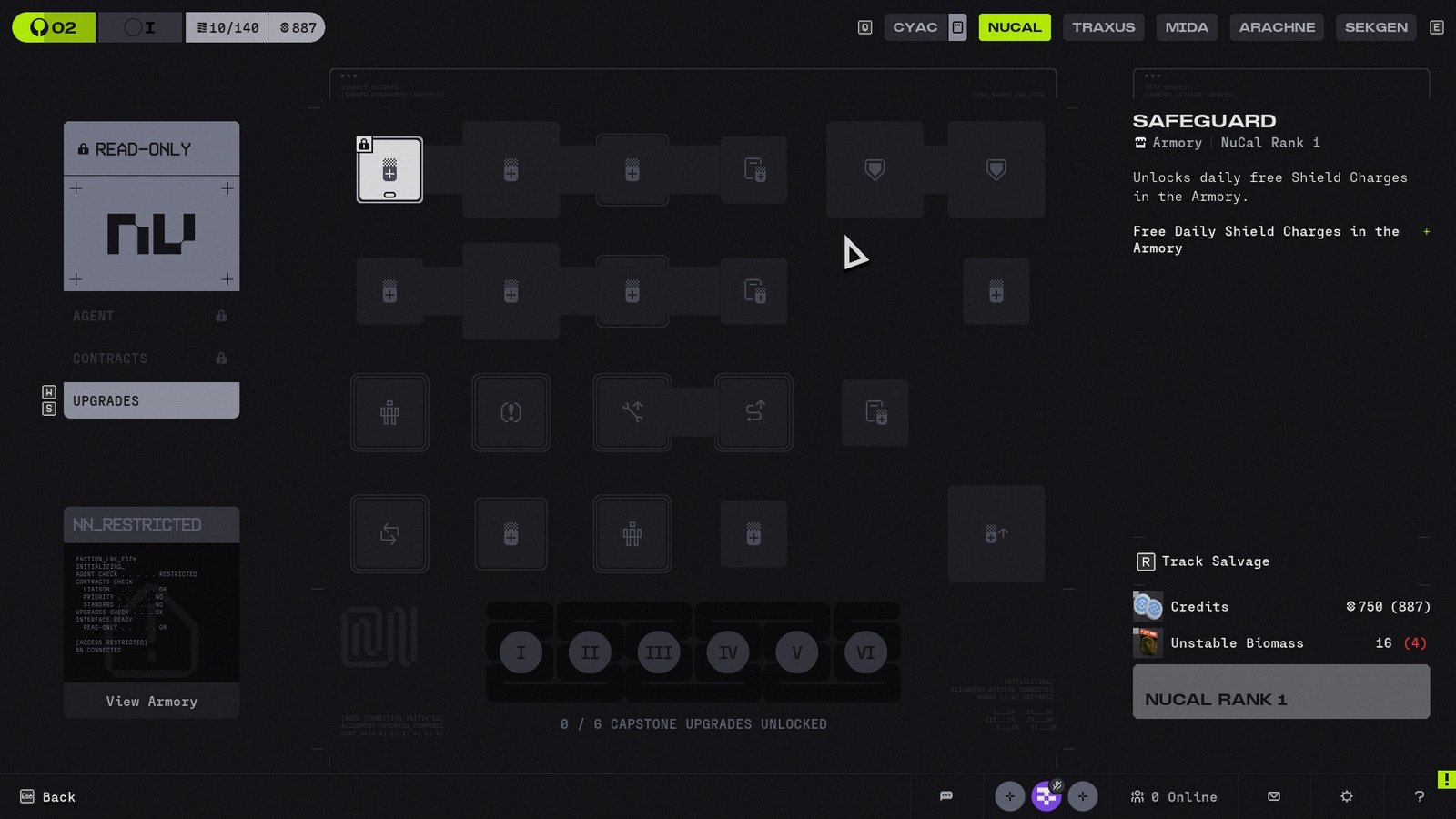
The Introducing: NuCaloric contract features just two objectives, but both need to be handled in a single run so don’t get greedy and die with an objective still on the table. The two objectives you need to hit for Introducing: NuCaloric are:
- Acquire NuCal Employee ID
- Download employee data from terminal nearby
This isn’t the lengthiest mission in Marathon’s early progression but the location for the NuCal Employee ID can be tricky to spot. The first thing you need to do is find the right building on the map.
NuCal Employee ID Location – The tick-infested building
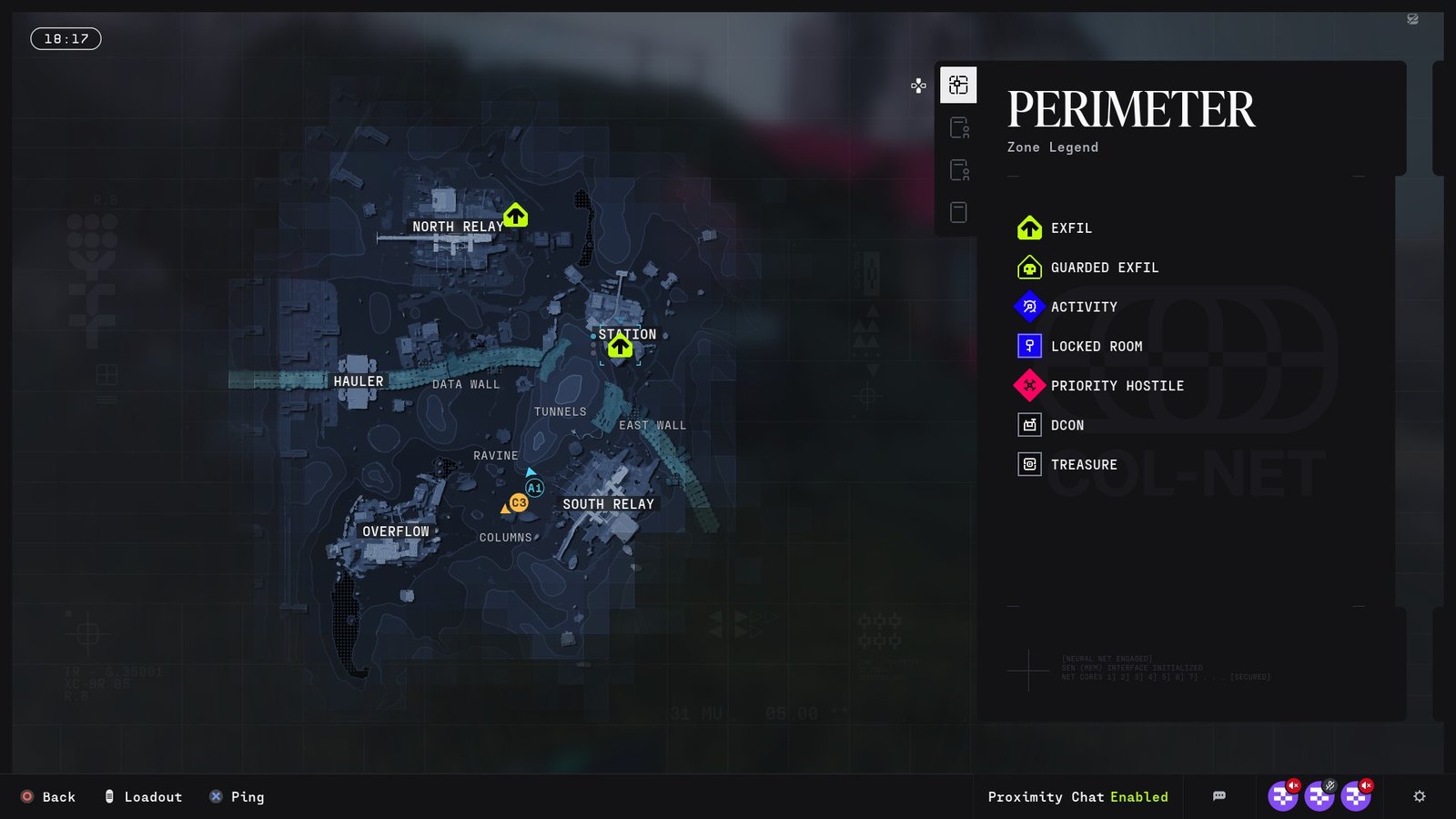
The tick-infested building is located at Columns, which is a smaller location found between the South Relay and Overflow zones. The building in question is easily identifiable. It’s covered in tick nests and is surrounded by UESC turrets. The tick nests look like grayish blobs and are pretty distinct from Marathon’s capsule Sci-Fi building design.
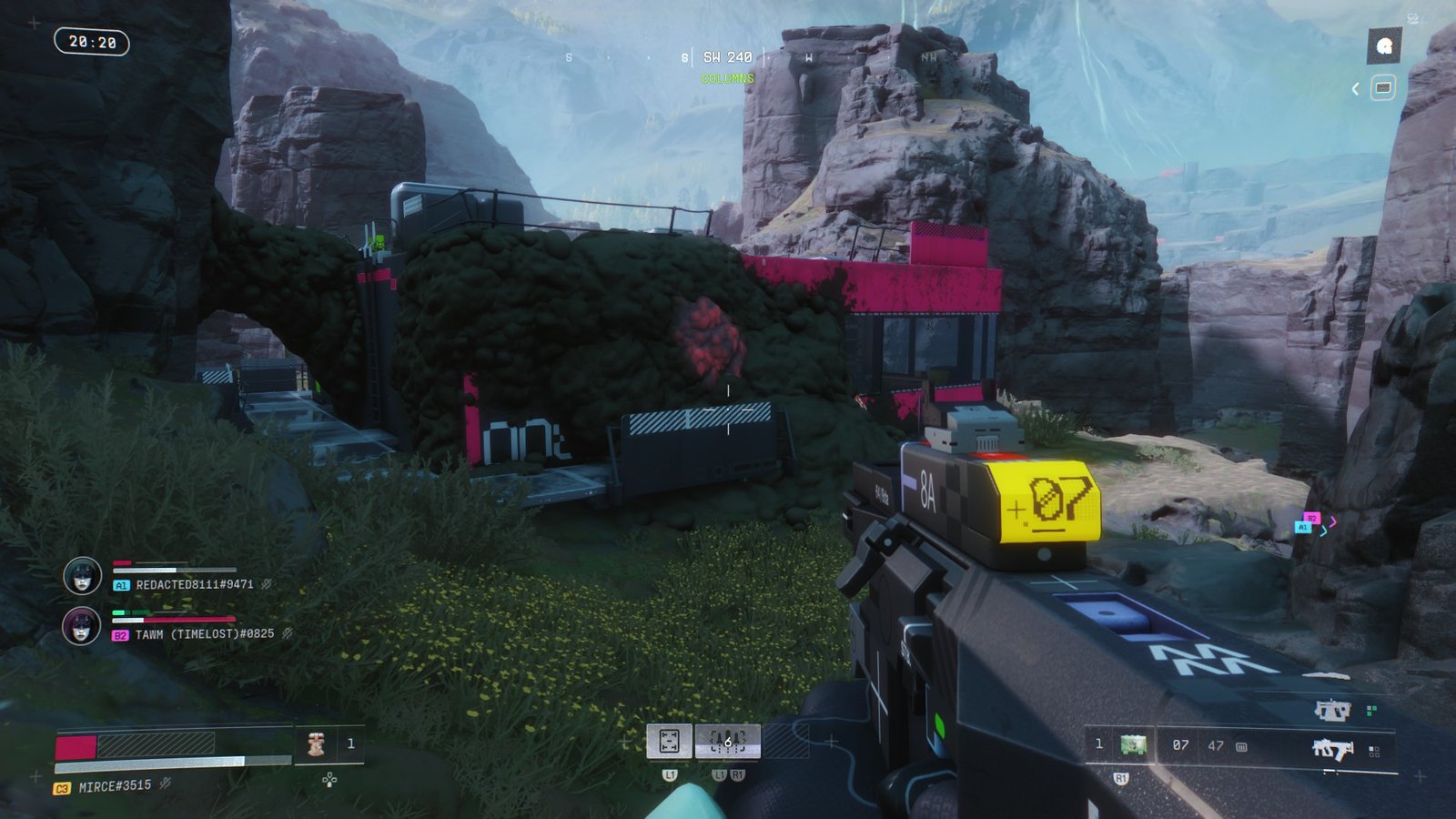
To avoid taking unnecessary damage, take down the turrets first. Then you’ll want to handle the ticks, which can be destroyed by shooting directly at the nest rather than shooting individual ticks.
Going around the back of the building will lead to a locked door, so you need to find an alternative point of entry. If you climb the ladder at the back of the building, you’ll be able to destroy the vent cover on the roof and get inside.
Find the NuCal Employee ID
Once inside you’ll need to interact with the control panel to restore power to the building and open the main door. Before going inside the building, take care of the tick nests while standing outside so you don’t take unnecessary damage.
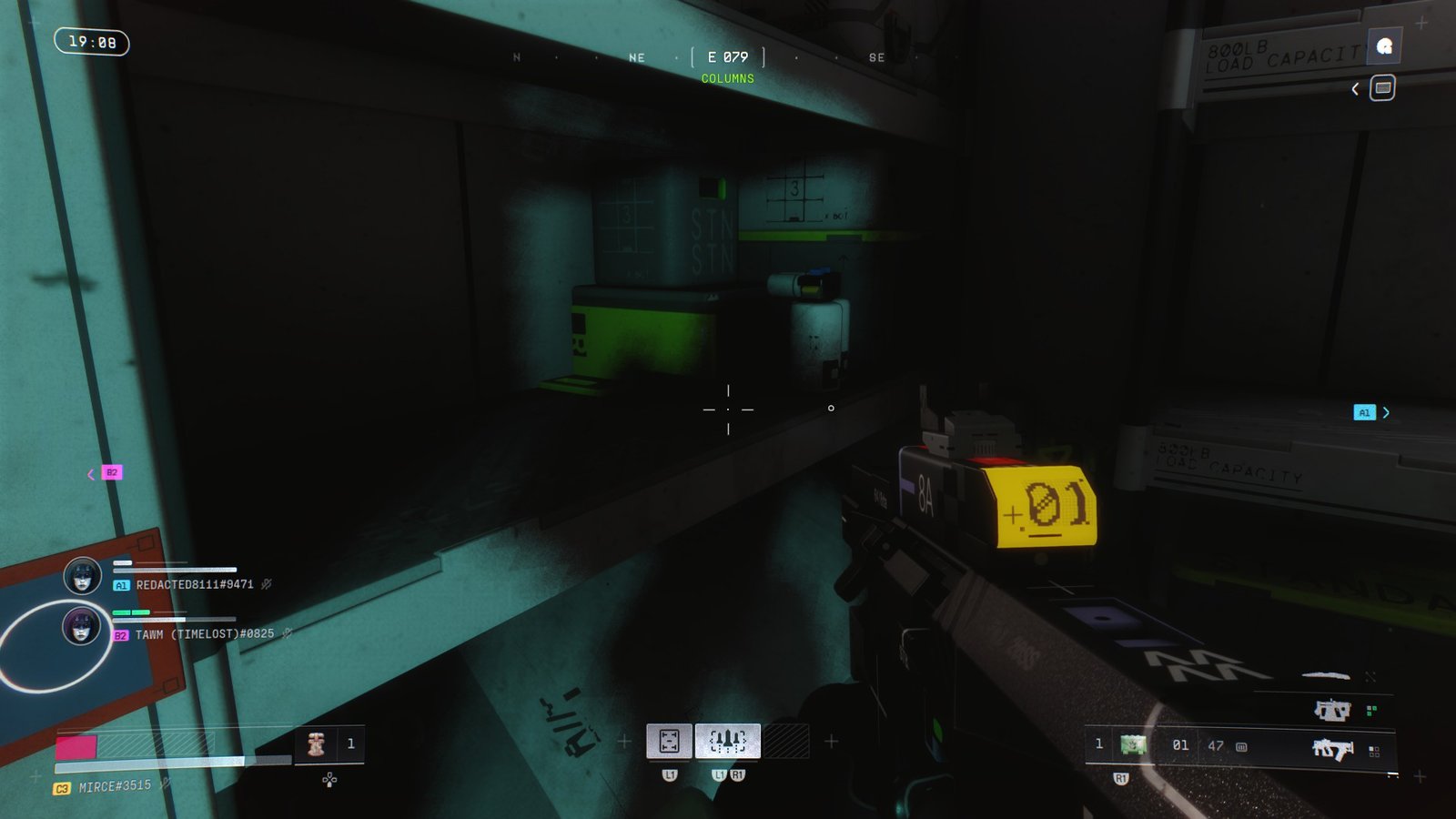
After you’ve cleared out the entryway of the tick-infested building, you’ll find a door immediately to your right. Inside that small office, you’ll find the NuCal Employee ID sitting on top of a shelving unit. Walk close enough to interact with the ID and you’ll pick it up.
Download employee data
In typical video-game fashion, there’s a red computer terminal inside the same office, right behind you. Interacting with that computer console will allow you to download the employee data.
Downloading the data from that terminal is the final objective for the Introducing: NuCaloric contract. You can then head back to HQ and reap your rewards.
Alternatively, you can further explore the Perimeter map and grab additional loot before downloading the employee data. However, you do not want to get eliminated before successfully completing the objectives. That will mean you need to redo the entire mission.
However, being downed after you handle the mission objectives will still net you the base rewards for the contract mission, though you will lose out on any other items you acquired. Combat in Marathon’s early stages can turn quickly, so pick your battles carefully.
Completion Rewards
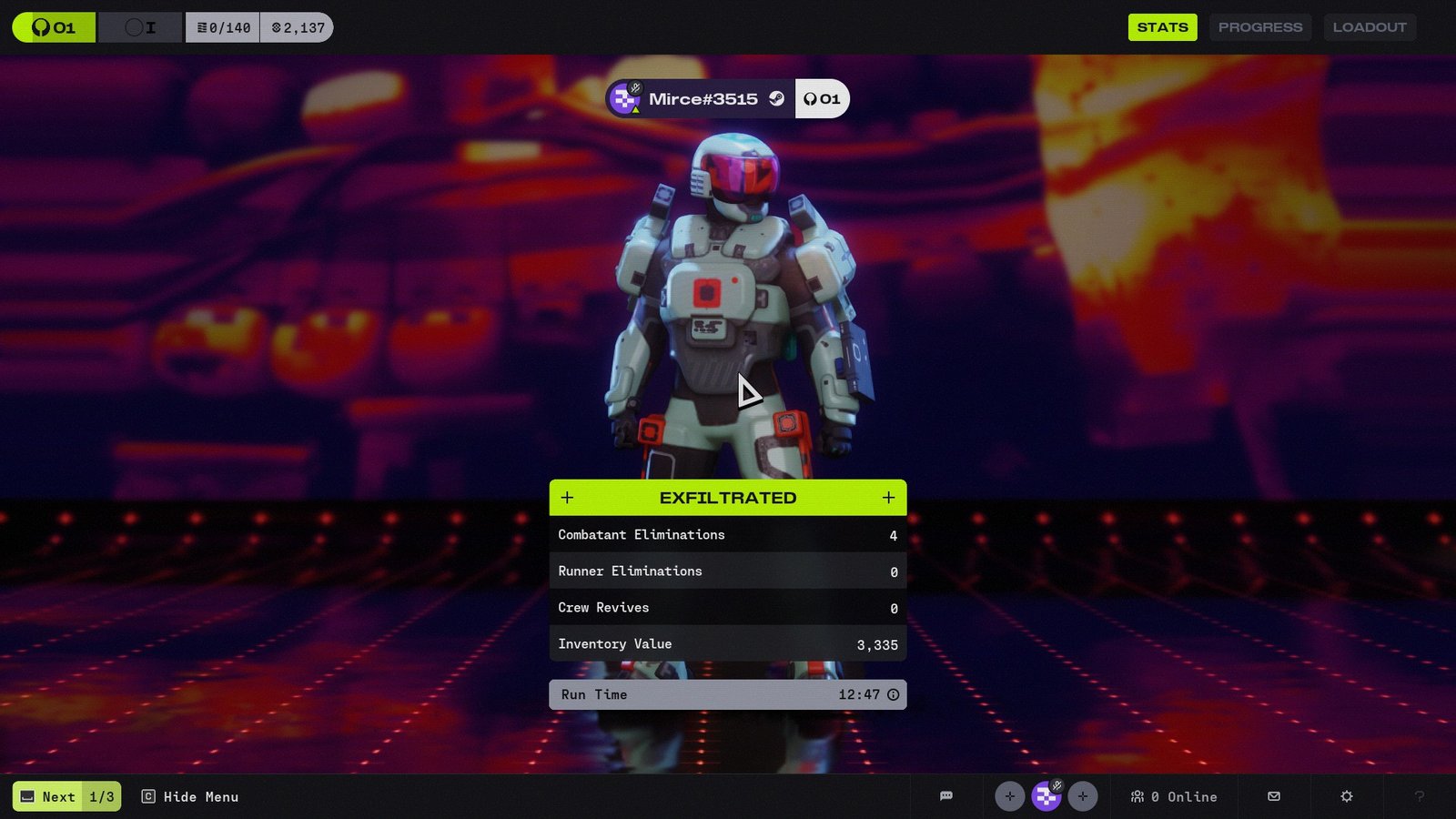
Completing the Introducing: NuCaloric contract gets you a number of in-game items, XP for your Runner, and increased reputation rewards for both the CyberAcme faction and for NuCaloric.
Successful completion of this contract also unlocks the NuCal faction in Marathon, which brings additional contract missions, rewards, and upgrades for your Runner Shells.
You can also unlock other factions in Marathon by completing other introduction missions like Introducing: Traxus. Just make sure you don’t get banned for cheating, since Bungie’s anti-cheating policies are non-negotiable.
