


Schedule 1 lets you take on the role of a kingpin in your quest to push illicit substances to the masses. Not only can you get creative in crafting the next biggest stimulant, but you also need to evade cops and find new ways to traffic narcotics. As you get richer in the game, you also need to figure out new venues to help you launder money. Owning a couple of businesses can help you with that, and this guide will cover how to get free businesses in Schedule I.
How To Get Free Business In Schedule I
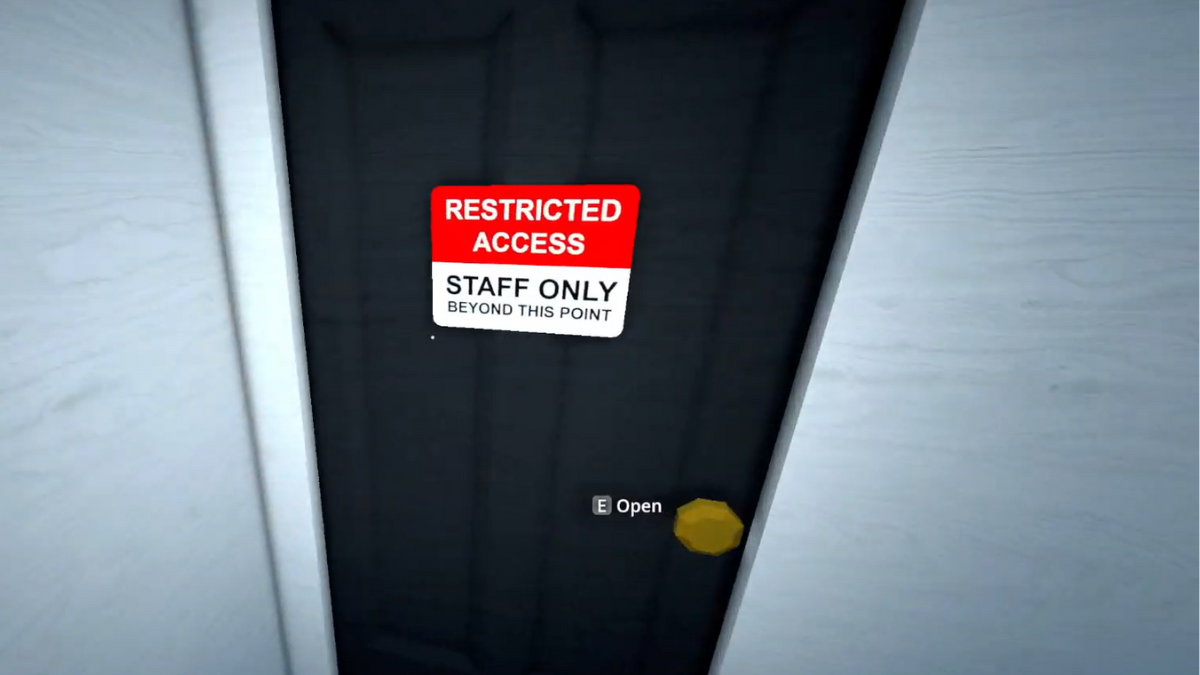
To get a business, you need to pick a store that you wish to own. Businesses like Taco Ticklers or the Laundromat are the most popular money laundering fronts, but you can pick any business that you want. Just explore the map to find the one that suits your needs. Next, head inside the building and find the Staff Only or Restricted room. You can use this room to place all your equipment to start up your business straightaway without owning the building.
But, to own the building and claim it as yours, you have to do a bit of coding to alter the game’s files. Just follow the steps below to do that.
- Open up the Run command by pressing the Windows key + R key.
- In the search bar, type in %appdata% and hit Enter.
- Once the folder pops up, select App Data from the search bar and select the LocalLow folder.
- Scroll down to find a folder called TVGS, which is the developer folder for Schedule 1.
- Double left-click on it, then open up the Schedule 1 folder.
- You will find two folders inside the Schedule 1 folder titled Unity and Saves.
- Select the Saves folder, then click on your save file folder name.
- Click on the Business folder to get the files on all the businesses currently available in the game.
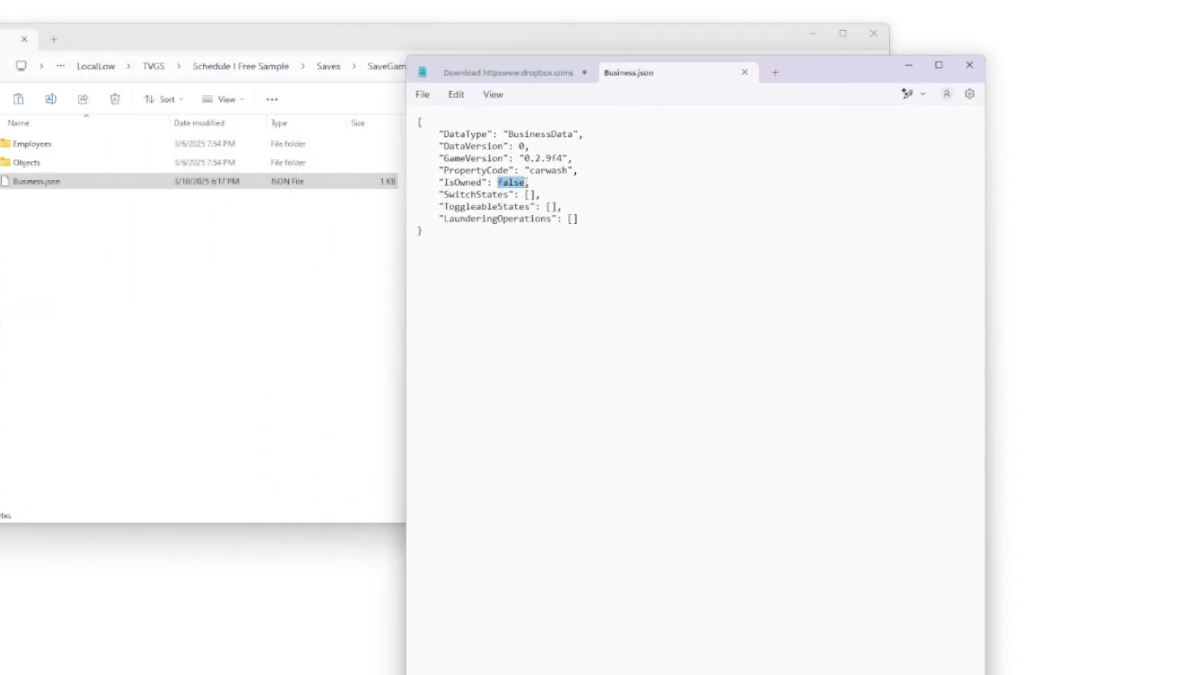
- Highlight all the businesses and copy them, then go back to the save file folder.
- Locate the Properties folder and paste all the business folders that you copied earlier.
- Next, open up each business folder and locate the JSON file. Open these files on Notepad.
- There is a line of code where it says “IsOwned” : False, change the False to True.
- Save the file, then repeat this step for all the other businesses.
When you load Schedule I next time and check your map, you can scroll around to find all the businesses with the Owned text beside it. You can now set up your secret business in the staff room and sell your items from there, or even place a bed here to rest and recover throughout the night.
If you are looking to get employees hired in Schedule I for your new business, check our guide here on how many employees and what types of employees can you work with in the game.
